From a container to Kubernetes: serving models for real
Next step in my MLOps journey: running models on Kubernetes, with GPUs and autoscaling.
Next step in my MLOps journey: running models on Kubernetes, with GPUs and autoscaling.
In AI & MLOps, from the ground up, I described my 24-week plan: a notebook, then a tested package, a tracked pipeline, an API with FastAPI, a container, and eventually a deployment in the cloud with monitoring.
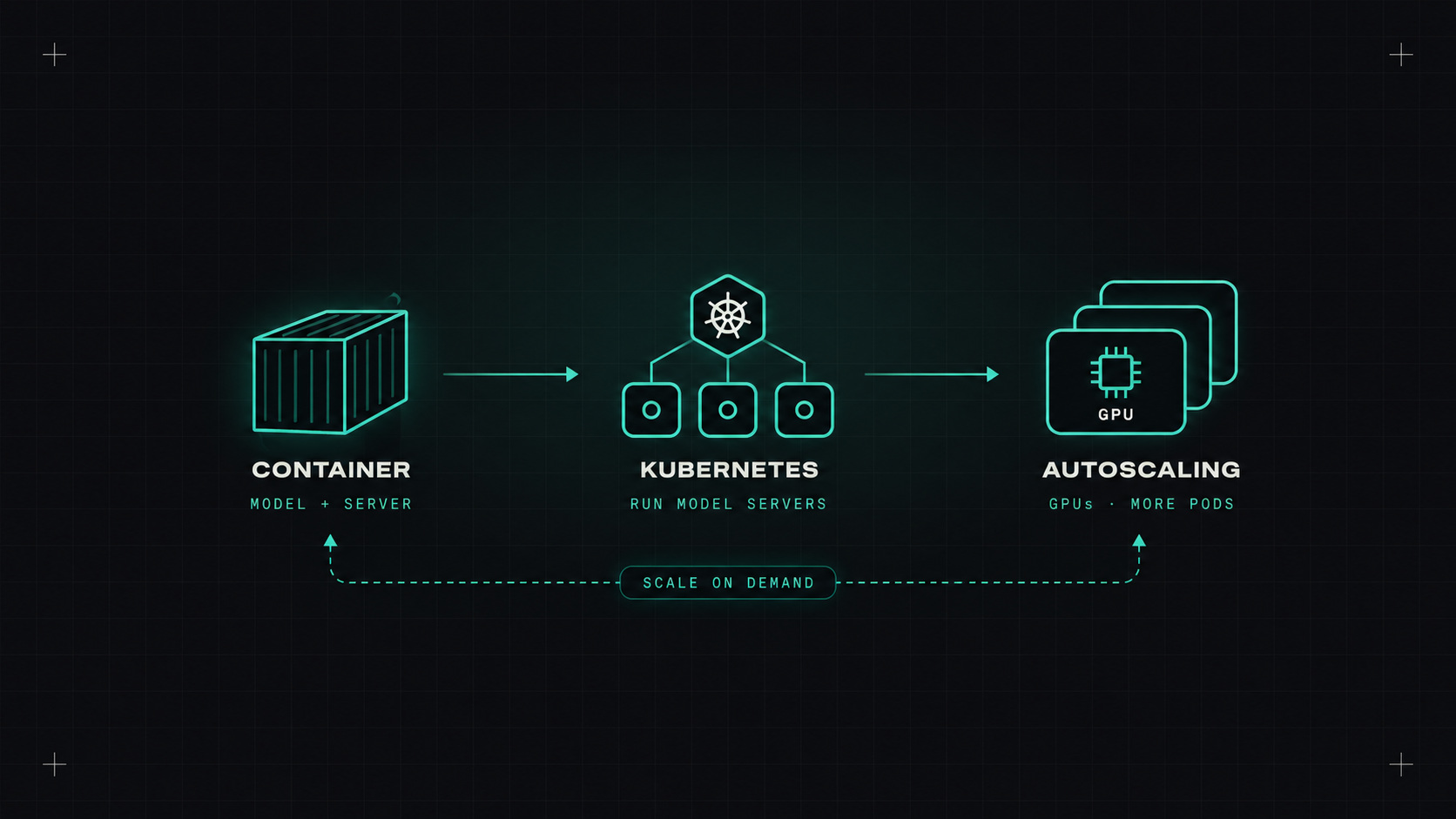
A container is a great milestone. But a single container on a laptop isn't how models run in production. This post looks at the next step: what changes when you move model serving onto Kubernetes, and what's different when the model is a large language model that needs GPUs.
The plan's core project is a classic machine learning model: scikit-learn, served by FastAPI, packaged with Docker. For that kind of model, Kubernetes deployment is close to any other web service. A Deployment, a Service, health checks, resource requests, and a HorizontalPodAutoscaler.
LLMs are a different world. The model files are gigabytes, they need GPUs, they load slowly, and one request can take seconds. That's where the interesting DevOps problems are.
A single container can't:
Kubernetes handles all of that. The model becomes just another workload, using the same pipelines, monitoring and security as everything else.
The serving stack for LLMs on Kubernetes usually has two layers.
The inference engine actually runs the model:
The serving platform manages the engine on Kubernetes:
InferenceService resource: you describe the model and runtime, and it handles deployment, scaling and routing, including scale to zero.A minimal vLLM deployment looks like this:
apiVersion: apps/v1
kind: Deployment
metadata:
  name: llm
spec:
  replicas: 1
  selector:
    matchLabels: { app: llm }
  template:
    metadata:
      labels: { app: llm }
    spec:
      containers:
      - name: vllm
        image: vllm/vllm-openai:latest   # pin a specific version in real use
        args: ["--model", "Qwen/Qwen2.5-1.5B-Instruct"]
        ports:
        - containerPort: 8000
        resources:
          limits:
            nvidia.com/gpu: 1
        readinessProbe:
          httpGet: { path: /health, port: 8000 }
          initialDelaySeconds: 60
Serving a model is the easy demo. Serving it reliably, cheaply and at scale is the actual MLOps job.
GPUs change how you run Kubernetes:
nvidia.com/gpu.And cost: an idle GPU node can cost more per day than an entire small web application per month. Monitoring GPU utilisation (the DCGM exporter for Prometheus) is not optional.
CPU-based autoscaling doesn't work well for LLMs. A GPU can be fully busy while the CPU is idle. Better signals:
Also plan for slow starts. Downloading and loading a model can take minutes. Caching model files on a persistent volume or node-local storage, and keeping at least one warm replica, makes scaling far less painful.
Next on my list: monitoring the model in production, including the quality of its answers, not just its uptime. That's where tools like Prometheus, Grafana and Evidently come in.
My take: Kubernetes doesn't make AI simple, but it makes AI workloads look like the rest of your infrastructure. And that's half the battle.
— Desly