Where should logs live? Loki, Elasticsearch or ClickHouse
Three ways to store logs, with very different bills.
Three ways to store logs, with very different bills.
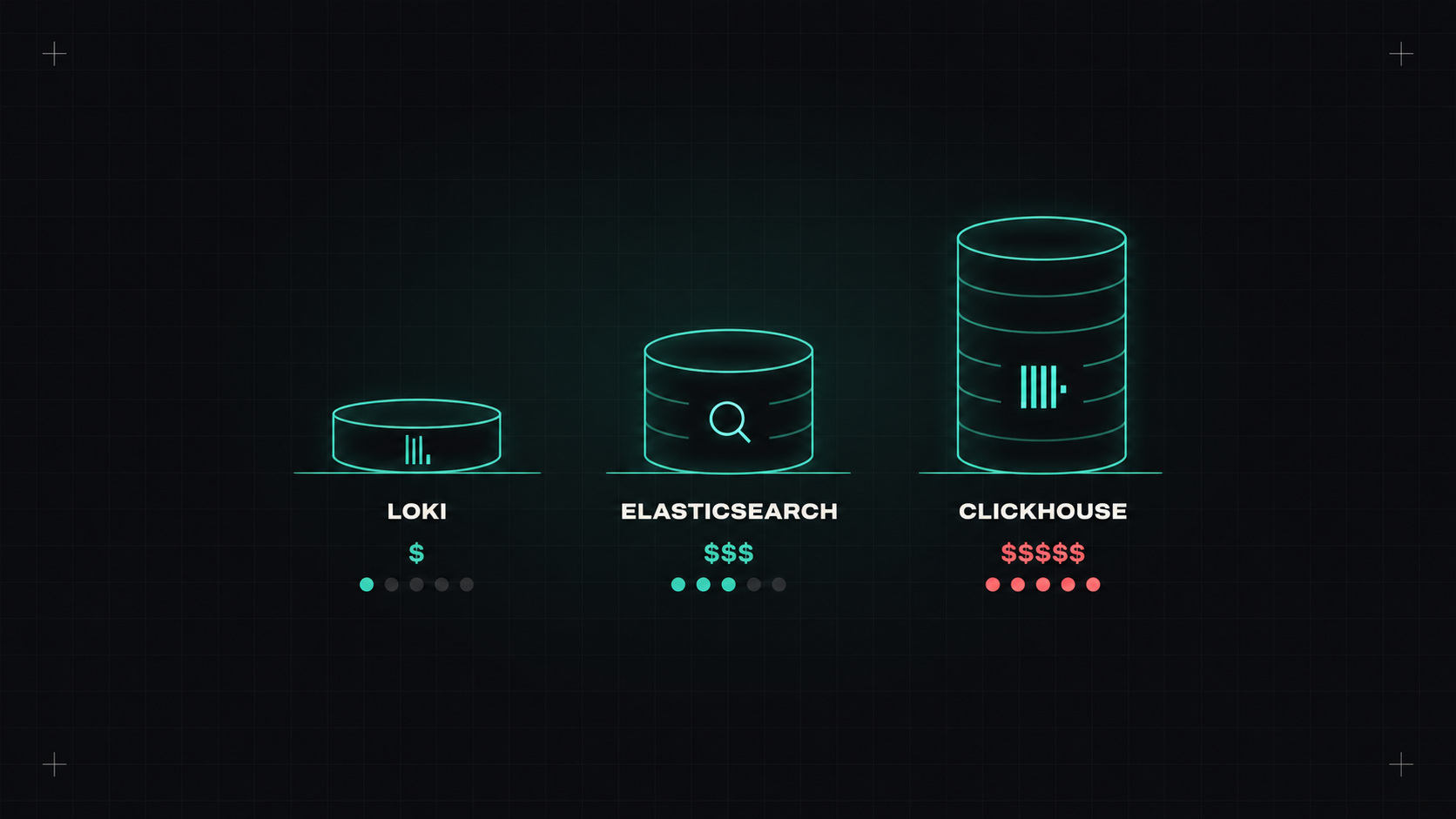
Logs are the oldest form of observability and still the one everyone reaches for first when something breaks. They're also often the most expensive part of an observability setup, because there's so much of them.
Where you store logs decides how fast you can search them, how much you pay, and how much work it is to keep the system running. Three approaches dominate today, and they're built on very different ideas.
The classic. Elasticsearch (and its open-source fork OpenSearch) builds a full-text index of every log line. Every word becomes searchable, very fast.
Loki takes the opposite approach: it doesn't index the log content, only a small set of labels (like namespace, app, pod, level). The log lines themselves are compressed and stored in cheap object storage. When you search, Loki finds the right streams by label, then scans through their content.
ClickHouse is a columnar analytical database, built for fast queries over huge amounts of structured data. It's become very popular for logs and traces, used directly or through tools like SigNoz, HyperDX (now part of ClickHouse), Uptrace and others.
Elasticsearch asks "what words are in your logs?" Loki asks "where did they come from?" ClickHouse asks "what's in each field?"
Rough relative comparison for the same volume of logs (actual numbers depend heavily on configuration and retention):
| Elasticsearch / OpenSearch | Loki | ClickHouse | |
|---|---|---|---|
| Storage cost | High (index + data) | Low (compressed, object storage) | Low (columnar compression) |
| Compute for ingestion | High | Low | Medium |
| Full-text search speed | Excellent | Fair over long ranges | Good |
| Aggregations / analytics | Good | Basic (LogQL metrics) | Excellent |
| Operational effort | High | Low to medium | Medium |
Managed versions exist for all three: Elastic Cloud, Amazon OpenSearch Service, Grafana Cloud Logs, ClickHouse Cloud, and many observability vendors build on one of these underneath.
Whatever you choose, structured logs (JSON or logfmt) help enormously:
{"ts":"2026-10-20T09:14:02Z","level":"error","service":"shop-api","trace_id":"4bf92f3577b34da6","route":"/orders","status":500,"duration_ms":1834,"msg":"payment provider timeout"}
trace_id links logs to traces, so you can jump from a log line to the full request.Retention drives cost more than anything else. Think in tiers:
Check legal requirements (security logs, audit logs, financial systems), and make sure personal data in logs is minimised and deleted on schedule. GDPR applies to logs too.
And collect logs with a vendor-neutral pipeline (the OpenTelemetry Collector, Vector or Fluent Bit), so you can change the storage later without touching every application.
Somewhere that matches how you actually search them, at a price you're comfortable with. For most teams starting fresh on Kubernetes, that's Loki. For teams with heavy search or analytics needs, the other two earn their extra cost or effort.
My take: choose your log storage by how you ask questions, not by habit. And remember that the cheapest log is still the one you never wrote.
— Desly