A fresh environment for every pull request
Shared staging slows everyone down. Preview environments fix that, if you control the cost.
Shared staging slows everyone down. Preview environments fix that, if you control the cost.
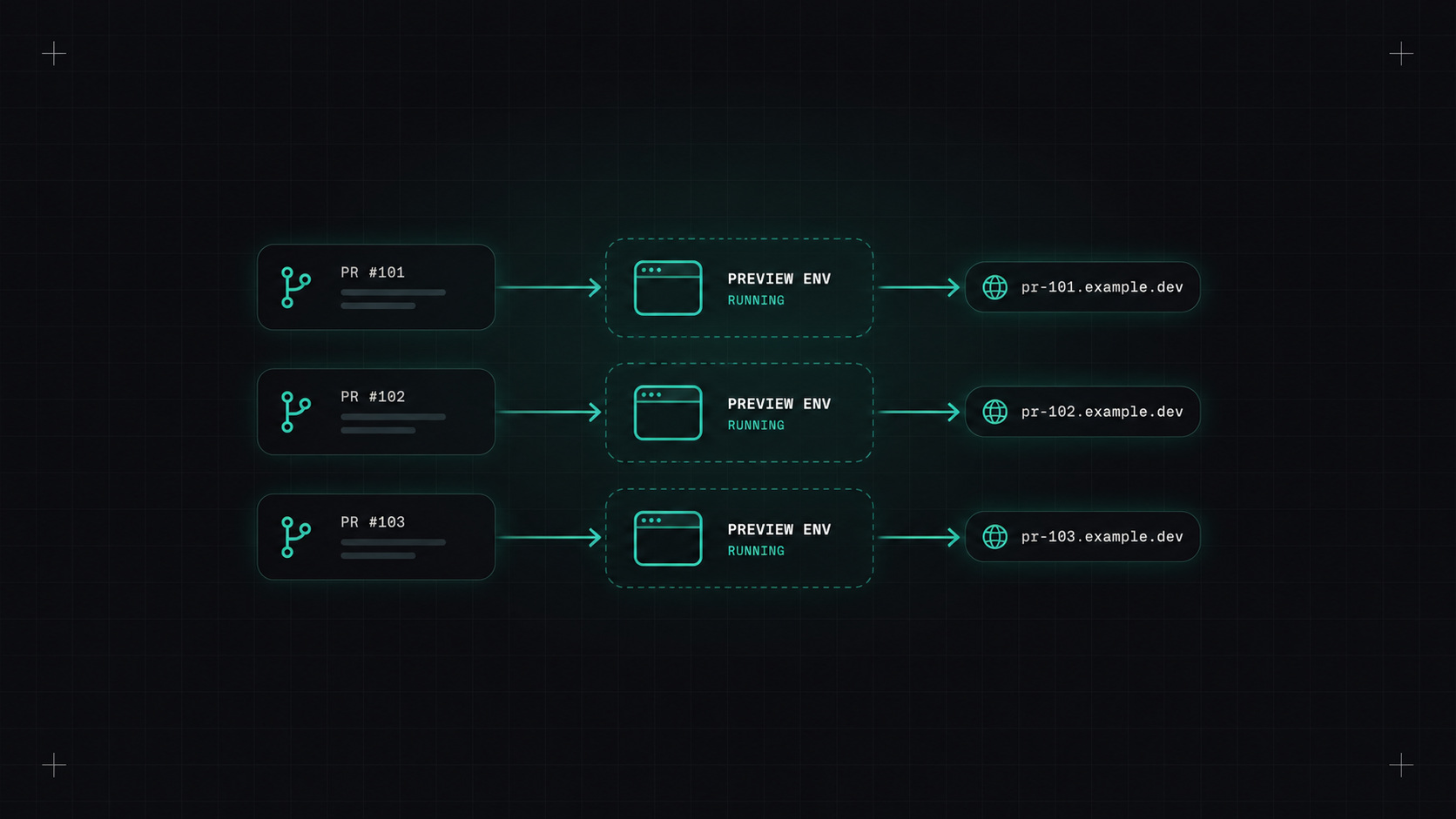
Almost every team I've worked with has had a "staging" environment. And almost every team has had the same conversation in Slack: "Who deployed to staging? My changes are gone." "Can you not deploy for an hour, I'm testing something?" "Staging is broken again, does anyone know why?"
One shared environment for many developers creates a bottleneck. Preview environments eliminate that bottleneck.
The idea is simple. When a pull request is opened, the pipeline creates a temporary copy of the application just for that branch, with its own URL like pr-142.preview.example.com. When the pull request is merged or closed, the environment is deleted.
On Kubernetes, there are a few common ways to build this:
A namespace per pull request. The simplest approach. The pipeline creates a namespace, deploys the Helm chart with the branch's image tag, and sets up an ingress or HTTPRoute for the preview hostname.
Argo CD ApplicationSets with the pull request generator. Argo CD watches your repository and automatically creates an Application for every open pull request, and removes it when the PR closes. No custom scripts.
apiVersion: argoproj.io/v1alpha1
kind: ApplicationSet
metadata:
  name: shop-previews
spec:
  generators:
  - pullRequest:
      github:
        owner: my-org
        repo: shop
      requeueAfterSeconds: 120
  template:
    metadata:
      name: 'shop-pr-{{number}}'
    spec:
      project: previews
      source:
        repoURL: https://github.com/my-org/shop
        targetRevision: '{{head_sha}}'
        path: deploy/chart
        helm:
          parameters:
          - name: image.tag
            value: '{{head_sha}}'
          - name: ingress.host
            value: 'pr-{{number}}.preview.example.com'
      destination:
        server: https://kubernetes.default.svc
        namespace: 'shop-pr-{{number}}'
      syncPolicy:
        automated: { prune: true }
        syncOptions: [CreateNamespace=true]
Virtual clusters (vCluster). When teams need cluster-level resources like CRDs, a virtual cluster per pull request gives full isolation without paying for a real cluster each time.
The best review comment is "I clicked through it and it works", and preview environments make that possible before merging.
Deploying the app is the easy bit. The tricky questions:
*.preview.example.com and a wildcard certificate (cert-manager handles this) make new hostnames work instantly.Preview environments can quietly become expensive. Fifty open pull requests means fifty copies of your app.
What helps:
For teams with more than a few developers working in parallel, yes. Reviews get better, testing happens earlier, and the "who broke staging" messages disappear. Start with a namespace per PR, add data and cleanup properly, and grow from there.
My take: give every change its own little world. It's cheaper than the time your team loses waiting for staging.
— Desly