It's always DNS
Why DNS breaks so much, and how to make it break less.
Why DNS breaks so much, and how to make it break less.
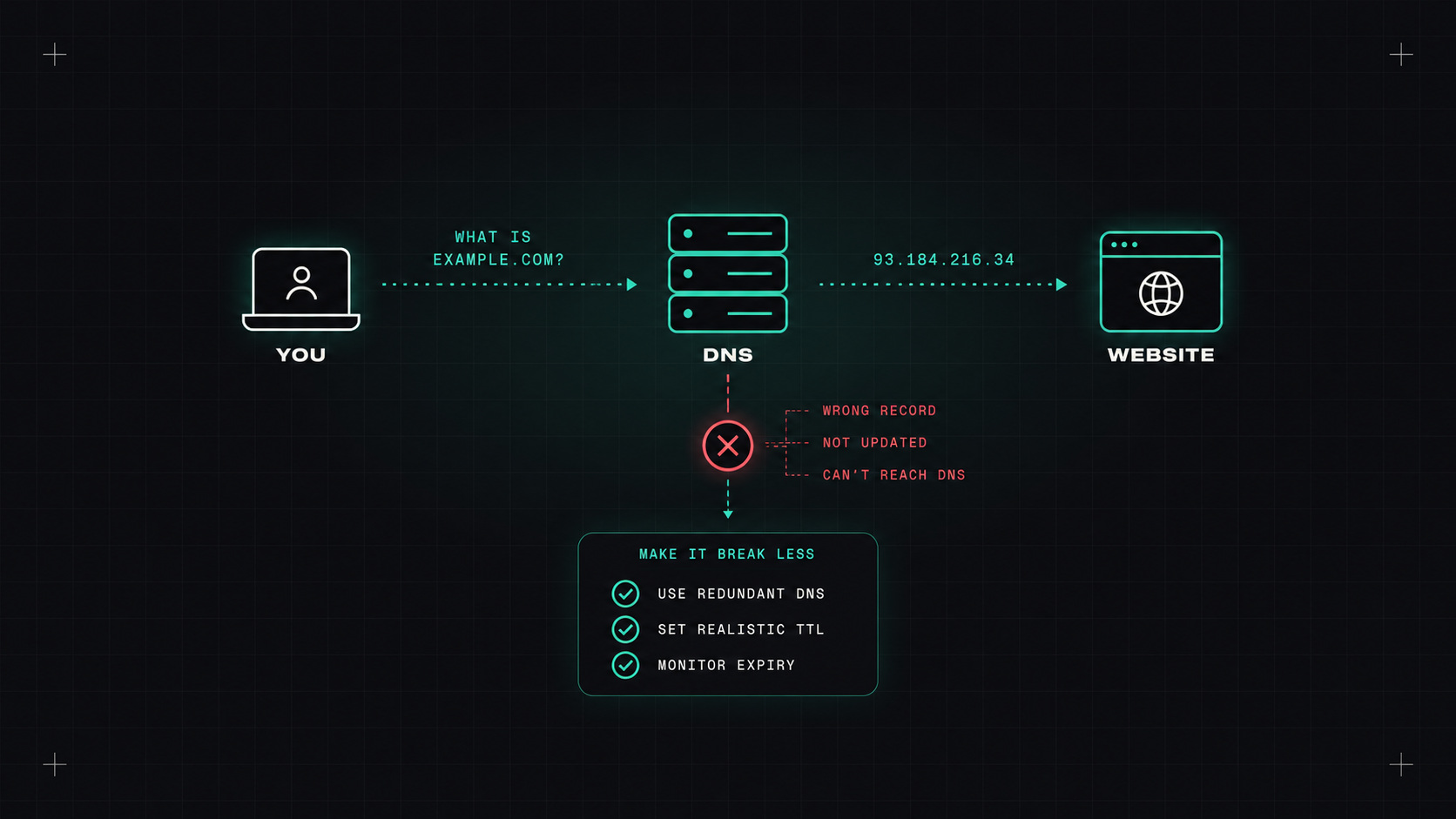
There's a famous haiku among system administrators:
It's not DNS. There's no way it's DNS. It was DNS.
It's funny because it's true. Some of the biggest outages of recent years, at cloud providers and large websites, came down to DNS problems. And in daily work, a huge share of "the app can't connect" mysteries end with someone saying "oh, it's resolving to the old address".
Why does DNS cause so much trouble, and what can we do about it?
Almost every network connection starts with a DNS lookup. Your browser, your app connecting to its database, a pod calling another service, a CI job pulling an image. If DNS is slow, everything is slow. If it's wrong, everything goes to the wrong place. If it's down, nothing works, even if every server is healthy.
And DNS is cached at many levels: in applications, in operating systems, in local resolvers, at your ISP. Which means problems can be inconsistent, delayed and very hard to reproduce.
The records you'll work with most:
example.com; providers offer ALIAS or ANAME records for that.)TTL (time to live) tells resolvers how long to cache an answer. It's the most important lever you have:
A classic mistake: planning a migration, changing the record, and discovering the old TTL was 24 hours. Lower the TTL a day or two before a planned change, then raise it again afterwards.
DNS changes don't happen when you make them. They happen when the last cache in the world forgets the old answer.
Kubernetes has its own DNS, usually CoreDNS. Every service gets a name like orders.shop.svc.cluster.local.
A few things that trip people up:
orders works from the shop namespace; from elsewhere, use orders.shop or the full name.ndots:5 setting. By default, pods treat names with fewer than five dots as relative and try several search domains first. A lookup for api.example.com can generate several failed queries before the real one. For external names, a trailing dot (api.example.com.) or tuning ndots in the pod's dnsConfig reduces that.Managing public DNS records by hand for every service is error-prone. ExternalDNS watches Kubernetes resources (Services, Ingresses, Gateway API routes) and creates DNS records automatically in Route 53, Cloud DNS, Azure DNS, Cloudflare and many others.
apiVersion: gateway.networking.k8s.io/v1
kind: HTTPRoute
metadata:
  name: shop
  namespace: shop
spec:
  parentRefs:
  - name: web
    namespace: infra
  hostnames: ["shop.example.com"]   # ExternalDNS creates this record
  rules:
  - backendRefs:
    - name: shop-api
      port: 8080
Configure it with a TXT registry so it only touches records it owns, and a domain filter so it can't modify zones it shouldn't.
DNS can route traffic away from failures:
Remember the TTL: failover can only be as fast as caches expire. And some clients cache DNS much longer than the TTL says (older Java versions were famous for this).
dig shop.example.com +short                 # what does my resolver say?
dig @1.1.1.1 shop.example.com +short        # what does a public resolver say?
dig shop.example.com +trace                 # follow it from the root
dig shop.example.com NS                     # who is authoritative?
kubectl run -it --rm dnstest --image=busybox:1.36 -- nslookup orders.shop   # from inside the cluster
Compare answers from different places. If they differ, it's caching or split-horizon. If the authoritative answer is wrong, it's the record itself.
Manage records as code or with ExternalDNS, plan TTLs deliberately, monitor your domains and certificates, cache DNS close to workloads, and always test from where the client actually is.
My take: DNS is simple until it isn't. Treat it like critical infrastructure, because it's the first thing every request touches.
— Desly