Too many alerts: can AI cut the noise?
When everything alerts, nothing does. A look at AIOps and smarter alerting.
When everything alerts, nothing does. A look at AIOps and smarter alerting.
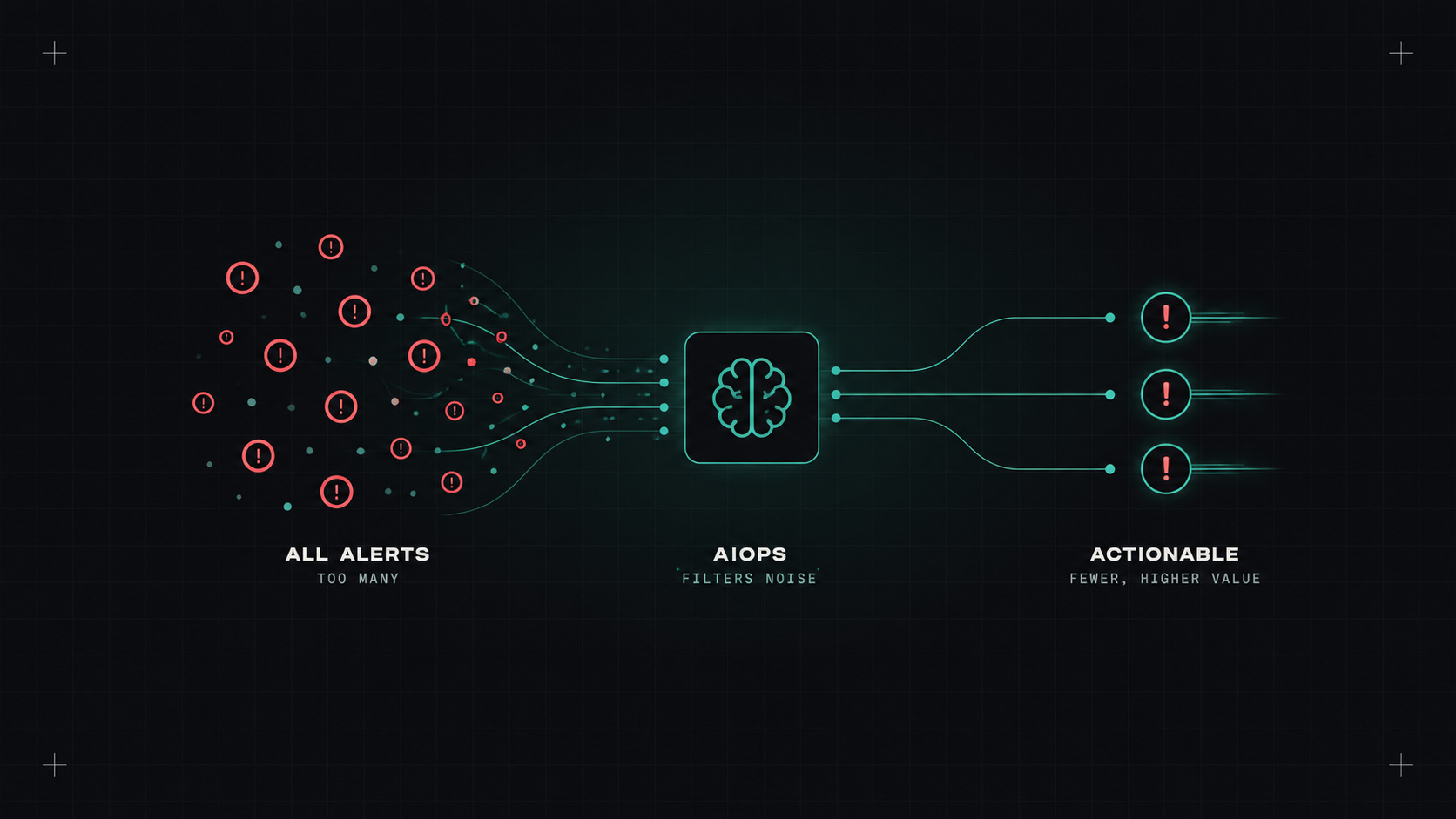
Every on-call engineer knows the feeling. Your phone buzzes. You check it: CPU at 85% on a node that's been at 85% for a year. Buzz again: a disk warning that resolves itself in two minutes. Buzz: ten alerts for the same database problem, one from each service that uses it.
After a few weeks of this, people stop reacting. The one alert that really matters then gets ignored too. That's alert fatigue, and it's dangerous.
AIOps tools promise to fix it with machine learning. Do they?
Most alerts are built like this: "if metric X is above Y for Z minutes, page someone." Simple and predictable. Also frequently wrong:
"AIOps" is a broad marketing term, but it usually covers a few real features:
Datadog, Dynatrace, New Relic, Grafana, PagerDuty, BigPanda and others all offer some version of these features.
In my experience, honestly: some real value, and less magic than the sales deck.
Grouping and correlation is where I see the most benefit. Turning forty alerts into one incident with a timeline is a big improvement for whoever's on call.
Anomaly detection is useful for metrics with strong patterns, like traffic and business numbers, and noisy for everything else. "Anomalous" doesn't mean "bad". A marketing campaign is an anomaly too.
AI summaries help get oriented faster, with the usual caveat: check the evidence.
AI can sort the noise, but it can't decide what you should care about. That part is still your job.
Before buying anything, most teams can remove half their alert noise with discipline alone:
AIOps on top of a messy alert setup just gives you organised mess.
The metric I like most is actionability rate: of all pages last month, how many led to someone actually doing something? If it's below about half, you have a noise problem.
Other useful numbers: pages per on-call shift, pages outside working hours, and time to acknowledge. If those trend in the right direction, whatever you changed is working, with or without AI.
Partly. It's genuinely good at grouping and summarising. But the biggest wins still come from deciding, as a team, what deserves to wake someone up. Do that first, then let AI help with the rest.
My take: the quietest pager comes from good alert design. AI is a helpful filter, not a substitute for deciding what matters.
— Desly