Python for everyday automation
Small Python tools that save hours, from cloud cleanup to Kubernetes reports.
Small Python tools that save hours, from cloud cleanup to Kubernetes reports.
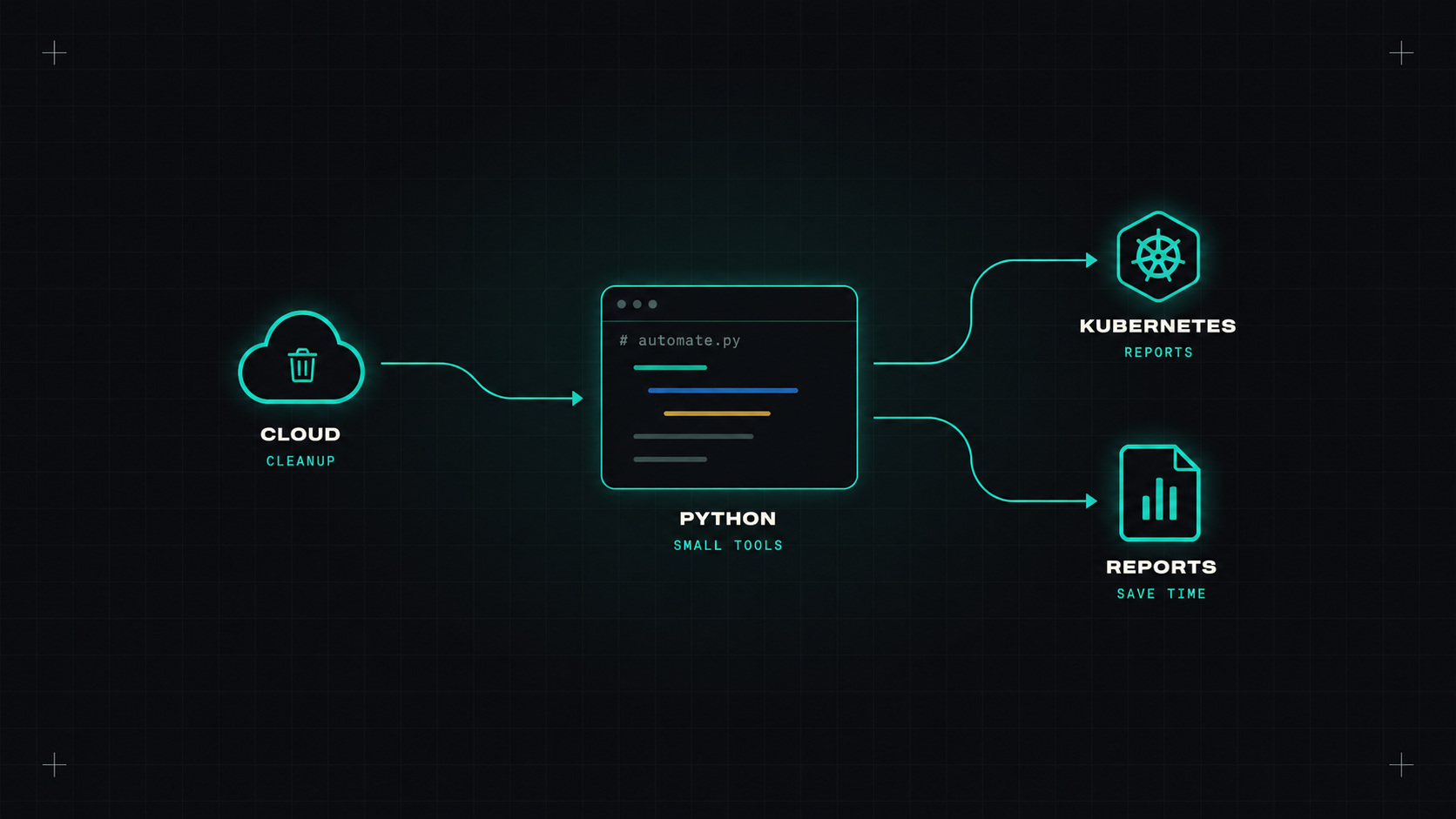
When a Bash script grows past a hundred lines, or needs to talk to an API, I switch to Python. It's readable, it has a library for almost everything, and colleagues can understand it without a decoding session.
You don't need to be a software engineer to write useful Python for DevOps. A few libraries and habits cover most of what you'll need.
azure-identity and service SDKs; Google Cloud has google-cloud-* libraries.)Python packaging used to be painful: virtual environments, pip, requirements files, version conflicts. uv, from Astral, has made it dramatically simpler and faster.
uv init cloud-tools
cd cloud-tools
uv add boto3 typer rich
uv run python main.py
My favourite feature for small scripts: inline dependencies. You can declare dependencies at the top of a single file, and uv run handles the environment automatically:
# /// script
# requires-python = ">=3.12"
# dependencies = ["boto3", "typer", "rich"]
# ///
Then anyone can run uv run cleanup.py without setting anything up. Perfect for sharing small tools in a team.
The best automation script is one a colleague can run tomorrow without asking you how.
A real-world example: find unattached EBS volumes (a classic source of waste) and optionally delete them.
# /// script
# requires-python = ">=3.12"
# dependencies = ["boto3", "typer", "rich"]
# ///
import boto3
import typer
from rich.console import Console
from rich.table import Table

app = typer.Typer()
console = Console()


@app.command()
def unattached_volumes(
    region: str = "eu-central-1",
    delete: bool = typer.Option(False, help="Actually delete the volumes"),
):
    """List (and optionally delete) unattached EBS volumes."""
    ec2 = boto3.client("ec2", region_name=region)
    paginator = ec2.get_paginator("describe_volumes")
    pages = paginator.paginate(Filters=[{"Name": "status", "Values": ["available"]}])

    table = Table("Volume ID", "Size (GiB)", "Created", "Name")
    volumes = []
    for page in pages:
        for v in page["Volumes"]:
            name = next((t["Value"] for t in v.get("Tags", []) if t["Key"] == "Name"), "-")
            table.add_row(v["VolumeId"], str(v["Size"]), v["CreateTime"].date().isoformat(), name)
            volumes.append(v["VolumeId"])

    console.print(table)
    console.print(f"[bold]{len(volumes)}[/bold] unattached volumes in {region}")

    if delete and volumes and typer.confirm("Delete all of them?"):
        for vol_id in volumes:
            ec2.delete_volume(VolumeId=vol_id)
            console.print(f"Deleted {vol_id}")


if __name__ == "__main__":
    app()
Notice a few habits:
--delete, and even then asks for confirmation.Which pods have no resource requests? A question that comes up a lot:
from kubernetes import client, config

config.load_kube_config()  # or load_incluster_config() inside a pod
v1 = client.CoreV1Api()

for pod in v1.list_pod_for_all_namespaces().items:
    for c in pod.spec.containers:
        requests = (c.resources and c.resources.requests) or {}
        if "cpu" not in requests or "memory" not in requests:
            print(f"{pod.metadata.namespace}/{pod.metadata.name} [{c.name}] missing requests")
Ten lines, and you have a report you can run in CI every week.
When a script becomes something the team relies on:
uv tool install.Pick one repetitive task you do every week, like cleaning up resources, generating a report or checking certificates. Write a small Python script with uv's inline dependencies. Share it. You'll be surprised how quickly the team asks for more.
My take: Python turns "I'll do it manually, it only takes ten minutes" into "it runs every night and nobody thinks about it anymore".
— Desly