HTTPS on autopilot with cert-manager
Certificate lifetimes are getting shorter. Automation is no longer optional.
Certificate lifetimes are getting shorter. Automation is no longer optional.
Expired certificates have caused some of the most embarrassing outages in tech history. Big companies, popular apps, even security vendors have gone down because someone forgot to renew a certificate. It's always the same story: a calendar reminder that went to someone who left, a manual process nobody remembered.
And the problem is about to get harder to ignore, because certificate lifetimes are shrinking fast.
When you visit https://shop.example.com, the server sends a certificate that says "I am shop.example.com", signed by a Certificate Authority (CA) your browser trusts. The browser checks the signature, the name and the expiry date. If all is fine, it sets up an encrypted connection.
Certificates expire on purpose. If a private key is stolen, an expiry date limits how long it can be abused. And short lifetimes force automation, which makes the whole system more agile.
The CA/Browser Forum, which sets the rules for public certificates, approved a schedule to reduce maximum certificate lifetimes from 398 days:
The time for which domain validation can be reused is shrinking too. Let's Encrypt, which has always issued 90-day certificates, has also started offering much shorter-lived certificates.
What this means in practice: manual certificate renewal is dying. At 47 days, renewing by hand for even a handful of certificates becomes a full-time annoyance and an outage waiting to happen.
If a human has to remember to renew a certificate, the certificate will eventually expire.
Let's Encrypt is a free, automated CA that changed the web: it issues certificates through the ACME protocol, which lets software prove control of a domain and get a certificate without any human involved.
Two common ways to prove control:
http://yourdomain/.well-known/acme-challenge/.... Simple, but needs port 80 reachable and doesn't support wildcards.Other ACME CAs exist too (ZeroSSL, Google Trust Services, and many commercial CAs), and private CAs can speak ACME for internal certificates.
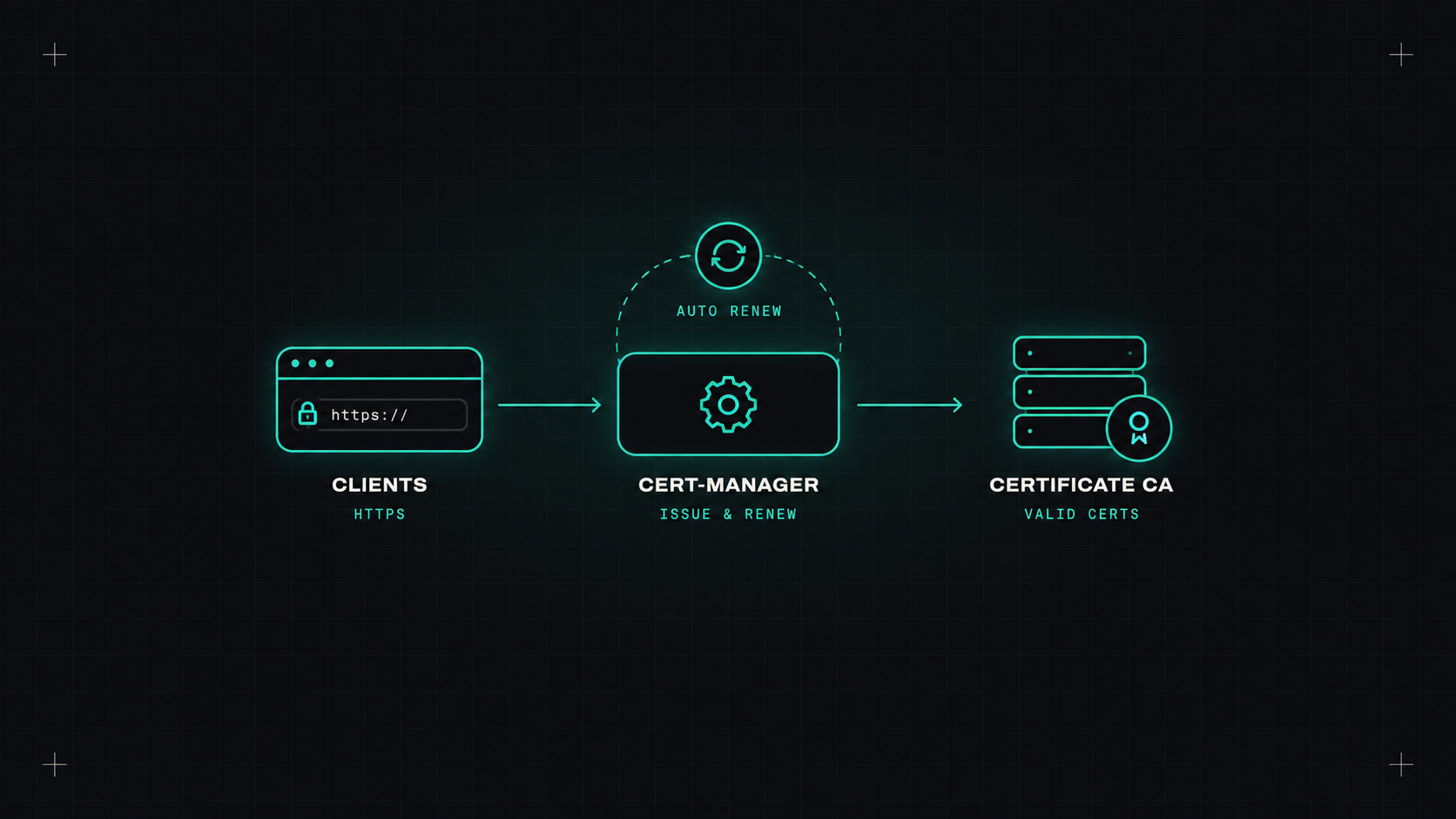
On Kubernetes, cert-manager (a CNCF graduated project) is the standard way to automate certificates. It requests certificates, stores them in Kubernetes secrets, and renews them well before they expire.
Install it:
helm install cert-manager oci://quay.io/jetstack/charts/cert-manager \
  --namespace cert-manager --create-namespace \
  --set crds.enabled=true
Create an issuer (here Let's Encrypt with DNS-01 on Route 53, using workload identity):
apiVersion: cert-manager.io/v1
kind: ClusterIssuer
metadata:
  name: letsencrypt
spec:
  acme:
    server: https://acme-v02.api.letsencrypt.org/directory
    email: platform@example.com
    privateKeySecretRef:
      name: letsencrypt-account-key
    solvers:
    - dns01:
        route53:
          region: eu-central-1
Request a certificate:
apiVersion: cert-manager.io/v1
kind: Certificate
metadata:
  name: example-com
  namespace: infra
spec:
  secretName: example-com-tls
  issuerRef:
    name: letsencrypt
    kind: ClusterIssuer
  dnsNames:
  - example.com
  - "*.example.com"
cert-manager creates the secret, and renews it automatically (by default when two thirds of the lifetime have passed). Reference the secret from your Gateway or Ingress, and you're done.
It also integrates with Gateway API directly: annotate a Gateway, and cert-manager creates certificates for its listeners.
Tip: test against Let's Encrypt's staging server first. The production server has rate limits, and a misconfiguration can lock you out for a while.
Automation can fail silently: DNS credentials expire, rate limits hit, a webhook breaks. Always monitor expiry:
certmanager_certificate_expiration_timestamp_seconds. Alert when a certificate has less than, say, two weeks left.List every certificate you renew by hand today. Move them to cert-manager, a cloud certificate manager, or a server with built-in ACME. Add expiry alerts. By the time 47-day certificates arrive, you won't even notice.
My take: certificates should renew themselves like your phone updates its clock. The shorter they get, the more that's true.
— Desly