Someone clicked in the console: fixing drift
When reality doesn't match your code. How to find drift, and stop it happening.
When reality doesn't match your code. How to find drift, and stop it happening.
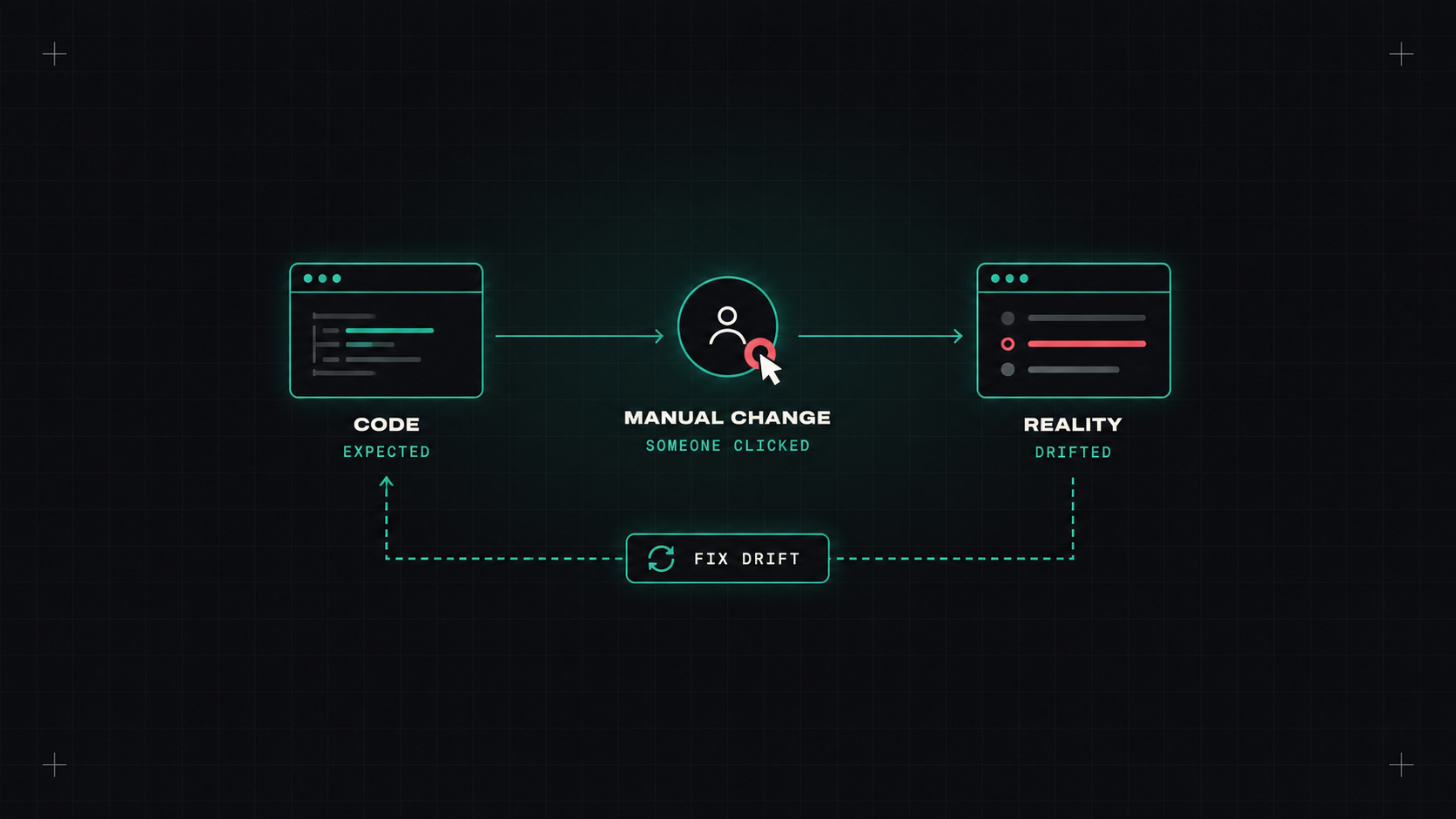
It's 4 p.m. on a Friday. Production is slow. Someone opens the cloud console and bumps the database instance size, just to get through the weekend. It works. Everyone goes home relieved.
Three weeks later, someone runs terraform apply for an unrelated change. Terraform sees the database is bigger than the code says, and helpfully shrinks it back. Production slows down again, and nobody understands why.
That's drift: the difference between what your infrastructure code says and what actually exists.
Some drift is harmless. Some is dangerous: a security group opened "temporarily", an encryption setting turned off for debugging.
Drift isn't a technical problem. It's a gap between how people work under pressure and how your process expects them to work.
Scheduled plans. The simplest approach: run terraform plan on a schedule (nightly is common) for every state, and alert if it shows changes. Use the exit code:
terraform plan -detailed-exitcode -lock=false
# exit code 0 = no changes
# exit code 1 = error
# exit code 2 = changes detected (drift, or unapplied code)
A small CI job that runs this across your stacks and posts to Slack is often enough.
Refresh-only plans. terraform plan -refresh-only shows only what changed in the real world, without mixing in changes from your code.
Platforms. HCP Terraform, Spacelift, env0, Scalr and others have drift detection built in, with dashboards and scheduled checks.
Cloud-native tools. AWS Config, Azure Policy and similar services can flag changes to resources and non-compliant configurations, including resources that aren't managed by code at all.
When you find drift, there are two directions:
apply to restore the declared state.apply shows no changes.The important part is deciding deliberately. Never just run apply blindly on a drifted stack without understanding what will change. Read the plan.
For resources created entirely by hand, bring them under management with import blocks:
import {
  to = aws_s3_bucket.legacy_logs
  id = "acme-legacy-logs"
}
Then terraform plan -generate-config-out=generated.tf can even write a first draft of the configuration for you.
Detection is good. Prevention is better:
managed_by = terraform) so people know not to touch them.ignore_changes carefully for attributes that other systems legitimately manage, like an autoscaling group's desired capacity.lifecycle {
ignore_changes = [desired_capacity]
}
Some drift will always happen, especially during incidents. The goal isn't zero drift. It's knowing about it within a day, and resolving it deliberately. A nightly drift check plus a habit of updating code after manual fixes gets you most of the way.
My take: the console isn't the enemy. Forgetting what you did in it is. Detect drift early and make the code the place where the truth lives.
— Desly