Faster CI pipelines: from 40 minutes to 8
The caching, splitting and runner tricks that make the biggest difference.
The caching, splitting and runner tricks that make the biggest difference.
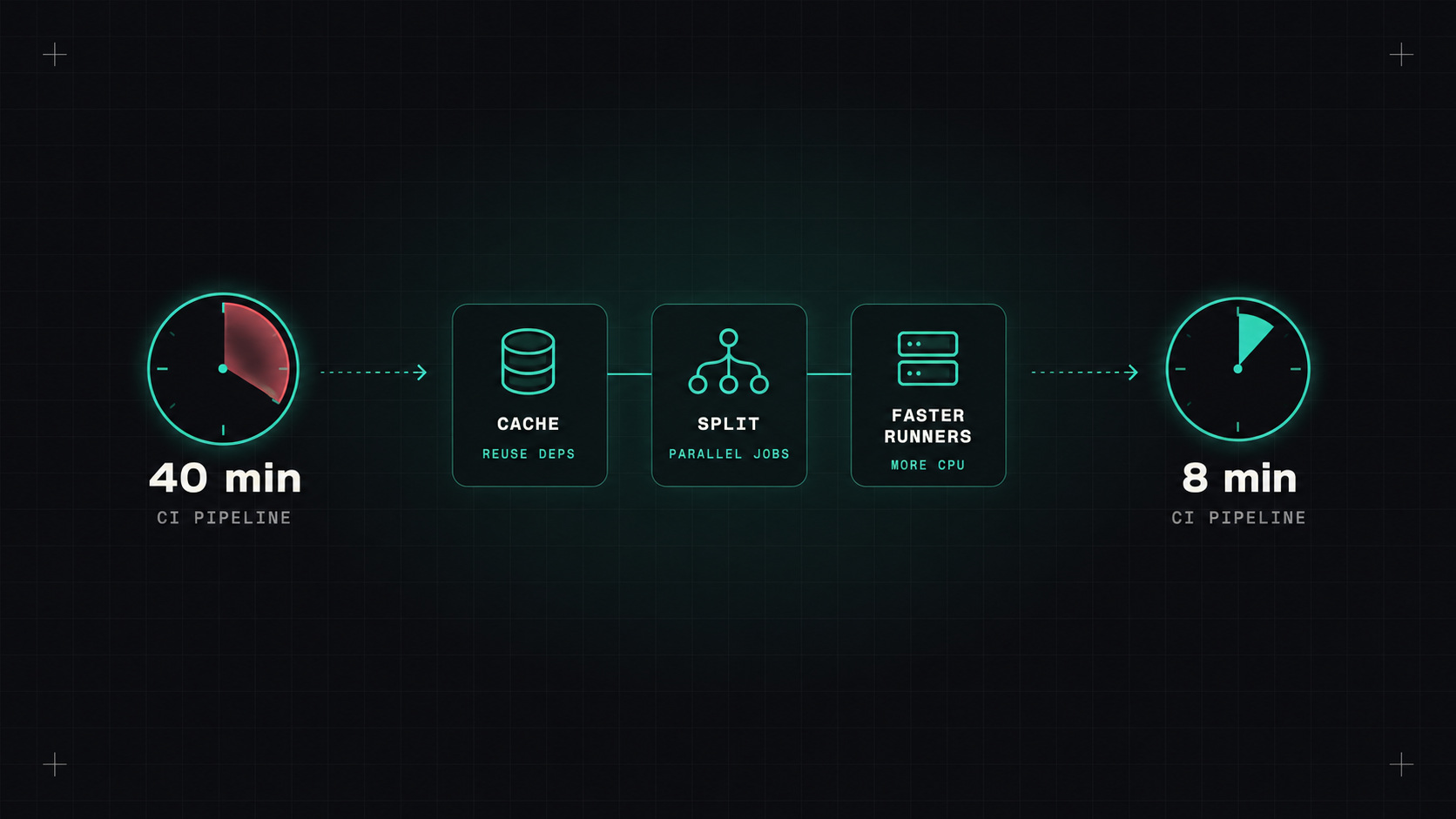
A slow pipeline costs more than compute time. Developers switch to something else while waiting, lose focus, batch up changes to avoid waiting again, and start merging with "it'll probably pass". A forty-minute pipeline quietly makes everything worse: bigger changes, slower reviews, more risk.
Most projects can cut their pipeline time from around forty minutes to under ten. Here are the techniques that make the biggest difference, roughly in the order I'd try them.
Don't optimise blindly. First, measure:
Usually, three or four steps take most of the time. Focus there.
The biggest win for most pipelines.
Dependency caches. Package downloads (npm, pip, Maven, Go modules) shouldn't happen from scratch every run. Most setup actions have a built-in cache option keyed on the lock file:
- uses: actions/setup-node@<sha> # v4
  with:
    node-version: 22
    cache: npm
Docker layer caching. With BuildKit, cache layers between runs, in the CI provider's cache or a registry:
- uses: docker/build-push-action@<sha> # v6
  with:
    cache-from: type=registry,ref=ghcr.io/my-org/shop-api:buildcache
    cache-to: type=registry,ref=ghcr.io/my-org/shop-api:buildcache,mode=max
Combined with a well-ordered Dockerfile (dependencies first, code last), image builds often drop from many minutes to well under one.
Build caches. Tools like Gradle, Bazel, Nx and Turborepo can cache build and test outputs remotely, so unchanged modules aren't rebuilt or retested at all.
The fastest work is the work your pipeline doesn't have to do again.
Many pipelines run steps one after another out of habit. Look for independent work:
Tests are often the longest step. Two techniques:
Test splitting. Divide the test suite across several parallel jobs, ideally based on historical timing so each job takes about the same time. Many test frameworks and CI tools support this, either natively or with small helper tools.
Flaky test quarantine. A test that fails randomly forces reruns of the whole pipeline. That's pure waste. Track flaky tests, move them to a separate non-blocking job, and fix them with a deadline. Never just add automatic retries everywhere and forget about it.
Also ask: does every test need to run on every commit? Long end-to-end suites can run on merge to main or nightly, while pull requests run a focused subset.
In monorepos, rebuilding and retesting everything for a one-line change is the biggest source of waste:
Sometimes the machine is the bottleneck:
fetch-depth: 1) unless you need history.concurrency with cancel-in-progress).Under ten minutes from push to a green check for a pull request is a good goal for most services. Under five feels fantastic. Start by measuring, add caching, parallelise, deal with flaky tests, and you'll be surprised how much time disappears.
My take: treat pipeline speed as a feature. Every minute you save is saved again by every developer, on every commit.
— Desly