When a region goes down: disaster recovery that works
A backup you've never restored is just hope. How to plan and test recovery.
A backup you've never restored is just hope. How to plan and test recovery.
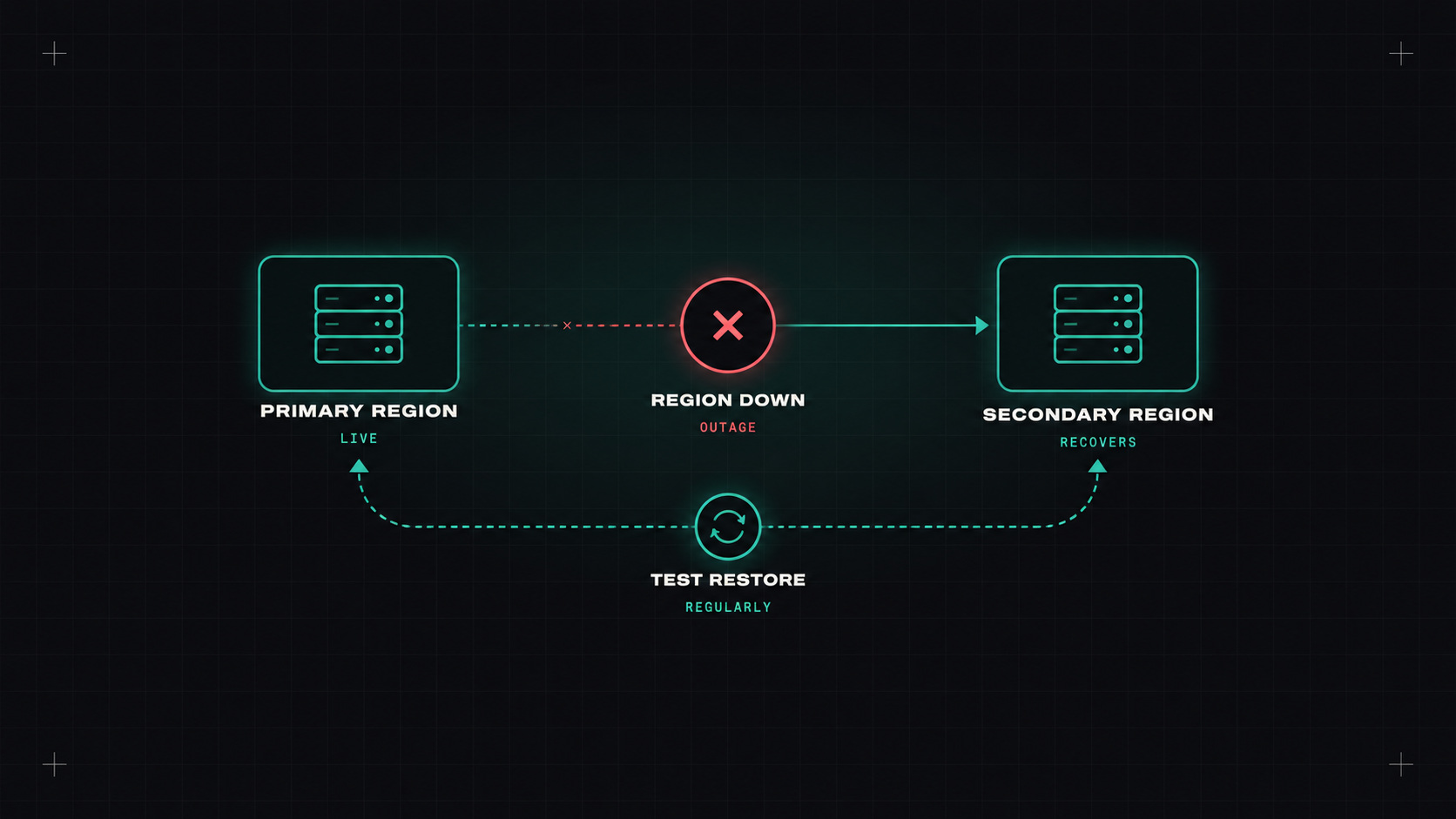
Cloud regions are incredibly reliable. Until they aren't. Large outages at major providers happen every now and then, sometimes taking down a whole region's worth of services for hours. And disasters aren't only about providers: a deleted production database, a ransomware attack, a bad deployment that corrupts data, or an expired payment method that suspends an account.
Disaster recovery (DR) is about answering one question honestly: if the worst happens, how quickly can we be back, and how much data will we lose?
Two numbers define your DR goals:
Lower numbers cost more. An RPO of zero and an RTO of minutes means active-active systems in multiple regions, which is expensive and complex. An RPO of 24 hours and an RTO of a day might be fine for an internal tool.
Set them per system, with the business. Not everything needs the same level.
From cheapest to most expensive:
1. Backup and restore. Regular backups stored in another region or account. In a disaster, you rebuild infrastructure (with infrastructure as code) and restore data. Cheap, but recovery takes hours. RPO depends on backup frequency.
2. Pilot light. The core components (like a replicated database) run in the second region at minimal size. Everything else is ready to be created quickly from code. Faster recovery, moderate cost.
3. Warm standby. A scaled-down but fully working copy of the system runs in the second region. In a disaster, you scale it up and switch traffic. Recovery in minutes to an hour.
4. Active-active (multi-site). The system runs fully in multiple regions at once, serving traffic. A region failure just shifts traffic. Near-zero RTO, but the most expensive and complex, especially for data consistency.
| Strategy | Typical RTO | Typical RPO | Cost |
|---|---|---|---|
| Backup and restore | Hours to a day | Hours | Low |
| Pilot light | Tens of minutes to hours | Minutes | Medium |
| Warm standby | Minutes | Seconds to minutes | Higher |
| Active-active | Near zero | Near zero | Highest |
Disaster recovery is not a document. It's a capability, and capabilities need practice.
Whatever strategy you choose, these basics matter:
For Kubernetes, Velero is the standard open-source tool. It backs up Kubernetes resources (deployments, services, config) and persistent volumes (with snapshots or file-level backup) to object storage, and restores them, even into a different cluster.
# Daily backup of the shop namespace, kept for 30 days
velero schedule create shop-daily \
  --schedule="0 2 * * *" \
  --include-namespaces shop \
  --ttl 720h

# Restore into a new cluster
velero restore create --from-backup shop-daily-20261020020000
With GitOps, your Kubernetes resources are already in Git, so the critical part Velero adds is persistent data. For databases, prefer the database's own backup tools (or an operator like CloudNativePG) for consistent, point-in-time recovery, and use Velero as an extra layer.
This is the part most teams skip, and the part that matters most.
Agree RPO and RTO for your three most important systems. Check that their backups exist, are in another region and account, and are immutable. Then restore one of them into a fresh environment this month, and time it. That single exercise will tell you more about your real DR readiness than any document.
My take: you don't have disaster recovery until you've recovered from a disaster, even a pretend one.
— Desly