Text size
Tried & Tested6 min read

Cutting the cloud bill by a third

The quick wins and long-term habits that make a cloud bill smaller.
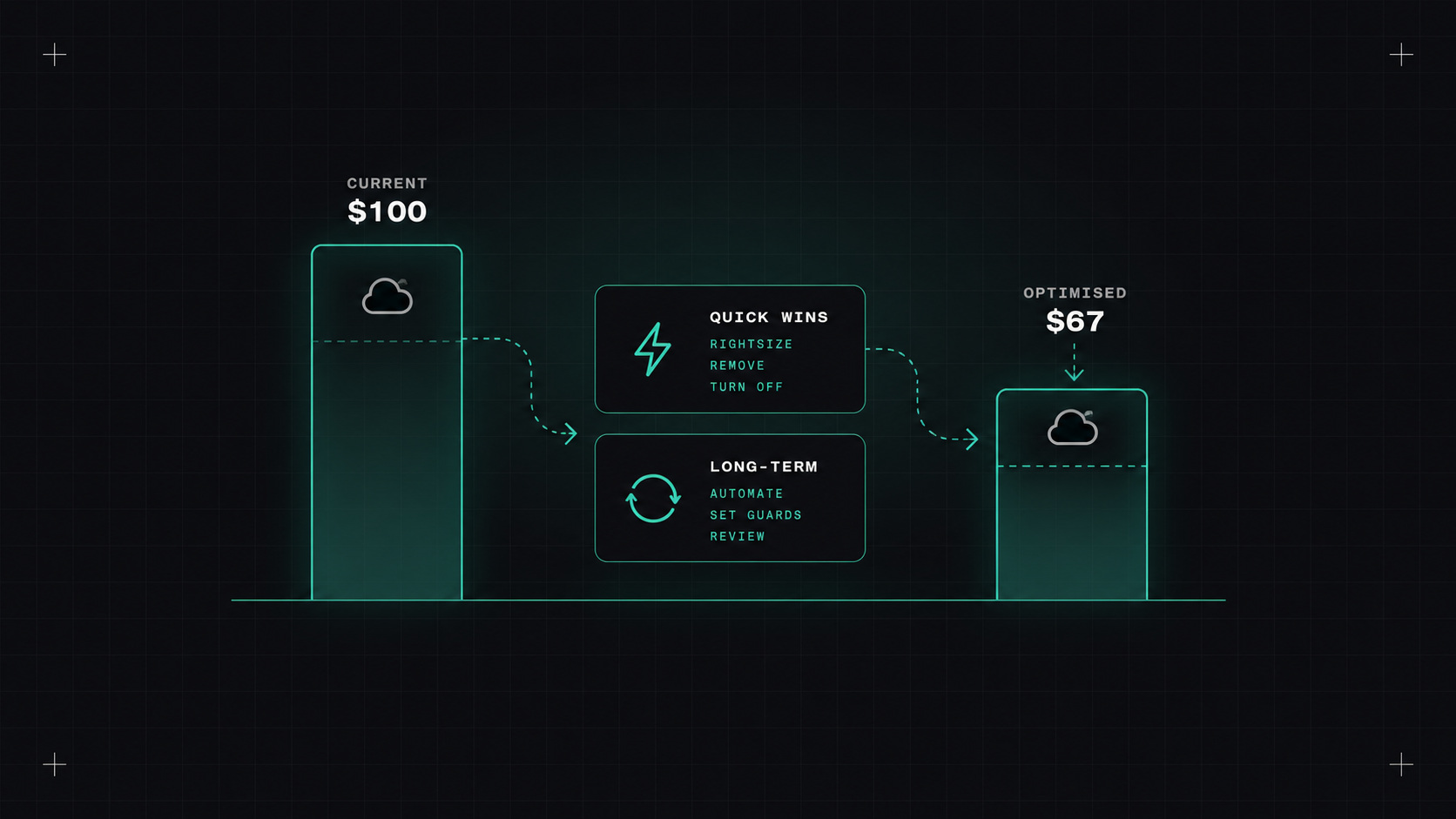
Cutting the cloud bill by a third
AI-generated editorial illustration

Cloud bills have a way of growing quietly. A test environment nobody deleted. A database sized for a launch that never needed it. Snapshots from 2022. Data transfer charges nobody understands. Each one is small. Together, they add up to a bill that makes finance ask uncomfortable questions.

Industry surveys often say that a big chunk of cloud spending—usually a quarter to a third—is wasted. From my experience, cutting a typical bill by 20 to 30% is realistic without hurting performance. Here's how.

The FinOps idea

FinOps is the practice of bringing financial accountability to cloud spending. The FinOps Foundation describes a simple cycle:

  1. Inform: make costs visible. Who's spending what, on which service?
  2. Optimise: reduce waste and get better prices.
  3. Operate: make cost part of everyday decisions, continuously.

The most important idea: cost isn't just finance's problem. Engineers make the decisions that create costs, every time they choose an instance size or a storage class. So engineers need to see the numbers.

Where the money goes

Before making cuts, look at the data. Every cloud provider has cost tools (AWS Cost Explorer, Azure Cost Management, Google Cloud Billing reports). Group costs by service, account or project, and tags.

Usually, a few categories dominate:

  • Compute (VMs, Kubernetes nodes)
  • Databases
  • Storage (block, object, snapshots)
  • Data transfer (often a surprise)
  • Managed services like logging and monitoring

And make sure resources are tagged with owner, team, environment and service. Without tags, you can't tell who owns what, and nobody feels responsible.

A cloud bill nobody looks at is a cloud bill that only grows.

Quick wins

These usually take days, not months:

  • Delete unused resources: unattached disks, old snapshots, idle load balancers, unused elastic IPs, forgotten test environments.
  • Right-size: many VMs and databases run at 10 to 20% CPU. Cloud providers' recommendation tools (AWS Compute Optimizer, Azure Advisor, Google Recommender) point them out.
  • Turn off non-production at night and weekends. Development and test environments that run only during working hours cost roughly a third.
  • Use the right storage class: move old data to cheaper tiers with lifecycle policies (S3 Intelligent-Tiering, infrequent access, archive classes).
  • Upgrade to newer instance generations, which are usually cheaper for the same performance. ARM-based instances (like AWS Graviton) often give a good price-performance improvement for workloads that support them.
  • Clean up logs: set retention periods on log groups. "Never expire" is a common, expensive default.

Commitments and Spot

Once usage is right-sized, get better prices for what remains:

Savings Plans and Reserved Instances (AWS), reservations and savings plans (Azure), committed use discounts (Google Cloud): commit to a certain level of usage for one or three years, and get significant discounts. Best for stable, predictable baseline usage. Commit to your baseline, not your peak.

Spot instances (AWS), Spot VMs (Azure, Google Cloud): spare capacity at large discounts, but they can be taken away with short notice. Great for:

  • Stateless, horizontally scaled services
  • Batch jobs and CI runners
  • Kubernetes node pools for fault-tolerant workloads (Karpenter handles Spot nicely)

Not for: single-instance databases or anything that can't handle interruption.

The sneaky costs

Some costs hide well:

  • Data transfer between availability zones and regions. Chatty services spread across zones can generate large bills. Topology-aware routing in Kubernetes helps.
  • NAT gateway charges for traffic to the internet or to cloud services. VPC endpoints for services like S3 can save a lot.
  • Idle managed services: a managed Kafka or Elasticsearch cluster used by one small app.
  • Observability: logging and metrics costs, often bigger than expected (I wrote a separate post on that).

Making cost everyone's job

Quick wins fade if nothing changes in how people work:

  • Show costs per team in a dashboard, updated daily. Showback alone changes behaviour.
  • Budgets and anomaly alerts so unexpected spikes are caught in days, not at the end of the month.
  • Cost in pull requests: tools like Infracost show the cost impact of Terraform changes before they're merged.
  • Cost as a non-functional requirement for new services, like performance or security.
  • The FOCUS specification (FinOps Open Cost and Usage Specification) is standardising billing data across providers, making multi-cloud cost reporting much easier.

So, where do I start?

Tag everything, find your top ten most expensive resources, and check each one: is it needed, is it the right size, is it running when it doesn't have to? That exercise alone usually finds the first 10 to 20% of savings. Then commitments and Spot take you further.

My take: the cloud lets you spend money at the speed of an API call. Make sure someone is watching at the same speed.

— Desly