I set up Backstage. Here's what happened
A software catalog, a template and docs in one place. And the parts nobody warns you about.
A software catalog, a template and docs in one place. And the parts nobody warns you about.
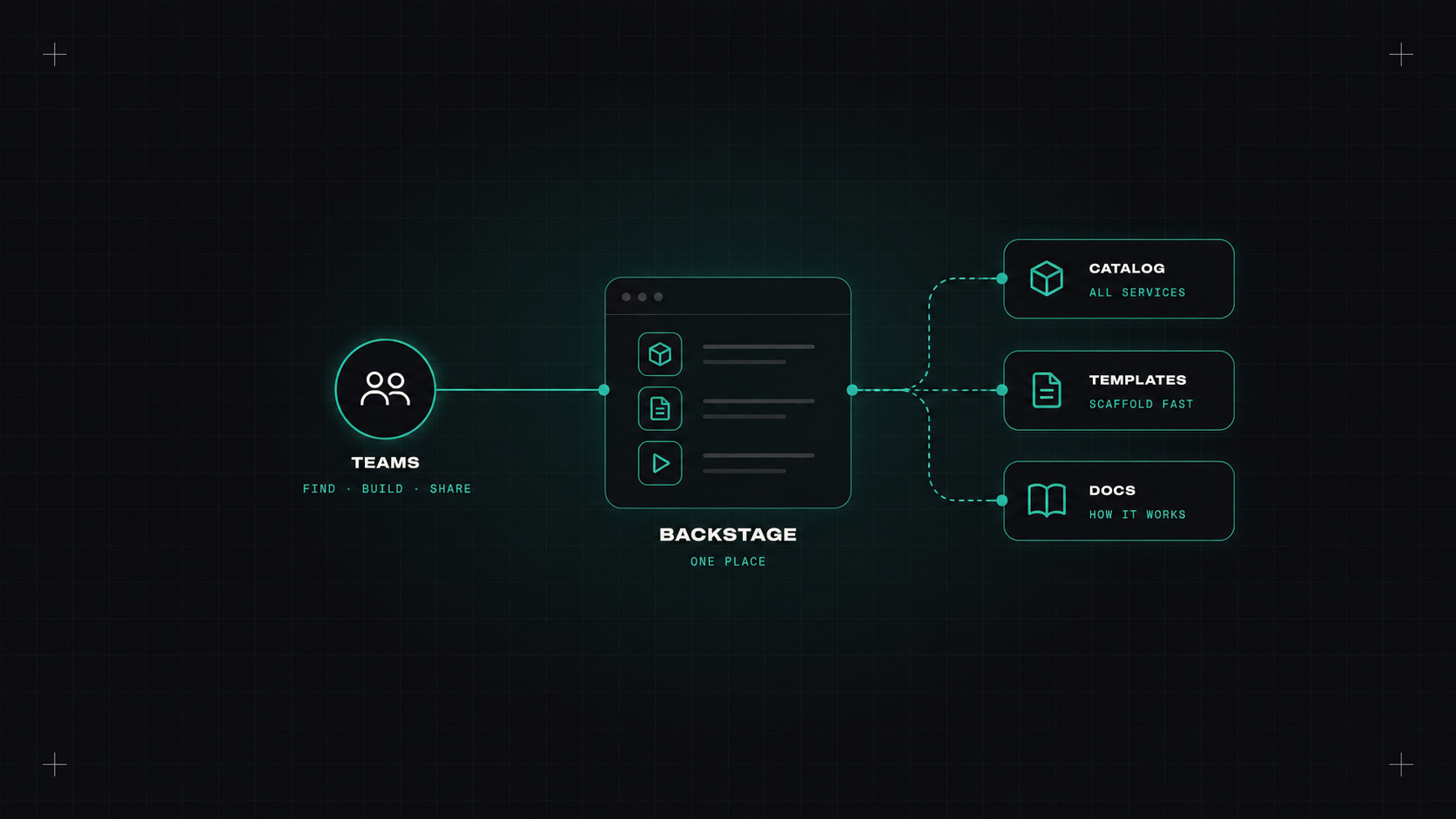
Backstage comes up in almost every conversation about platform engineering. Spotify built it, open-sourced it, donated it to the CNCF, and now it's the default answer to "how do we build a developer portal?"
I wanted to know what it's really like to get running, beyond the conference demos. So I set it up from scratch with a realistic goal: a service catalog, one software template, and documentation in the same place.
The problem Backstage solves is very real. In most companies, nobody can answer simple questions quickly. Who owns this service? Where is its documentation? Which pipeline deploys it? What does it depend on?
The answers are scattered across wikis, spreadsheets, Slack threads and people's memory. Backstage promises one place to find all of it.
Getting a local instance up is easy. You need Node.js and Yarn, then:
npx @backstage/create-app@latest
cd my-backstage-app
yarn start
A few minutes later there's a portal on localhost:3000. The first surprise: what you've created isn't a product you configure. It's an application you own. You'll be maintaining a TypeScript codebase from now on.
The catalog works by reading a small YAML file from each repository:
apiVersion: backstage.io/v1alpha1
kind: Component
metadata:
  name: shop-api
  description: Handles orders and payments
  annotations:
    github.com/project-slug: my-org/shop-api
spec:
  type: service
  lifecycle: production
  owner: team-checkout
Add this catalog-info.yaml to each repo, point Backstage at your GitHub organisation, and services start appearing. This part felt genuinely good. Seeing every service, its owner and its links in one list is already useful.
Templates are where Backstage becomes a platform instead of a directory. A template is a form plus a set of steps: ask the developer a few questions, copy a skeleton, fill in the values, create a repository, register it in the catalog.
The template YAML takes some getting used to, but the result is great: a developer fills in a name and a team, clicks "Create", and gets a new repo with a pipeline and a catalog entry. That's the golden path in action.
The plugin ecosystem is large. The ones I'd add first:
Backstage is less like installing an app and more like adopting a pet. It's lovely, but it needs feeding every week.
It's a framework, not a product. Anything beyond the basics means writing TypeScript and React. If your team has no frontend skills, plan for that.
Upgrades take effort. Backstage moves fast. Keeping up with releases, and the migration to its newer backend and frontend systems, is ongoing work.
The catalog drifts. Owners change, services get retired, YAML files go stale. Without someone caring about data quality, the catalog slowly becomes the next out-of-date wiki.
Authentication and permissions need real configuration before you can roll it out beyond a demo.
For a company with many teams and dozens of services, yes. Once it's set up, it's a strong foundation, and nothing else open source comes close.
For a small team with ten services, probably not yet. A good README template and a list of services in your wiki might give you 80% of the value for 5% of the effort. And if you want a portal without running one, look at the SaaS options.
My take: Backstage is a great platform for building your portal, not a portal you just switch on. Go in knowing that, and it's worth it.
— Desly