Terraform in CI: plan on PR, apply on merge
Stop running Terraform from laptops. How I automated it.
Stop running Terraform from laptops. How I automated it.
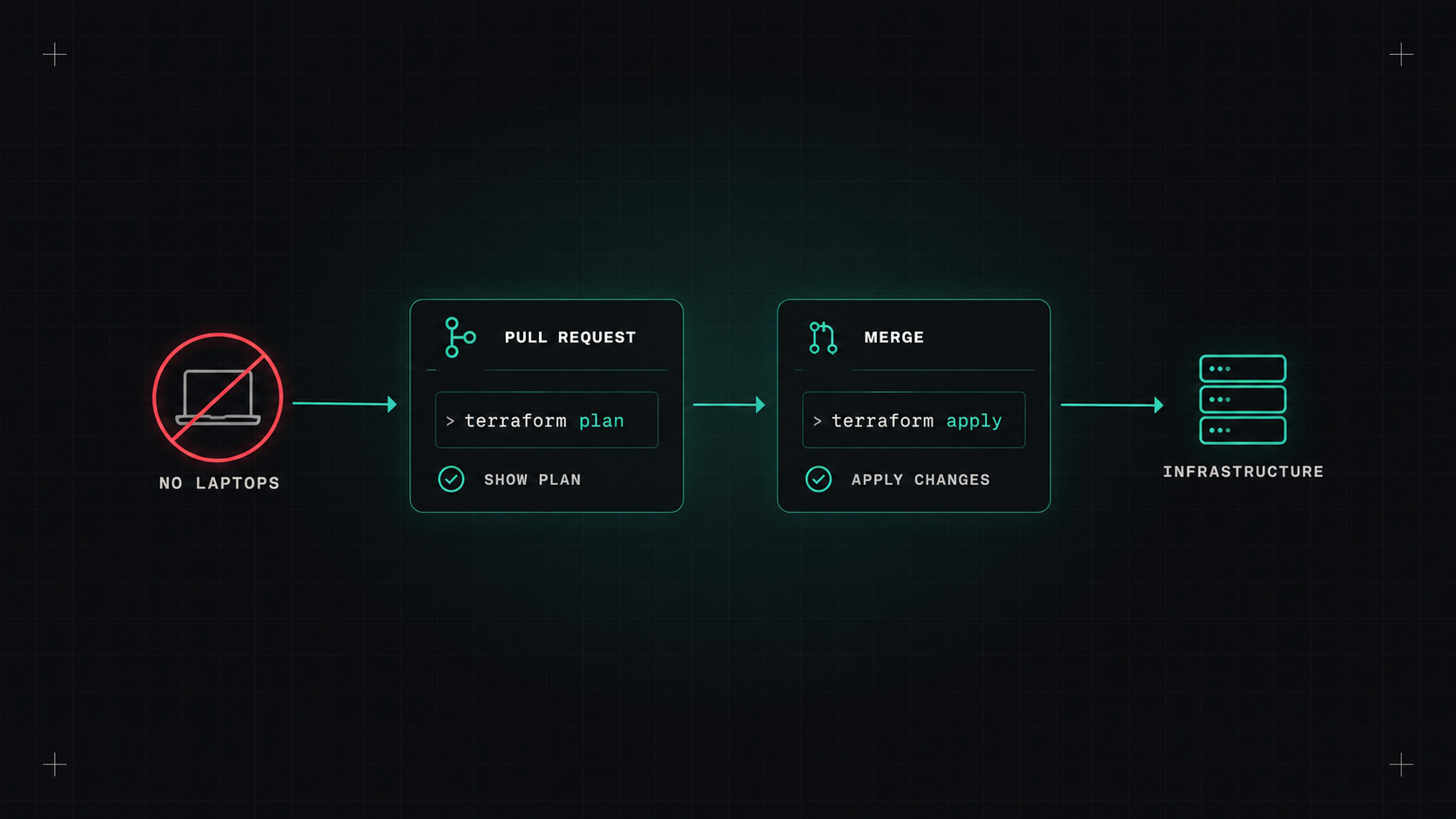
In many teams, Terraform is still run from someone's laptop. They pull the latest code, run plan, look at it, run apply. It works, until it doesn't: someone applies an old branch, two people apply at once, the laptop has different provider versions, or the only person with production credentials is on holiday.
The fix is a simple, well-known workflow: plan on pull request, apply on merge. Here's how I set it up.
terraform plan and posts the plan as a comment on the pull request.terraform apply with the plan, from the main branch.Everything is reviewed, everything is logged, nobody needs production credentials on their laptop, and the main branch always reflects what's deployed.
The plan is the real change. Review the plan as carefully as the code.
Atlantis is an open-source server built exactly for this workflow. It listens to pull request events, and you control it with comments:
plan and comments the output.atlantis apply and it applies, then comments the result.Atlantis runs in your own infrastructure (often on Kubernetes), so credentials never leave your environment. It's simple, battle-tested and free. You do have to host and maintain it.
You can build the same workflow in your normal CI. A simplified GitHub Actions version:
name: terraform

on:
  pull_request:
    paths: ["infrastructure/**"]
  push:
    branches: [main]
    paths: ["infrastructure/**"]

permissions:
  contents: read
  id-token: write
  pull-requests: write

jobs:
  terraform:
    runs-on: ubuntu-latest
    defaults:
      run:
        working-directory: infrastructure/live/production/network
    steps:
      - uses: actions/checkout@<sha> # v4
      - uses: hashicorp/setup-terraform@<sha> # v3
      - uses: aws-actions/configure-aws-credentials@<sha> # v4
        with:
          role-to-assume: arn:aws:iam::123456789012:role/terraform-${{ github.event_name == 'push' && 'apply' || 'plan' }}
          aws-region: eu-central-1
      - run: terraform init -input=false
      - run: terraform plan -input=false -out=tfplan
      - if: github.event_name == 'pull_request'
        run: terraform show -no-color tfplan > plan.txt
        # post plan.txt as a PR comment with your preferred action
      - if: github.event_name == 'push'
        run: terraform apply -input=false tfplan
Things to notice:
main. The trust policy restricts which branch can assume which role.One subtlety: the plan on the pull request and the apply after merge can differ if main changed in between. Re-planning on merge (as above) and applying that plan is the safe way.
"TACOS" (Terraform Automation and Collaboration Software) is the nickname for platforms built for this: HCP Terraform, Spacelift, env0, Scalr, Harness IaCM and others. They add:
They cost money, but save a lot of building and maintaining for larger organisations.
Who can approve infrastructure changes? Some practical rules:
Never store long-lived cloud keys in CI for Terraform. Use OIDC with every major cloud, and scope the roles tightly. Combine that with remote, encrypted, locked state, and the most sensitive parts of your setup never touch a developer's laptop.
Pick one Terraform stack, ideally a low-risk one. Set up plan-on-PR with a read-only role first, so the team gets used to reviewing plans. Then add apply-on-merge with a separate role. Once it works, roll it out to the other stacks and take away production write access from laptops.
My take: infrastructure changes deserve the same pipeline discipline as application code. Review the plan, merge, and let the robot apply.
— Desly