Stop putting secrets in CI variables
Vault, OpenBao and External Secrets: where secrets should really live.
Vault, OpenBao and External Secrets: where secrets should really live.
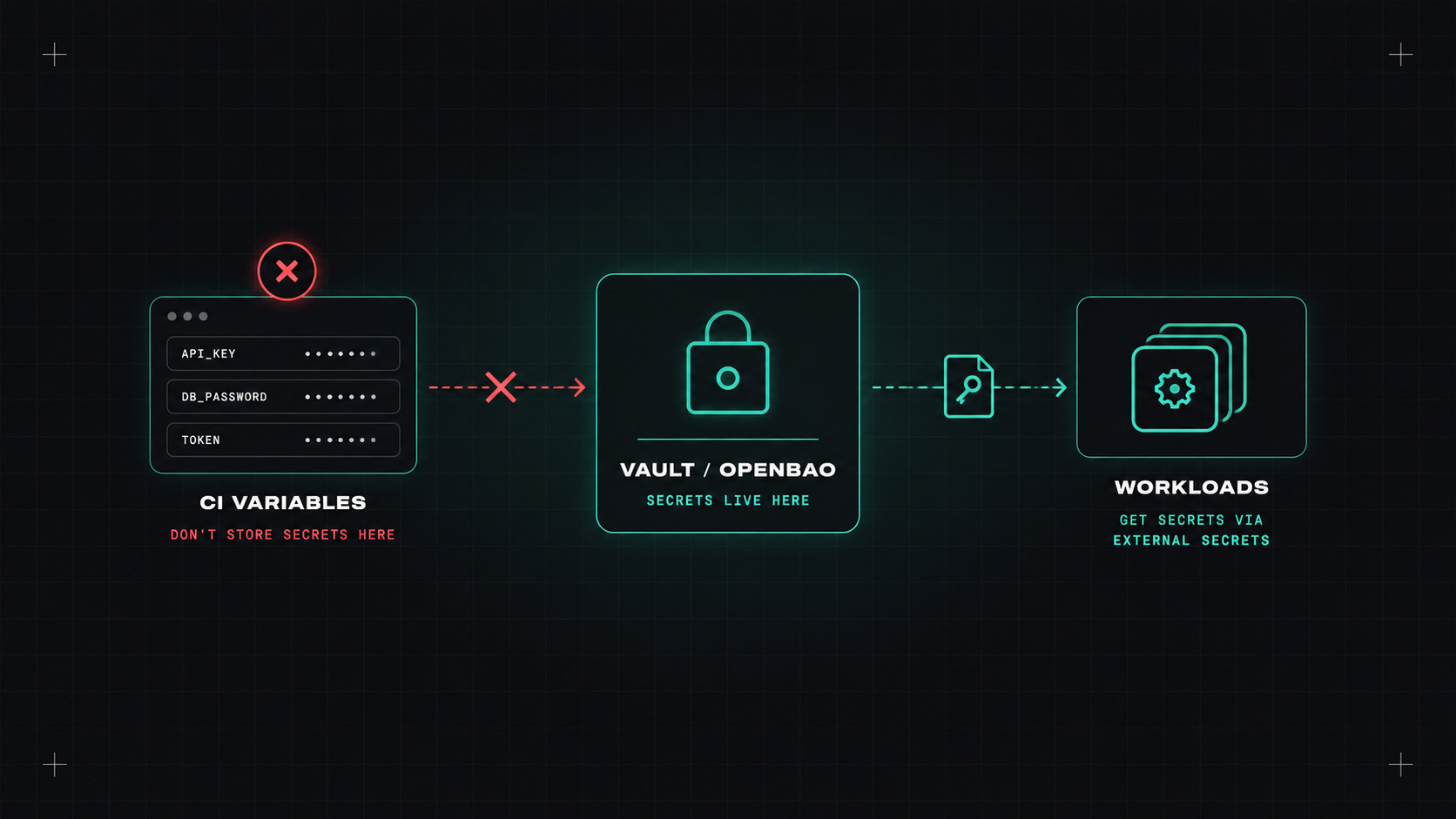
Ask a team where their secrets are, and the honest answer is often "everywhere". Some in CI variables. Some in a .env file that gets passed around. Some in Kubernetes secrets created by hand. A few in a password manager. At least one in a Git repository's history, from three years ago.
Secrets sprawl is one of the most common security problems I see, and one of the easiest to fix.
echo, a verbose command, a compromised action printing environment variables.The common thread: secrets are copied into many places, and every copy is a place they can leak from.
The better approach: keep secrets in one central secret store, and have every consumer (apps, pipelines, people) fetch them from there with their own identity, only when needed. Ideally, secrets are short-lived or rotated automatically, so a leak expires quickly.
HashiCorp Vault is the most well-known. It stores secrets, but also generates them dynamically: database credentials created on demand, cloud credentials that expire after an hour, certificates from its own PKI. Very powerful, and real work to run well (high availability, unsealing, upgrades). Since 2023 it's under the Business Source License.
OpenBao is the community fork of Vault from before the license change, now under the Linux Foundation. API-compatible with Vault for most use cases, open-source licensed, and developing its own features.
Cloud secret managers: AWS Secrets Manager, Azure Key Vault, Google Secret Manager. Fully managed, integrated with cloud IAM, easy to start with. Less flexible than Vault for dynamic secrets across many systems, but perfectly enough for many teams.
Encrypted files in Git: SOPS (with age or a cloud KMS) encrypts values inside YAML or JSON files, so you can commit them safely. Good for GitOps setups and small teams.
The best secret is one that doesn't exist yet, gets created when you need it, and expires before anyone can steal it.
Applications in Kubernetes usually expect secrets as environment variables or files. Ways to get them there from a central store:
External Secrets Operator (ESO) syncs secrets from Vault, OpenBao, cloud secret managers and others into regular Kubernetes Secrets:
apiVersion: external-secrets.io/v1
kind: ExternalSecret
metadata:
  name: orders-db
  namespace: shop
spec:
  refreshInterval: 1h
  secretStoreRef:
    name: aws-secrets-manager
    kind: ClusterSecretStore
  target:
    name: orders-db-credentials
  data:
  - secretKey: password
    remoteRef:
      key: prod/shop/orders-db
      property: password
Your Git repository only contains a reference, never the secret itself. Apps keep reading a normal Kubernetes Secret.
Secrets Store CSI Driver mounts secrets directly from the external store as files, optionally without creating a Kubernetes Secret at all.
Vault Agent / OpenBao Agent injection runs a sidecar that fetches and renews secrets for the pod.
Whichever you choose, make sure Kubernetes Secrets are encrypted at rest in etcd (managed clusters usually support KMS encryption), and limit who can read them with RBAC.
A secret that never changes is a secret that eventually leaks. Options, from simple to advanced:
Before building the perfect system, scan for what's already out there:
Pick a central store: your cloud's secret manager is the easiest start. Install External Secrets Operator. Move one application's secrets there, remove them from CI variables and Git, and rotate them. Then repeat, service by service.
My take: secrets should be fetched, not copied. Every copy is a future incident waiting for its date.
— Desly