"Works on my machine," solved with Nix?
Reproducible environments for everyone on the team.
Reproducible environments for everyone on the team.
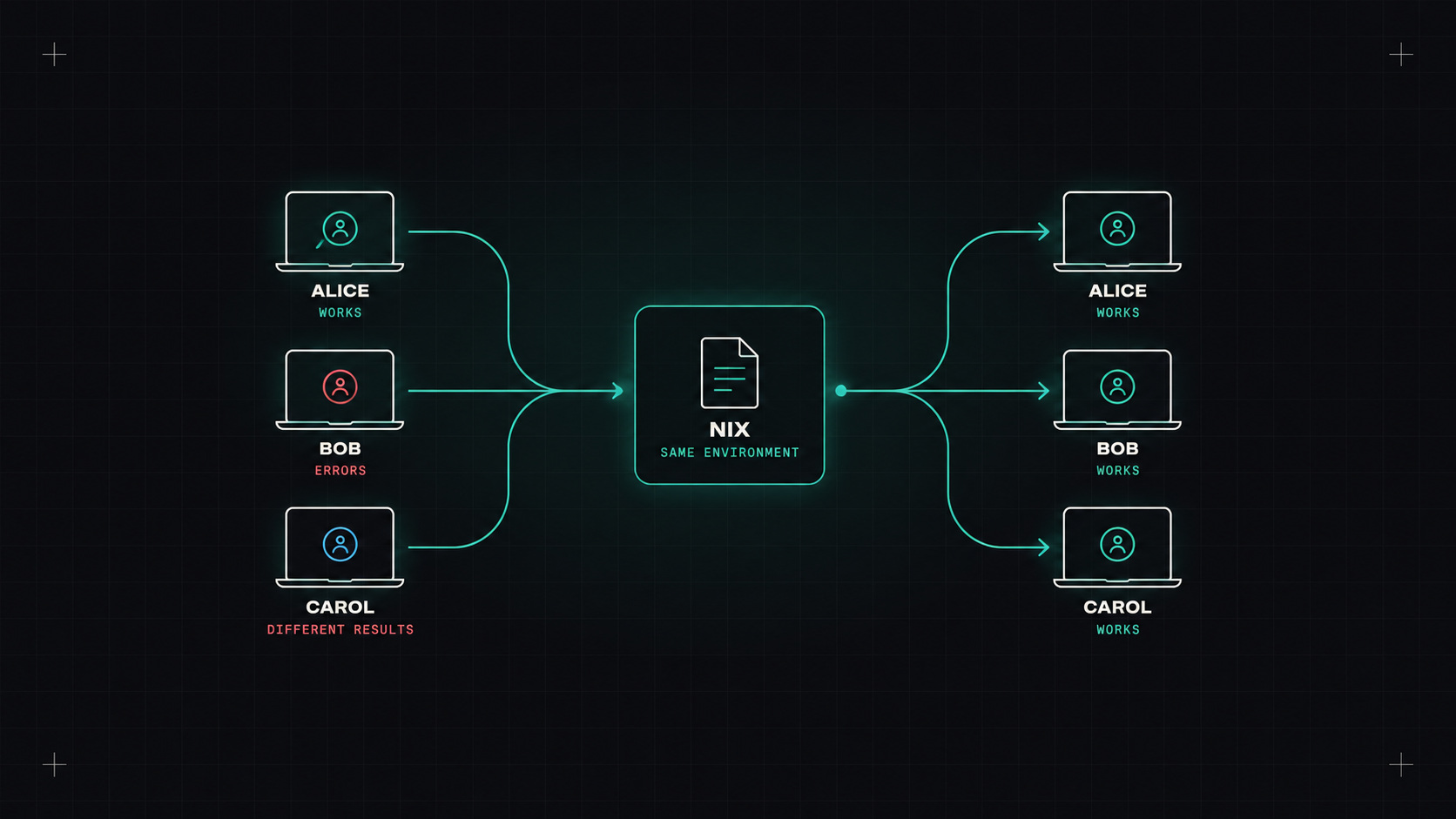
Every team has the conversation. "The build fails for me." "Works on my machine." Then twenty minutes of comparing versions: different Terraform, a newer Node, an old kubectl, a Python that came with macOS, a missing system library.
Onboarding a new team member can take a day just to get the right tools in the right versions. And CI often uses a completely different set of versions.
Reproducible development environments fix this. Nix is the most powerful way to get them, and newer tools have made it much more approachable.
Development environments drift because:
What we want: one file in the repository that defines exactly which tools (and versions) the project needs, which works the same on every developer's machine and in CI.
Nix is a package manager and build system built on a radical idea: every package is built in isolation from a precise description of its inputs, and stored under a unique path based on a hash of those inputs (like /nix/store/abc123-terraform-1.9.8). Multiple versions live side by side without conflict. Nothing is installed "globally". If two machines use the same Nix description, they get exactly the same software, bit for bit. The nixpkgs collection contains well over 100,000 packages, one of the largest of any package manager.
Flakes are the modern way to define Nix projects, with a lock file that pins exact versions of everything. A dev shell for an infrastructure project:
{
  description = "Infrastructure dev environment";

  inputs.nixpkgs.url = "github:NixOS/nixpkgs/nixos-unstable";

  outputs = { self, nixpkgs }:
    let
      systems = [ "x86_64-linux" "aarch64-linux" "aarch64-darwin" ];
      forAll = f: nixpkgs.lib.genAttrs systems (s: f nixpkgs.legacyPackages.${s});
    in {
      devShells = forAll (pkgs: {
        default = pkgs.mkShell {
          packages = with pkgs; [
            opentofu
            kubectl
            kubernetes-helm
            awscli2
            jq
            shellcheck
          ];
        };
      });
    };
}
Run nix develop, and you're in a shell with exactly those tools. The flake.lock file pins them, so everyone gets identical versions until someone deliberately updates the lock.
Honestly, Nix's language and concepts have a steep learning curve. That's where friendlier tools come in.
The goal isn't to use Nix. The goal is that "install the tools" becomes one command that always gives the same result.
devbox (from Jetify) uses Nix underneath, but you only write a simple JSON file:
{
  "packages": [
    "opentofu@1.10",
    "kubectl@1.33",
    "helm@latest",
    "awscli2@latest",
    "jq@latest"
  ],
  "shell": {
    "init_hook": ["echo 'Infra shell ready'"]
  }
}
devbox shell
No Nix knowledge needed. It can also generate Dockerfiles and dev container configs from the same file.
devenv (from Cachix) is another popular option: more Nix under the hood, but with ready-made modules for languages and services (like starting a local PostgreSQL), pre-commit hooks and scripts.
Both work great with direnv, which activates the environment automatically when you cd into the project folder.
The main alternative is Dev Containers: a devcontainer.json that defines a container image with all your tools, used by VS Code, JetBrains IDEs, GitHub Codespaces and others.
| Nix / devbox / devenv | Dev Containers | |
|---|---|---|
| Runs | Natively on your machine | Inside a container |
| Reproducibility | Very high (locked inputs) | Depends on how the image is built |
| Performance on macOS | Native speed | Some overhead (file system, VM) |
| Learning curve | Steep (Nix), easy (devbox) | Easy if you know Docker |
| Editor integration | Via direnv, works everywhere | Excellent in VS Code and Codespaces |
| Cloud dev environments | Possible | Native in Codespaces and similar |
Both are good choices. Dev Containers are more familiar to most teams. Nix-based tools are more precise and run natively. Some teams even combine them: Nix inside a dev container.
The real payoff: using the same environment in CI as on laptops.
- uses: cachix/install-nix-action@<sha>
- run: nix develop --command make test
Or with devbox: devbox run test. A binary cache (Cachix, or a self-hosted one) keeps CI fast by downloading pre-built packages instead of building them.
No more "the CI image has a different Terraform version than my laptop".
If your team regularly loses time to version mismatches and slow onboarding, yes. I'd start with devbox in one repository: one JSON file, one command, no Nix knowledge needed. If people like it, go deeper with flakes or devenv. If your team already lives in VS Code, Dev Containers are an equally good path.
My take: your project's tools are part of your project. Put them in the repository, pin them, and stop debugging each other's laptops.
— Desly