Kubernetes at home: Talos, k3s and a homelab
A small cluster on cheap hardware, and what it teaches you about production.
A small cluster on cheap hardware, and what it teaches you about production.
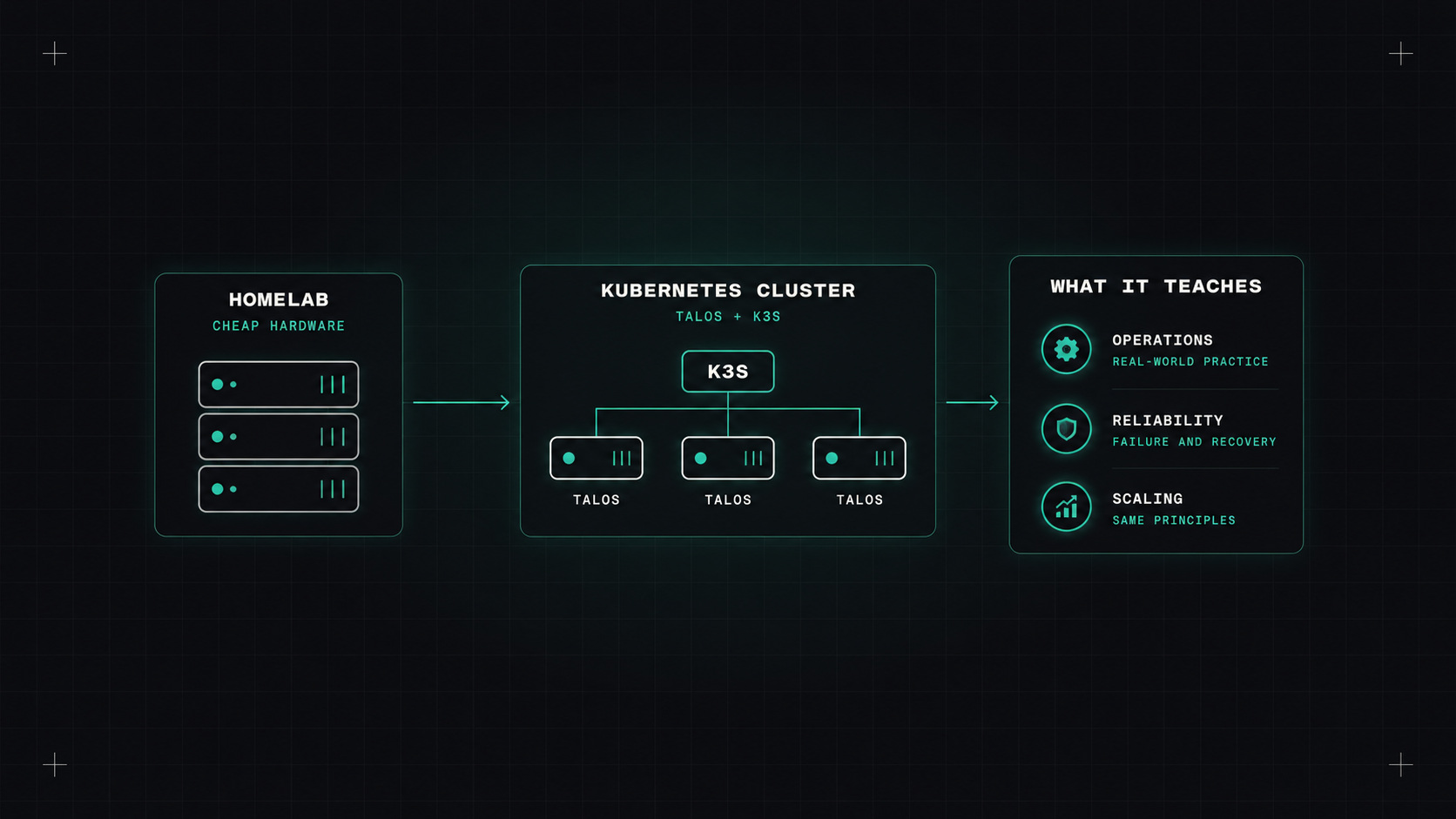
At work, Kubernetes usually comes pre-built. A managed service, a platform team, a few clicks or a Terraform module, and the cluster exists. That's great for productivity, and terrible for learning how things actually work underneath.
A homelab fixes that. A few small machines on a shelf, a cluster you built yourself, and nobody to blame but you when it breaks. It's one of the best learning investments I know.
You don't need much:
Three nodes is a good target: enough to learn high availability and what happens when a node dies. Plan for at least 8 GB of RAM per node, and use SSDs rather than SD cards for anything you care about.
Two distributions stand out for homelabs, and they have very different philosophies.
k3s is a lightweight, fully compliant Kubernetes distribution from Rancher (SUSE). A single binary, installed on a normal Linux system with one command:
curl -sfL https://get.k3s.io | sh -
It comes with sensible defaults built in: a container runtime, networking, a local storage provisioner and an ingress controller. It's the fastest way to a working cluster, and very forgiving.
Talos Linux takes a radical approach: it's an operating system built only to run Kubernetes. No SSH, no shell, no package manager. Everything is configured through an API with talosctl and a YAML machine configuration. The OS is immutable, so nodes can't drift, and upgrades are atomic.
talosctl gen config homelab https://192.168.1.10:6443
talosctl apply-config --insecure --nodes 192.168.1.10 --file controlplane.yaml
talosctl bootstrap --nodes 192.168.1.10
My take: k3s if you want to learn Kubernetes quickly, Talos if you want to learn how production-grade, immutable infrastructure feels. Talos is stricter and has a steeper start, but once it clicks, it's hard to go back to SSH-ing into nodes.
Other options worth knowing: k0s, MicroK8s, and plain kubeadm if you want to do everything the hard way at least once.
A homelab teaches you more in one broken weekend than a managed cluster teaches you in a year.
Once the cluster runs, here's a learning path that mirrors real production setups:
Each step teaches something you'll use at work.
The things a homelab taught me that managed clusters never did:
If you work with Kubernetes, or want to, absolutely. It costs a few hundred euros, or nothing if you reuse old hardware, and some evenings. In return you get a deep understanding of the system you work with every day.
My take: build it yourself at least once. You'll understand every managed cluster you touch afterwards a little better.
— Desly