What does each team's Kubernetes cost?
OpenCost and Kubecost answer the question finance keeps asking.
OpenCost and Kubecost answer the question finance keeps asking.
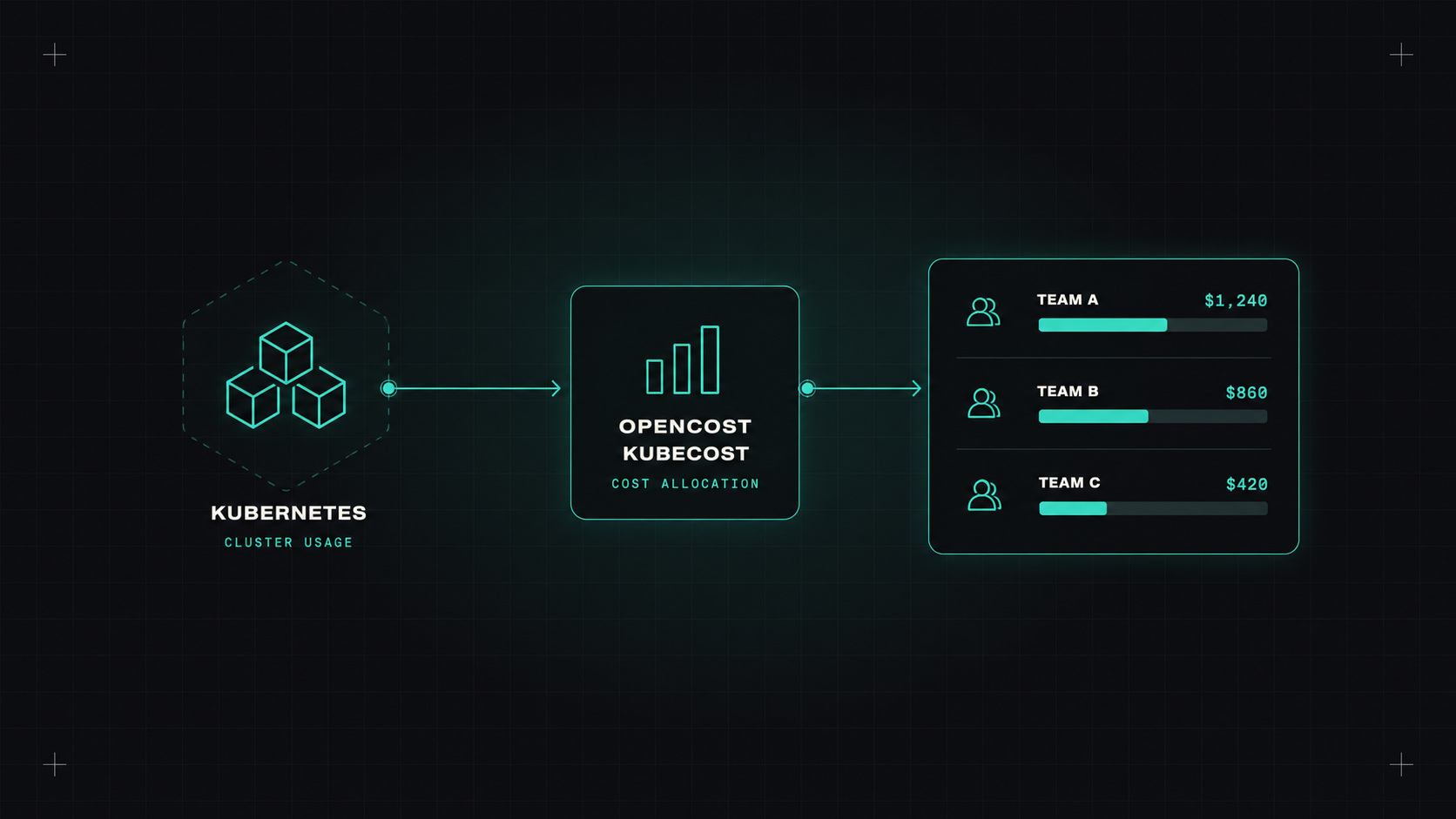
On a cloud bill, Kubernetes looks simple: you pay for nodes. Twenty VMs, a load balancer, some disks. But who's actually using those nodes? Ten teams, fifty services, a few hundred pods, all sharing the same machines. When finance asks "how much does the search team's infrastructure cost?", the cloud bill can't answer.
That's the Kubernetes cost visibility problem. Here's how to solve it, and how to reduce the bill once you can see it.
To allocate cluster costs to teams, you need to know how much of each node each pod uses or reserves, and what that node costs.
OpenCost is a CNCF project that does exactly this. It combines:
The result: cost per namespace, per label (like team or app), per workload, per hour.
Kubecost (now part of IBM) builds on OpenCost with more features: savings recommendations, budgets, alerts, multi-cluster views and a polished UI. Cloud providers also have their own Kubernetes cost features, like split cost allocation for EKS in AWS, and cost allocation in GKE and AKS.
helm install opencost opencost/opencost --namespace opencost --create-namespace
kubectl port-forward -n opencost svc/opencost 9090
A few minutes later, you see costs per namespace.
One thing that surprises teams the first time: a big chunk of the cost belongs to nobody. That's idle capacity: parts of nodes that no pod requested.
If your nodes are only 50% requested on average, half the cluster is idle. You decide how to handle it: share it out proportionally, assign it to the platform team, or (best) reduce it.
You can't fix what you can't see. Once teams see their Kubernetes cost, half the optimisation happens on its own.
Cost allocation is only as good as your labels. Agree on a few standard labels for every workload:
team or ownerapp or serviceenvironmentcost-center (if finance needs it)Enforce them with a policy (Kyverno or Gatekeeper), so new workloads can't be deployed without them.
Once you see the waste, reducing it usually comes down to utilisation: getting more useful work out of each node.
Spot instances can cut node costs dramatically. Kubernetes is a great fit because it reschedules pods automatically when a node disappears.
Good practice:
What do you do with the numbers?
I'd always start with showback: a weekly report or dashboard per team, with trends and the biggest opportunities. It's surprising how quickly teams fix their own waste when the number has their name on it.
Install OpenCost, make sure every workload has a team label, and share a cost-per-team dashboard. Then look at idle capacity, right-size the biggest over-requesters, and enable consolidation. Spot comes next, for the workloads that can handle it.
My take: Kubernetes makes sharing infrastructure easy, and sharing costs invisible. Make them visible, and teams will help you bring them down.
— Desly