Git tricks that saved me
Rebase, bisect, reflog. The commands that get you out of trouble.
Rebase, bisect, reflog. The commands that get you out of trouble.
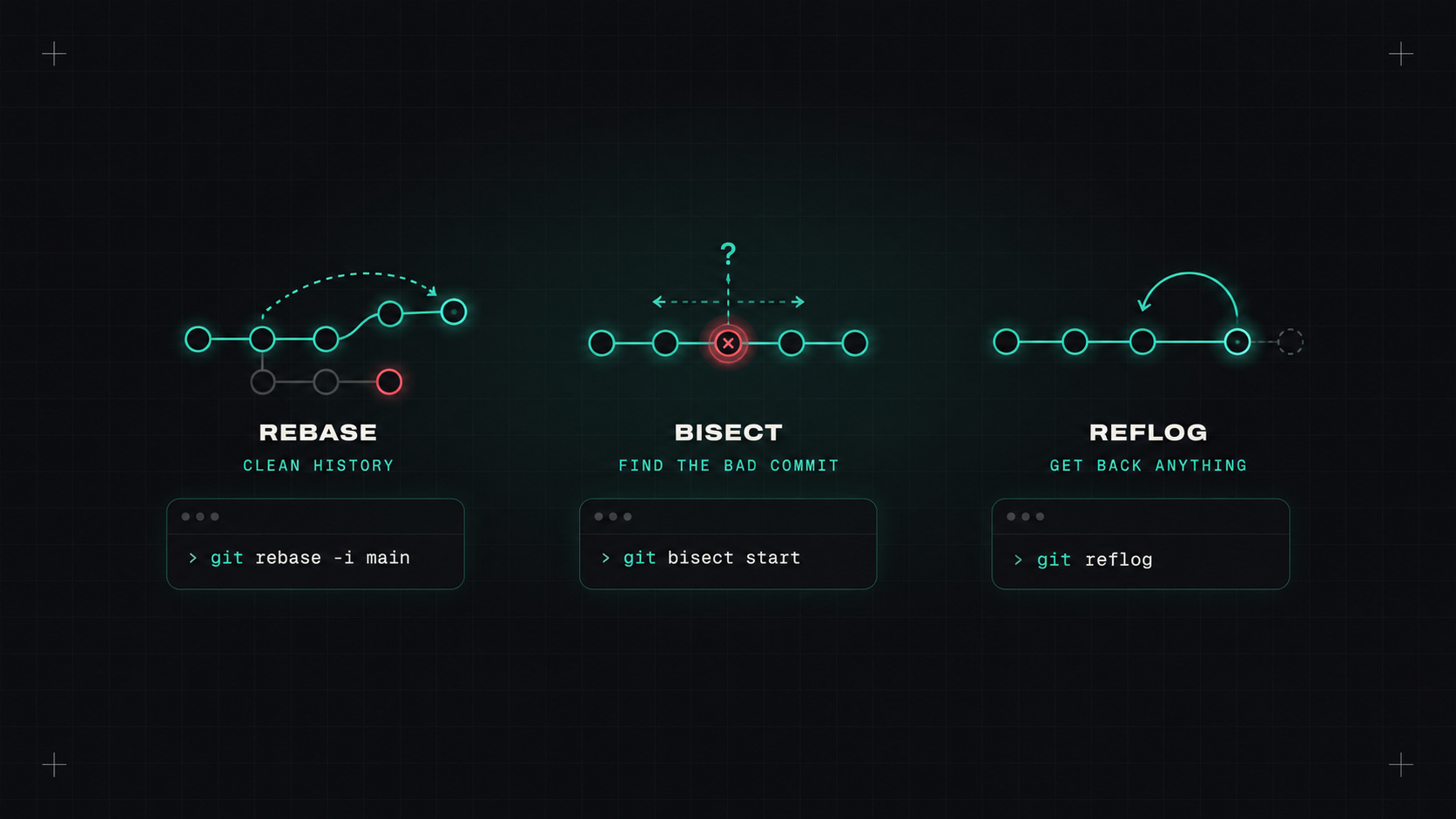
Most people use about six Git commands: clone, pull, add, commit, push, and checkout (or switch). That's enough for a normal day. But sooner or later, something goes wrong. A commit on the wrong branch. A bug that appeared "sometime last week". A force push that seemed to delete everything.
That's when a few less common commands become lifesavers. In DevOps, where Git is also how we deploy infrastructure, knowing them is even more useful.
Both combine work from two branches. They do it differently:
git switch feature
git fetch origin
git rebase origin/main      # put my commits on top of the latest main
My rule of thumb: rebase your own local branches to keep them up to date and clean; don't rebase commits other people already have (shared branches like main). Many teams avoid the debate with squash merges in pull requests: the whole branch becomes one clean commit on main.
Interactive rebase lets you clean up your commits before opening a pull request: squash "fix typo" commits, reorder, reword messages.
git rebase -i origin/main
"It worked last week, and now it doesn't. There are 80 commits in between." Instead of checking them one by one, let Git do a binary search:
git bisect start
git bisect bad                 # current commit is broken
git bisect good v2.3.0         # this version worked
# Git checks out a commit in the middle. Test it, then:
git bisect good                # or: git bisect bad
# ...repeat about 6-7 times for 80 commits...
git bisect reset
Even better, automate it with a test script that exits non-zero on failure:
git bisect run ./scripts/test-login.sh
Git finds the exact commit that introduced the problem, usually in minutes. It works for infrastructure repos too: "which change broke the Helm chart?"
git bisectturns "it broke sometime last week" into "it broke in this exact commit" in about seven steps.
Here's the most comforting fact about Git: it almost never really loses committed work. Even after a bad reset, a botched rebase or a deleted branch, the commits still exist for a while. reflog shows everywhere HEAD has pointed recently:
git reflog
# a1b2c3d HEAD@{0}: reset: moving to HEAD~3
# e4f5g6h HEAD@{1}: commit: add retry logic
# ...

git reset --hard e4f5g6h      # go back to before the bad reset
# or recover a deleted branch:
git branch rescued e4f5g6h
If you ever think "I just destroyed my work", stop, breathe, and run git reflog.
Committed to the wrong branch:
git switch correct-branch
git cherry-pick <commit>
git switch wrong-branch
git reset --hard HEAD~1       # remove it from the wrong branch (if not pushed)
Fix the last commit (message or forgotten file):
git add forgotten-file.yaml
git commit --amend
Undo a commit that's already pushed, safely, without rewriting history:
git revert <commit>
In GitOps setups, git revert is literally how you roll back a deployment.
Park unfinished work:
git stash push -m "half-done refactor"
git stash list
git stash pop
Who changed this line, and why?
git blame -L 40,60 values.yaml
git log -p -S "replicas: 1" -- deploy/   # find the commit that added or removed a string
Force push more safely, when you must:
git push --force-with-lease
Unlike --force, it refuses if someone else pushed in the meantime.
In a team, the safest Git is the one where mistakes can't reach main easily:
# .github/CODEOWNERS
/infrastructure/   @acme/platform-team
/deploy/prod/      @acme/platform-team @acme/sre
git config --global pull.rebase true          # rebase instead of merge on pull
git config --global rebase.autoStash true     # stash and unstash automatically during rebase
git config --global push.autoSetupRemote true # no more --set-upstream
git config --global rerere.enabled true       # remember conflict resolutions
git config --global init.defaultBranch main
Try git bisect on a real bug, and do a test reset followed by a reflog recovery in a throwaway repo. Once you've rescued yourself once, Git stops being scary.
My take: Git remembers almost everything. Learn the commands that let you ask it, and you'll rarely lose work again.
— Desly