My CI/CD pipeline, from commit to production
Build, test, scan, deploy, verify. A complete pipeline you can copy.
Build, test, scan, deploy, verify. A complete pipeline you can copy.
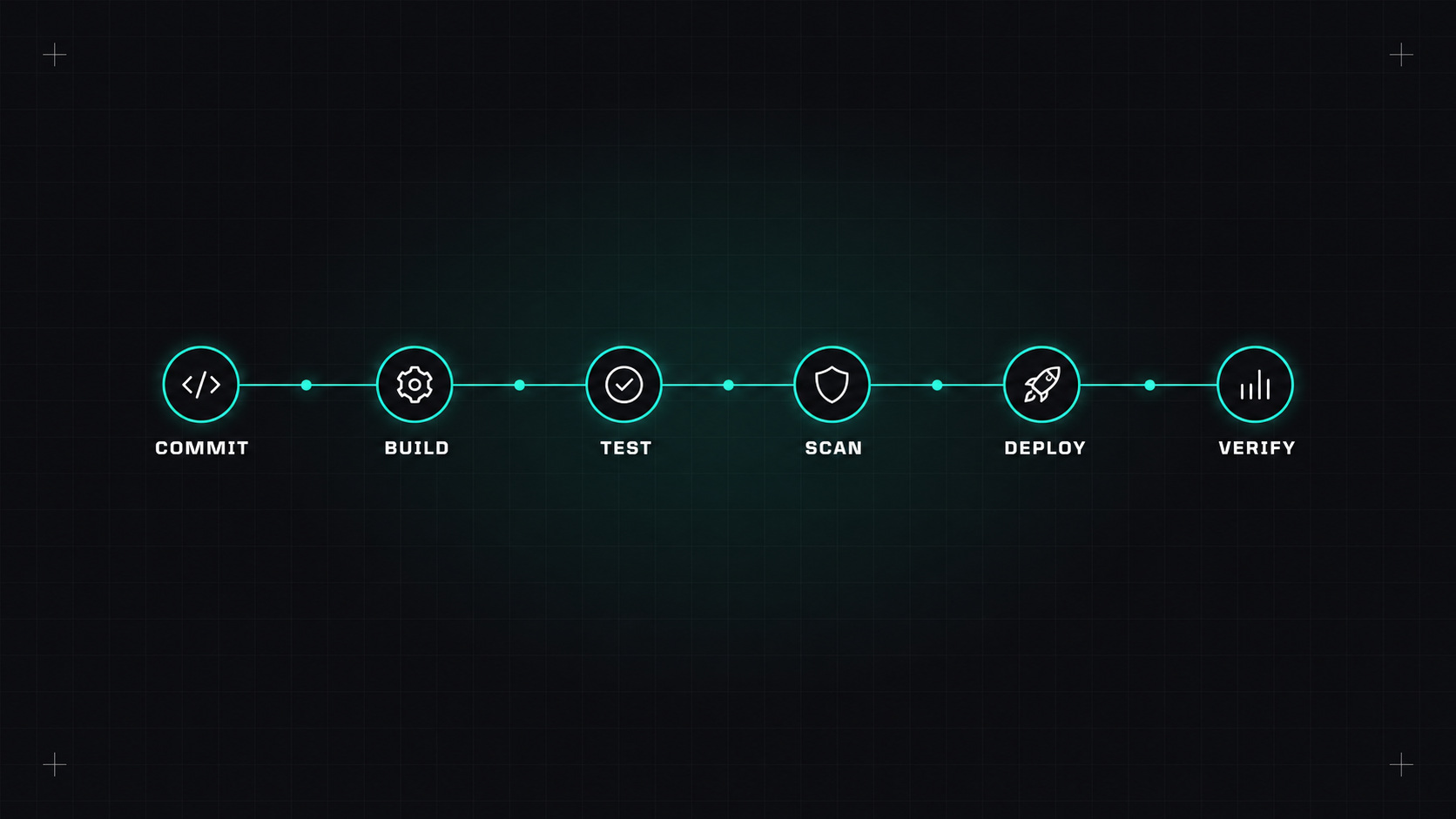
Ask ten DevOps engineers to draw a CI/CD pipeline and you'll get ten different drawings. But underneath, good pipelines share the same shape. They give fast feedback, they catch problems early, and they make deploying boring.
Here's the pipeline I'd use for a typical containerised web service, step by step, with a working example in GitHub Actions.
The most important principle hides in step 2: build once, deploy the same artifact everywhere. Never rebuild for production. What you tested is what you ship.
A good pipeline makes the right thing automatic and the risky thing visible.
A trimmed-down version of what this looks like in GitHub Actions:
name: ci-cd

on:
  pull_request:
  push:
    branches: [main]

permissions:
  contents: read

env:
  IMAGE: ghcr.io/my-org/shop-api

jobs:
  test:
    runs-on: ubuntu-latest
    steps:
      - uses: actions/checkout@<sha> # v4
      - uses: actions/setup-go@<sha> # v5
        with:
          go-version-file: go.mod
          cache: true
      - run: go vet ./...
      - run: go test ./... -race -coverprofile=coverage.out

  build:
    needs: test
    runs-on: ubuntu-latest
    permissions:
      contents: read
      packages: write
      id-token: write          # for keyless signing
    outputs:
      digest: ${{ steps.push.outputs.digest }}
    steps:
      - uses: actions/checkout@<sha> # v4
      - uses: docker/setup-buildx-action@<sha> # v3
      - uses: docker/login-action@<sha> # v3
        with:
          registry: ghcr.io
          username: ${{ github.actor }}
          password: ${{ secrets.GITHUB_TOKEN }}
      - id: push
        uses: docker/build-push-action@<sha> # v6
        with:
          push: ${{ github.event_name == 'push' }}
          tags: ${{ env.IMAGE }}:${{ github.sha }}
          cache-from: type=gha
          cache-to: type=gha,mode=max
      - name: Scan image
        uses: aquasecurity/trivy-action@<sha>
        with:
          image-ref: ${{ env.IMAGE }}:${{ github.sha }}
          severity: HIGH,CRITICAL
          ignore-unfixed: true
          exit-code: "1"

  deploy-staging:
    if: github.event_name == 'push'
    needs: build
    runs-on: ubuntu-latest
    environment: staging
    steps:
      - run: echo "Update the staging GitOps repo to ${{ github.sha }}"
      - run: ./scripts/smoke-test.sh https://staging.example.com

  deploy-production:
    needs: deploy-staging
    runs-on: ubuntu-latest
    environment: production      # requires approval in repo settings
    steps:
      - run: echo "Update the production GitOps repo to ${{ github.sha }}"
(Replace <sha> with pinned commit SHAs, as described in my post on locking down GitHub Actions.)
A few details worth noticing:
staging, production) can require approvals and hold their own secrets.kubectl directly. Argo CD or Flux applies the change, which keeps credentials out of CI.Slow pipelines make developers lose trust. A few habits keep things moving quickly:
cache-from / cache-to lines above).A rollback should be as easy as a deployment, and practised:
If your pipeline does nothing else, make it do this: run tests on every pull request, build one image per commit, scan it, deploy that exact image to staging automatically, and promote the same image to production. Everything else is improvement on top.
My take: build once, test early, deploy the same thing everywhere, and always know how to go back.
— Desly