Alerts that deserve to wake you up
If an alert doesn't need action, it shouldn't page anyone.
If an alert doesn't need action, it shouldn't page anyone.
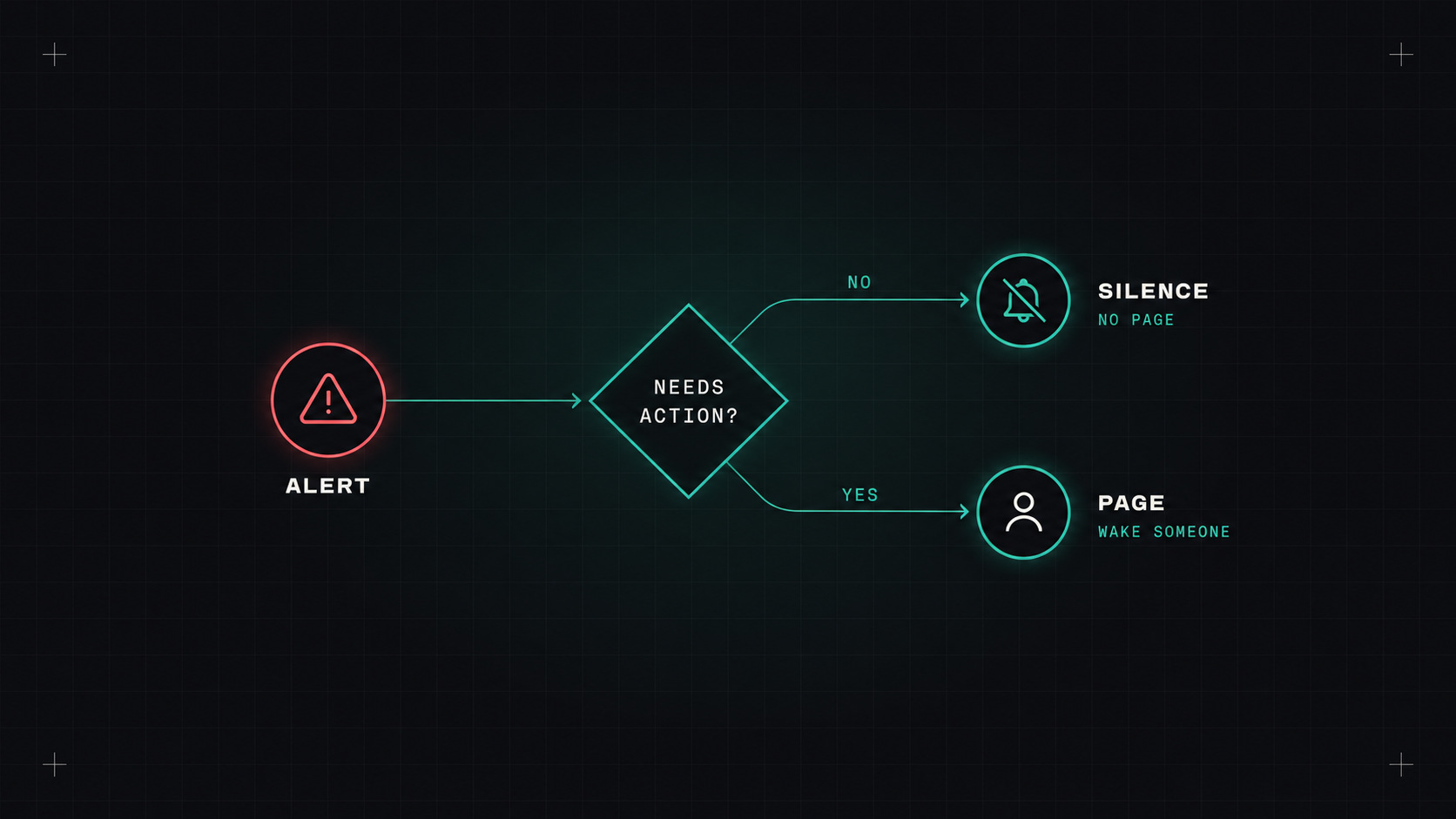
The worst kind of on-call shift isn't the one with a big outage. It's the one with forty small alerts, none of which needed anything. Disk at 81%. CPU spike that resolved itself. A pod restarted once. You acknowledge them half asleep, and by morning you're exhausted and nothing was actually wrong.
Do that for a few months, and people start ignoring alerts. Then the real one gets ignored too.
Good alerting is a design discipline. Here are the rules I follow.
Before creating any alert that pages someone, ask:
If the answer to any of these is no, it shouldn't be a page. It can be a ticket, a chat message, a dashboard, or nothing.
A useful split:
An alert that doesn't need action isn't an alert. It's noise with a phone number.
Symptoms are what users experience: errors, slowness, unavailability. Causes are what might lead there: high CPU, a pod restart, a full queue.
Alert on symptoms. High CPU isn't a problem if requests are fast. A restarted pod isn't a problem if users didn't notice. But a 5% error rate on checkout is a problem regardless of what caused it.
Causes still matter, as context on dashboards, or as tickets when they predict future problems (like a disk that will be full in three days).
The best symptom alerts are based on SLOs and burn rates: page when the error budget is burning fast enough to matter.
One problem shouldn't produce twenty notifications. In Prometheus Alertmanager (and most alerting tools):
route:
  receiver: default
  group_by: ["alertname", "cluster", "service"]
  group_wait: 30s
  group_interval: 5m
  repeat_interval: 4h
  routes:
  - matchers: [severity="critical"]
    receiver: pagerduty-oncall
  - matchers: [severity="warning"]
    receiver: team-chat

inhibit_rules:
- source_matchers: [alertname="ClusterDown"]
  target_matchers: [severity=~"warning|critical"]
  equal: ["cluster"]
For the paging layer, tools like PagerDuty, incident.io, Grafana OnCall (and Grafana's IRM features), Opsgenie alternatives and others handle schedules, escalation and acknowledgement. (Atlassian announced Opsgenie's end of sale, so teams using it are moving elsewhere.)
When an alert fires at 3 a.m., the person on call might not know that service well. Every alert should link to a runbook:
Put the runbook link directly in the alert annotations. If you can't write a runbook for an alert, that's a strong sign the alert isn't actionable.
Alerts rot. Services change, thresholds become wrong, owners move on. A monthly alert review with the on-call team works wonders:
Track a few numbers over time: pages per shift, pages outside working hours, and the actionability rate (percentage of pages that needed action).
for: durations so short blips don't page: for: 5m on most alerts.promtool.List every alert that paged someone last month. For each, ask: did it need action, right then? Downgrade or delete the ones that didn't. You'll likely remove half of them, and nobody will miss them.
My take: protect your on-call engineers' sleep like it's a production system. Because it is.
— Desly