I asked AI to write my Terraform. A reality check
Looks right, runs fine, and opens your database to the world. What linters catch that AI doesn't.
Looks right, runs fine, and opens your database to the world. What linters catch that AI doesn't.
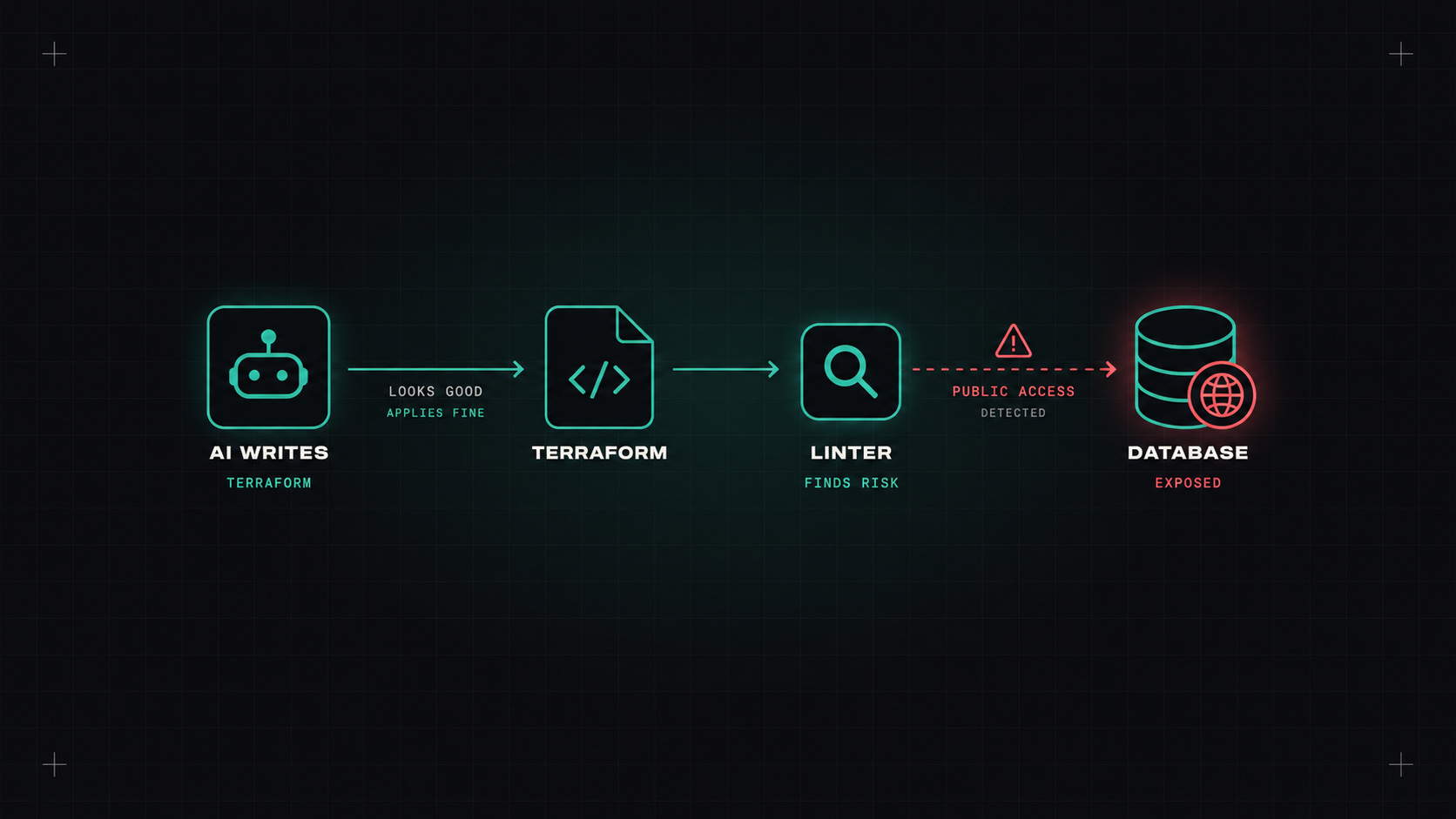
In Will AI take my DevOps job? I warned that AI writes configuration that looks perfect and is subtly broken. A permission that's far too open. A setting that works in testing and falls over under real traffic.
It's easy to say. This post shows what it actually looks like and the workflow I use to stop it from getting into production.
Here's the kind of request I'd give an AI assistant on an average day:
"Write Terraform for an AWS PostgreSQL database for a small web app, plus a security group so the app can connect."
Short, realistic, and missing a lot of context. Which is exactly how most of us write prompts.
The answer is usually a clean, well-formatted block of Terraform. It creates an RDS instance, a security group, and some variables. It probably works on the first try. But it often includes several of these issues:
resource "aws_security_group" "db" {
  name = "db-sg"

  ingress {
    from_port   = 5432
    to_port     = 5432
    protocol    = "tcp"
    cidr_blocks = ["0.0.0.0/0"]   # anyone on the internet
  }
}

resource "aws_db_instance" "main" {
  engine              = "postgres"
  instance_class      = "db.t3.micro"
  allocated_storage   = 20
  username            = "admin"
  password            = "ChangeMe123!"   # hardcoded secret
  publicly_accessible = true
  skip_final_snapshot = true
}
Nothing here is a syntax error. terraform plan is happy. And yet:
0.0.0.0/0 on port 5432, plus publicly_accessible = true. The app needed access, not the world.storage_encrypted is missing).skip_final_snapshot = true means deleting the resource deletes your data with no snapshot.terraform destroy and it's gone.To be fair, if you ask the AI "is this secure?", it will usually find most of these problems. But that's the point: it gave you the insecure version first, and confidently.
AI writes Terraform the way a tutorial does: optimised to work on the first try, not to survive an audit.
This is where boring tools earn their place. I ran this kind of code through:
terraform validate and terraform fmt: syntax and formatting. Necessary, but they catch none of the security problems above.What they don't catch is whether the design fits your company's needs. Should this be Aurora instead? Will db.t3.micro handle real traffic? Does it belong in this VPC? That still needs a human who knows the context.
terraform test or a policy test for the rules that must never be broken.Even better: point the AI at your existing, reviewed modules instead of letting it write raw resources. "Use our rds-postgres module" produces far safer results than "write me a database".
Yes. It's a big time saver for boilerplate, refactoring and explaining unfamiliar code. Just never treat its output as finished. Put it through the same pipeline you'd put a new colleague's first pull request through, because that's roughly what it is.
My take: AI is a great first draft writer for infrastructure. Your linters, your policies and your review are the editors, and in infrastructure, the editor matters most.
— Desly