Can AI help at 3 a.m.? AI in incident response
AI can read logs faster than me. But who decides whether to roll back?
AI can read logs faster than me. But who decides whether to roll back?
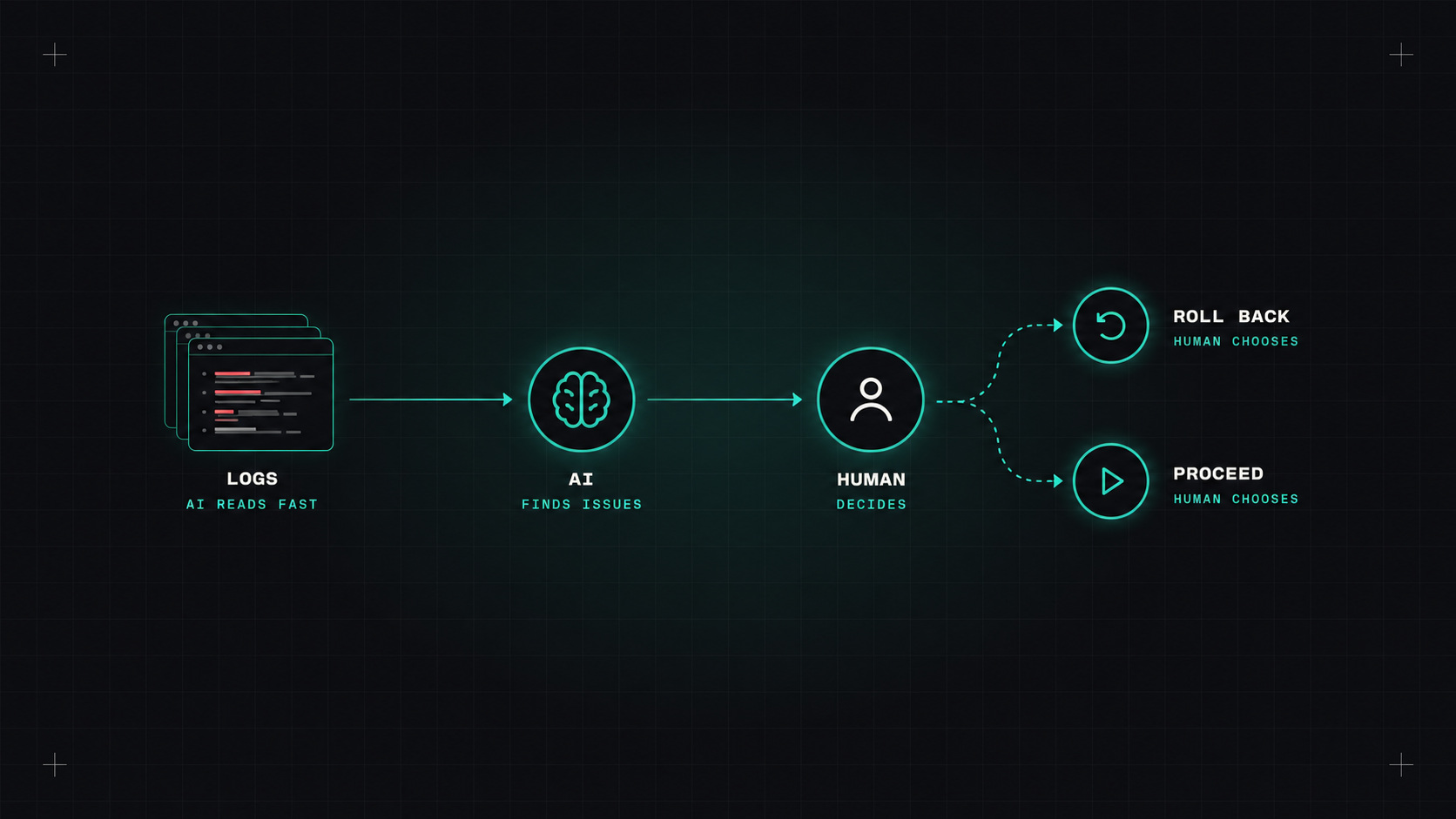
In Will AI take my DevOps job? I said two things about incidents. AI is very good at reading logs. And humans still have to own the decision. This post goes deeper into what that looks like in practice, step by step through an incident.
Let's walk through a realistic scenario. Error rates on the checkout service jump at 03:12. The on-call engineer gets paged.
Minute 0 to 5: understanding what's happening. Without AI, this means opening dashboards, checking recent deployments, grepping logs. With an AI assistant connected to observability tools (through MCP or a vendor integration), you can ask: "What changed in the checkout service in the last hour, and what do the error logs say?"
A good assistant will come back with something like: a deployment at 03:05, a new error appearing at 03:11 (connection timeouts to the payments database), and a spike in database connection count. In a few seconds, it did what used to take ten minutes of clicking.
Minute 5 to 15: forming a hypothesis. The AI suggests the new release changed the connection pool settings. It points to the diff. That's useful, and it might be right.
Minute 15: the decision. Roll back the release, or increase the database connection limit? Wake up the database team? Tell customers? This is where the human takes over. The AI can list options and their risks. It can't take responsibility for choosing.
AI shortens the time to understand an incident. It doesn't shorten the time it takes to be accountable for the fix.
I've seen AI make the same kinds of mistakes in incident scenarios:
So the rule for on-call engineers: treat AI conclusions as hypotheses to verify, not answers to act on. Ask it to show the evidence: the log line, the metric, the diff.
A simple routine that works well:
That fourth question is underrated. It helps you avoid locking onto the first theory, which is a classic human mistake during incidents too.
After the incident, AI is a big help with the part nobody enjoys: writing it up.
Give it the incident channel, the timeline and the relevant graphs, and ask for a first draft of a blameless postmortem: summary, impact, timeline, root cause, contributing factors, action items. Then edit it properly. The AI gives you structure, but the insights about why the system allowed this to happen need human thinking.
Many incident and observability platforms now include AI features: incident.io, Rootly, PagerDuty, Datadog, Grafana, New Relic and others. There's also a new wave of "AI SRE" products that investigate alerts on their own. Try them on past incidents first: replay an old incident and see whether the AI would have found the cause.
Yes, a lot. It makes the first fifteen minutes of an incident much faster and less stressful. But the person holding the pager still makes the calls, and that's how it should be.
My take: let AI do the reading, and keep the deciding for yourself. Especially at 3 a.m.
— Desly