Security in the pipeline, not after it
Scanning code, dependencies and images on every commit, without annoying developers.
Scanning code, dependencies and images on every commit, without annoying developers.
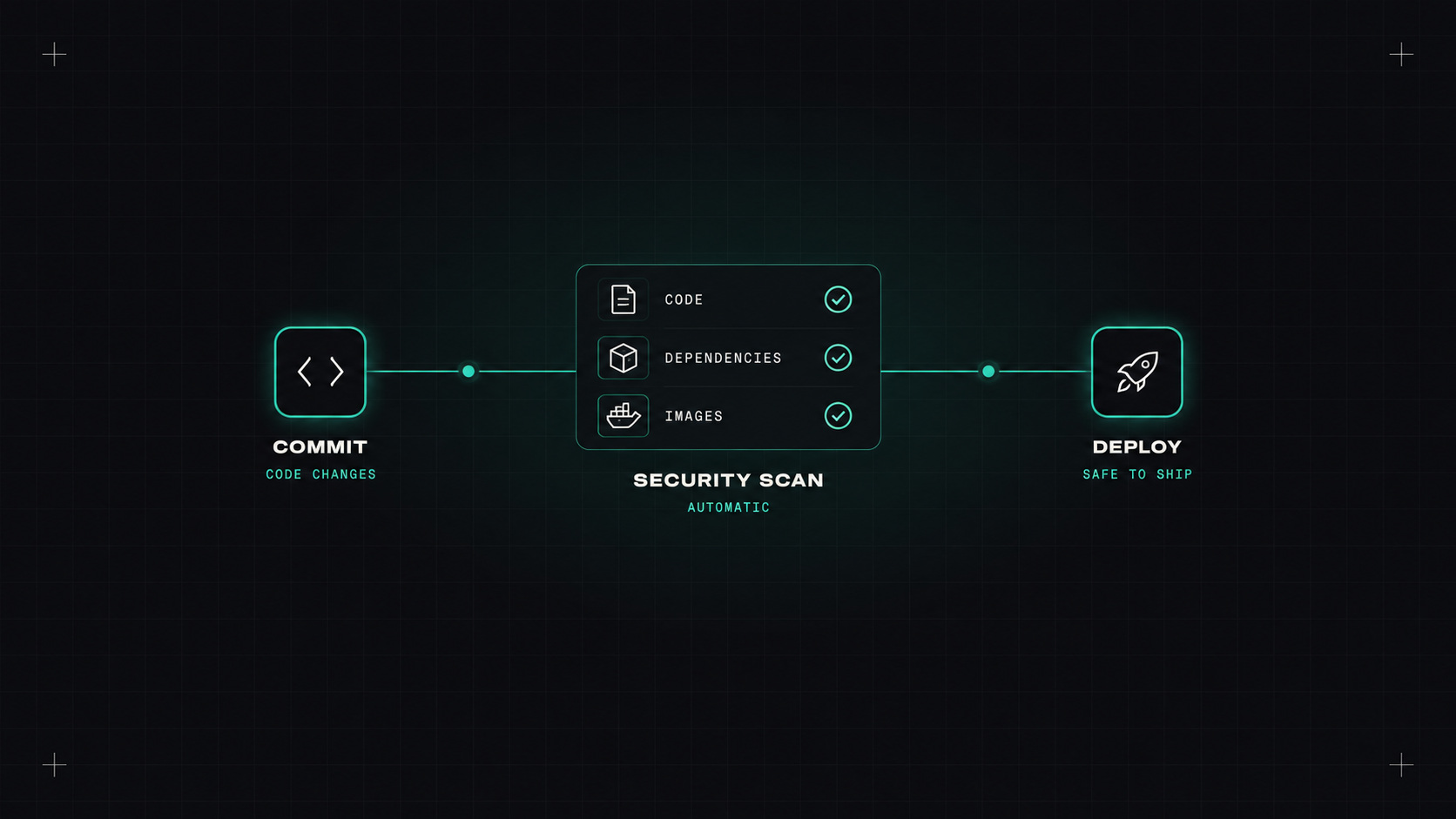
For a long time, security worked like this: the team builds something for months, then a security review or penetration test happens just before launch, finds a list of problems, and everyone panics. Fixing things at the end is slow, expensive and stressful.
"Shift left" means moving security checks earlier, into the developer's workflow and the CI pipeline. Problems are found minutes after they're introduced, when they're cheapest to fix. That's the heart of DevSecOps.
There's an alphabet soup of security scanning. Here's what each one does:
You don't need expensive tools to start. Excellent open-source options:
| Type | Open-source tools | Notes |
|---|---|---|
| SAST | Semgrep, CodeQL | CodeQL is free for public repos on GitHub |
| SCA | Trivy, Grype, OSV-Scanner, Dependabot | Dependabot is built into GitHub |
| Secrets | gitleaks, TruffleHog, GitHub push protection | Scan history once, then every push |
| IaC | Checkov, Trivy, KICS | Trivy covers images, deps and IaC in one tool |
| Images | Trivy, Grype | Scan in CI and continuously in the registry |
| DAST | OWASP ZAP | Run against staging or preview environments |
Commercial platforms (Snyk, GitHub Advanced Security, GitLab Ultimate, Wiz, Aikido and many others) bundle these with dashboards, prioritisation and fix suggestions.
A sensible layout:
Trivy alone covers a surprising amount:
trivy fs --scanners vuln,secret,misconfig .
trivy image --severity HIGH,CRITICAL --ignore-unfixed registry.example.com/shop-api:1.4.2
Security findings are like bugs. The sooner you find them, the cheaper they are, and the less anyone panics.
This is where most DevSecOps efforts fail. Turn on five scanners with default settings, and developers drown in hundreds of findings. Many are low-risk, unreachable or false positives. After a week, people ignore all of them.
What helps:
.trivyignore or inline comments).Should security findings fail the pipeline?
My approach:
Also give developers a way to accept a risk temporarily, with a reason and an expiry date. A hard block with no escape just leads to people disabling the scanner.
Tools are half the story. The other half:
Add secret scanning with push protection, Trivy for dependencies and images, and Semgrep or CodeQL for code. Report only high and critical issues at first. Once the noise is under control, start blocking on the most important ones.
My take: security works best when it's just another check in the pipeline, as normal as a failing test, and just as quick to fix.
— Desly