A monitoring stack with Prometheus 3 and Grafana
What's new in Prometheus 3, and the stack I'd set up today.
What's new in Prometheus 3, and the stack I'd set up today.
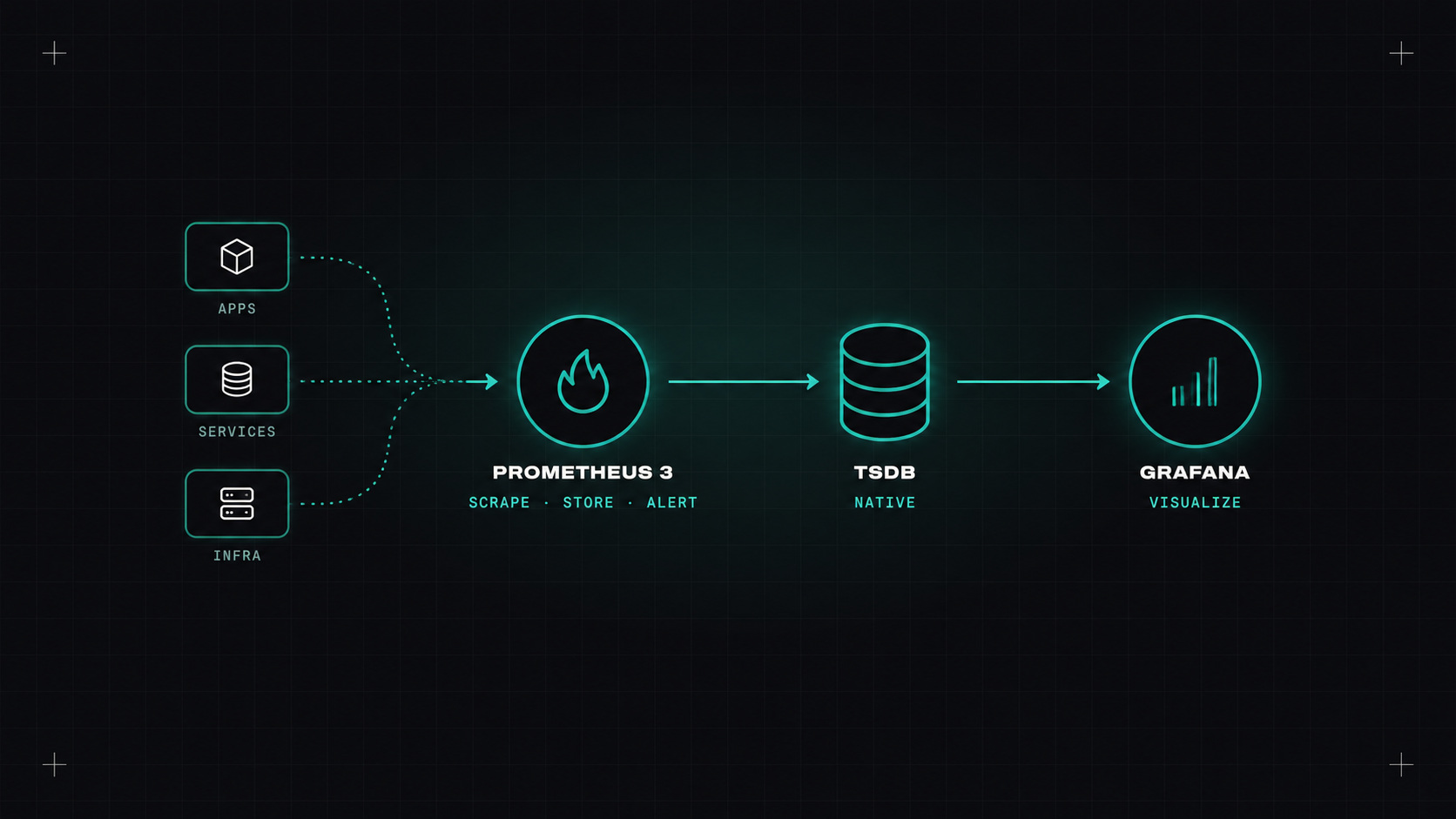
Prometheus has been the backbone of Kubernetes monitoring for almost a decade. It was the second project to join the CNCF after Kubernetes itself. Then, in late 2024, came Prometheus 3.0, the first major version in seven years.
Here's what changed, and the monitoring stack I'd build today for a typical Kubernetes setup.
A new web UI. Rebuilt from scratch, with a modern query editor, better autocompletion, and a "explain" view that breaks down PromQL queries. It finally feels like a tool from this decade.
OpenTelemetry support. Prometheus can now receive metrics over OTLP directly. Apps instrumented with OpenTelemetry can push metrics to Prometheus without an extra translation layer.
UTF-8 metric and label names. Prometheus used to allow only a limited set of characters in names. Now dots and other characters are allowed, which matters for OpenTelemetry's naming conventions like http.server.request.duration.
Native histograms. A more efficient and precise way to store latency distributions, without having to choose bucket boundaries in advance. They've been maturing over the 3.x releases and are well worth using for latency metrics.
Remote Write 2.0. A more efficient protocol for sending data to long-term storage systems.
Breaking changes were kept small, but a few defaults changed (for example around scrape protocols and some flags). Read the migration guide before upgrading.
On Kubernetes, the easiest way to get a full stack is the kube-prometheus-stack Helm chart:
helm repo add prometheus-community https://prometheus-community.github.io/helm-charts
helm install monitoring prometheus-community/kube-prometheus-stack \
  --namespace monitoring --create-namespace
It installs:
Then, to scrape your own apps, add a ServiceMonitor or PodMonitor:
apiVersion: monitoring.coreos.com/v1
kind: ServiceMonitor
metadata:
  name: shop-api
  namespace: shop
  labels:
    release: monitoring
spec:
  selector:
    matchLabels:
      app: shop-api
  endpoints:
  - port: http
    path: /metrics
    interval: 30s
The operator picks it up and configures Prometheus automatically. No editing of a central config file.
Prometheus is simple on purpose. It scrapes, stores and alerts, and it does those three things extremely well.
A single Prometheus server keeps data locally, usually for a few weeks. It's not designed for long-term storage or for a global view across many clusters. For that, there are three popular options:
For a single small cluster, plain Prometheus with a few weeks of retention is perfectly fine. Add one of these when you need months of history or many clusters in one view.
Grafana lets you make hundreds of dashboards, but most people never look at them again. The ones I actually use are:
Keep dashboards in Git (Grafana supports provisioning dashboards from files, and there's a Grafana Operator for Kubernetes), so they're versioned and reviewed like code.
The kube-prometheus-stack comes with many alerts. Some are excellent, some will be noise in your environment. Go through them, keep what's actionable, and add alerts based on symptoms (error rates, latency, SLO burn rates) for your own services.
Route them through Alertmanager with grouping (one notification for related alerts), inhibition (don't alert on everything when a whole cluster is down) and different receivers for different severities.
Install kube-prometheus-stack in a test cluster, add a ServiceMonitor for one of your apps, and build a single RED dashboard for it. Upgrade to Prometheus 3 if you haven't already, and try the new UI. Long-term storage can wait until you actually need it.
My take: Prometheus 3 keeps everything that made Prometheus great, and finally speaks OpenTelemetry. It's still the best place to start.
— Desly