Pipelines in real code with Dagger
Tired of YAML that only works in CI? Write your pipeline in Go or Python and run it anywhere.
Tired of YAML that only works in CI? Write your pipeline in Go or Python and run it anywhere.
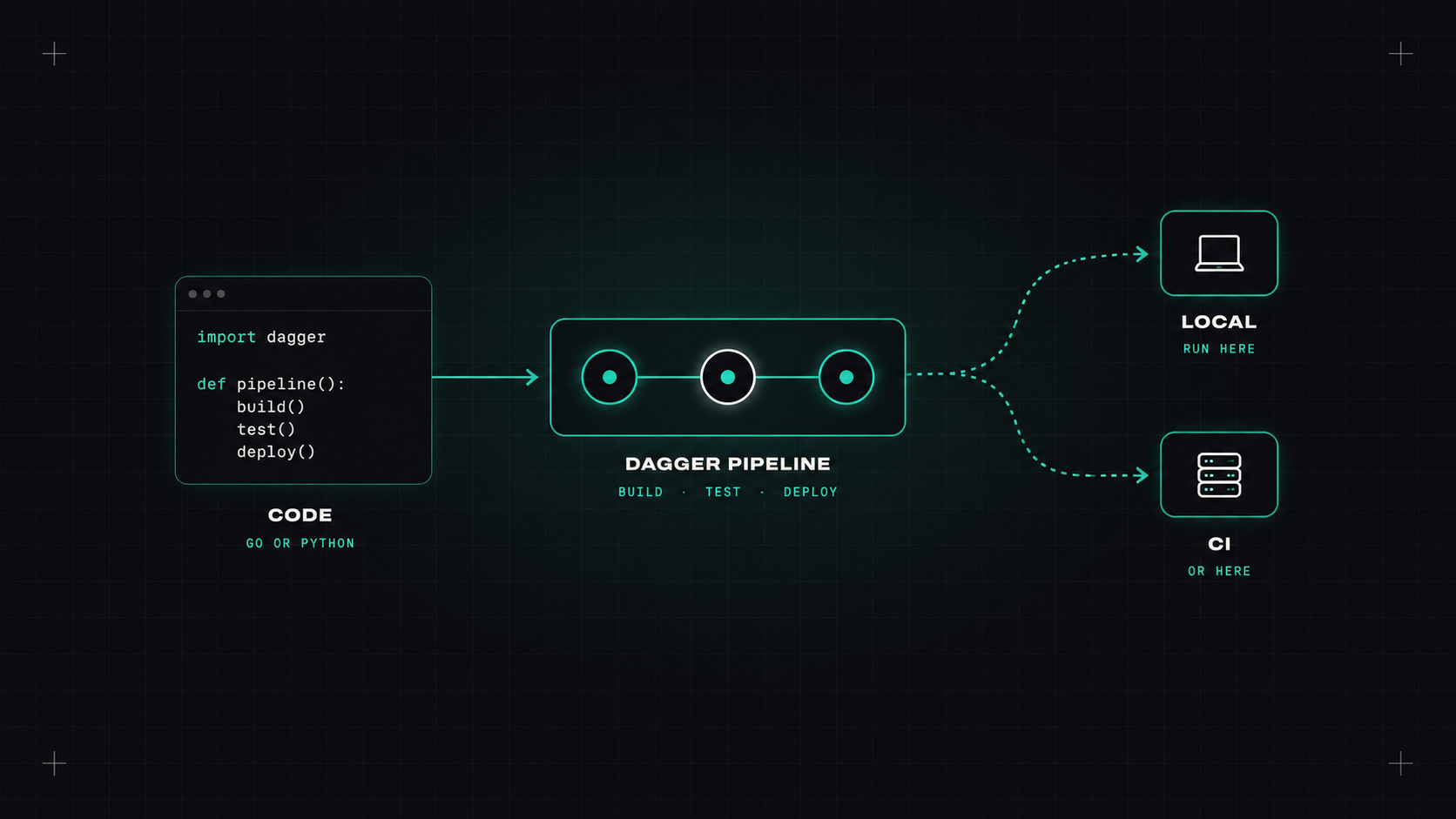
Here's a loop every DevOps engineer knows. Change the pipeline YAML. Commit. Push. Wait for CI. It fails on a typo. Fix. Commit "fix ci". Push. Wait. Fail. "fix ci again". Twenty commits later, it works, and the Git history looks like a cry for help.
The main issue is that most pipelines can only run inside the CI system. You can't run them on your laptop, debug them properly, or reuse logic without copying YAML. Dagger tries to fix that.
CI YAML has grown into a programming language nobody designed as one. Conditions, loops, variables, templating, expressions inside strings. But without a debugger, tests, type checking or a decent way to share code.
And every CI system has its own dialect. A pipeline written for GitHub Actions doesn't run on GitLab, Jenkins or your laptop.
Dagger, created by some of the original Docker team, lets you write pipelines as code in a real programming language: Go, Python, TypeScript, and others. Every step runs in a container, using a BuildKit-based engine. The same pipeline runs identically on your laptop and in any CI system.
Your CI configuration shrinks to "install Dagger, run this function".
A small example in Go: build and test an app, then build a container image.
package main

import (
    "context"
    "dagger/shop/internal/dagger"
)

type Shop struct{}

// Run the tests
func (m *Shop) Test(ctx context.Context, source *dagger.Directory) (string, error) {
    return dag.Container().
        From("golang:1.25").
        WithMountedCache("/go/pkg/mod", dag.CacheVolume("go-mod")).
        WithDirectory("/src", source).
        WithWorkdir("/src").
        WithExec([]string{"go", "test", "./..."}).
        Stdout(ctx)
}

// Build the production image
func (m *Shop) Build(source *dagger.Directory) *dagger.Container {
    binary := dag.Container().
        From("golang:1.25").
        WithDirectory("/src", source).
        WithWorkdir("/src").
        WithEnvVariable("CGO_ENABLED", "0").
        WithExec([]string{"go", "build", "-o", "/app", "./cmd/server"}).
        File("/app")

    return dag.Container().
        From("gcr.io/distroless/static-debian12:nonroot").
        WithFile("/app", binary).
        WithEntrypoint([]string{"/app"})
}
Then, from your terminal:
dagger call test --source=.
dagger call build --source=. publish --address=ghcr.io/my-org/shop-api:dev
It's normal Go code. You get autocompletion, types, functions, loops, error handling, and you can test your pipeline logic like any other code.
The best CI pipeline is one you can run, debug and fix on your own machine before anyone else sees it.
In GitHub Actions, the workflow becomes tiny:
- uses: dagger/dagger-for-github@<sha>
  with:
    verb: call
    args: test --source=.
Move to GitLab or Jenkins tomorrow, and only those few lines change. The pipeline itself stays the same.
Caching is built in: every step is cached by its inputs, so unchanged steps are skipped, locally and in CI (if the CI runner keeps the cache or uses Dagger's cloud caching).
Dagger has a module system. You can call modules others have written (for example for linting, scanning or deploying) or share your own across your organisation. That's a much nicer way to share pipeline logic than copying YAML snippets between repositories.
Dagger isn't for every project:
Where it shines: complex pipelines, monorepos with many components, teams tired of "fix ci" commits, and organisations using more than one CI system.
If your pipelines have grown into hundreds of lines of YAML that nobody wants to touch, yes. Start by moving one complex job into a Dagger function and run it locally. If the "push and pray" loop disappears, you'll know.
My take: pipelines are software. Dagger lets you finally treat them that way, with the tools we use for every other piece of code.
— Desly