More than one cluster
Why teams end up with many clusters, and how to keep them from becoming many problems.
Why teams end up with many clusters, and how to keep them from becoming many problems.
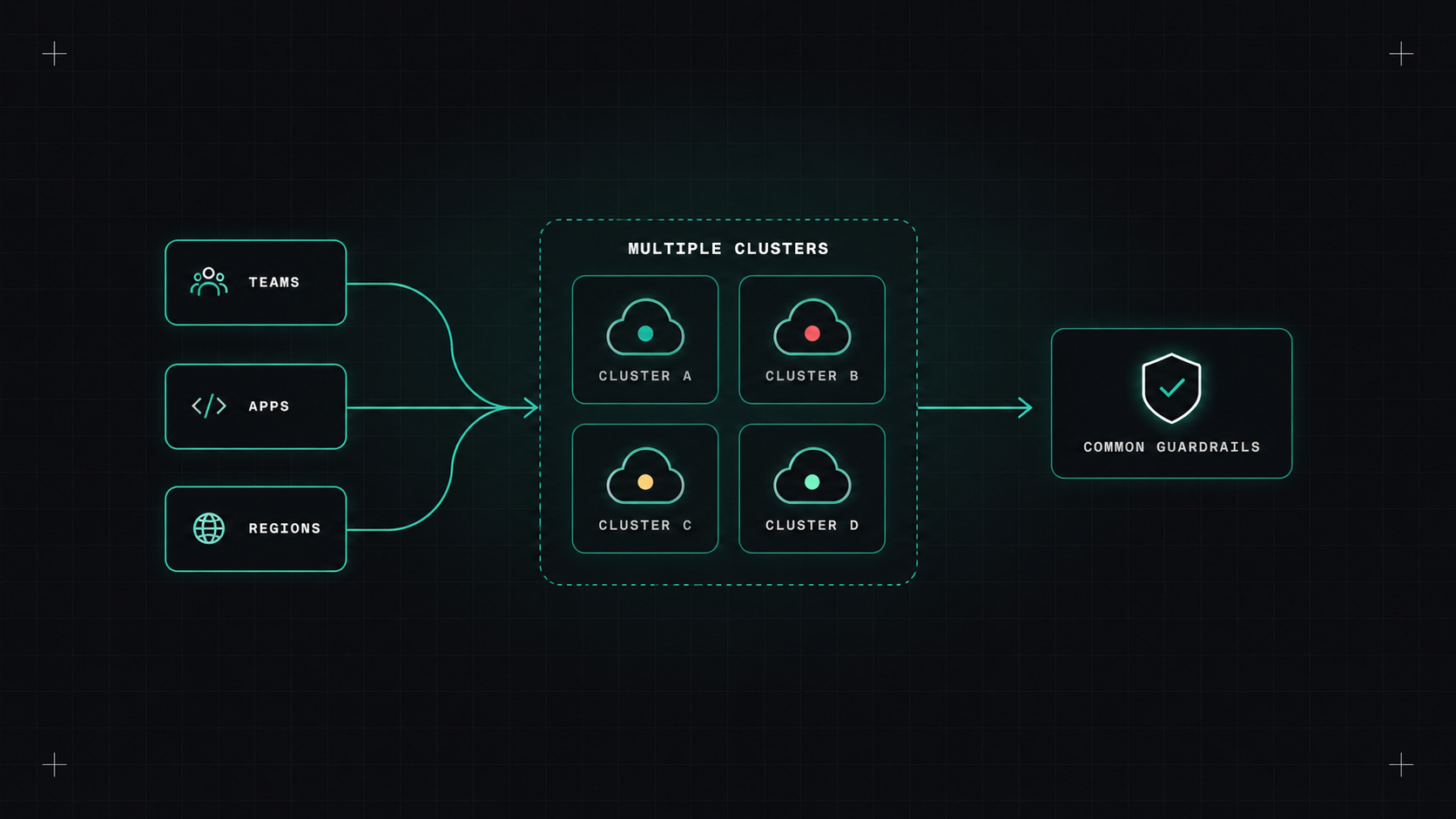
Almost every company starts with one Kubernetes cluster. Then a second one for staging. Then one in another region. Then a team needs its own for compliance reasons. Then there's the edge, the data science team, the acquisition... And suddenly someone asks "how many clusters do we have?" and nobody knows the exact answer.
Multi-cluster isn't a decision most teams make once. It's something that happens. The question is whether you manage it on purpose.
There are good reasons to run more than one:
And some less good reasons: every team getting its own cluster just because it was easy to click one together.
Every cluster you add is another thing to upgrade, secure, monitor and pay for. Make each one earn its place.
Once you have more than a few clusters, doing things by hand stops working. You need a fleet approach.
GitOps is the foundation. Argo CD or Flux deploy the same baseline to every cluster from Git: monitoring agents, policies, ingress or gateway controllers, cert-manager. Argo CD ApplicationSets with the cluster generator are especially useful: define an application once, and it's deployed to every cluster that matches a label.
Cluster lifecycle tools create and upgrade the clusters themselves:
Standardisation is what makes it scale. Clusters should be cattle, not pets: created from the same templates, with the same baseline, so any engineer can work on any cluster.
Sometimes services in different clusters need to talk to each other. Options:
My advice: avoid cross-cluster dependencies when you can. Each cluster serving a complete slice of the system (for example a region) is much simpler than services constantly calling across clusters.
With many clusters, access control gets tricky:
Each cluster sending metrics, logs and traces to a central place is essential. Label everything with the cluster name and region. A dashboard showing all clusters side by side, with versions and health, quickly answers "is it just this cluster, or all of them?"
Also track versions: which Kubernetes version and which add-on versions each cluster runs. Version drift across a fleet is a classic source of "it works in cluster A but not B".
As few as your requirements allow, and as many as your isolation, region and compliance needs demand. Whatever the number, manage them as a fleet from day one: GitOps for everything, the same baseline everywhere, and central observability.
My take: multi-cluster is manageable when every cluster looks the same. The trouble starts the day one of them becomes special.
— Desly