Leaving the cloud: when it makes sense
Some companies saved millions by moving back to their own servers. Could you?
Some companies saved millions by moving back to their own servers. Could you?
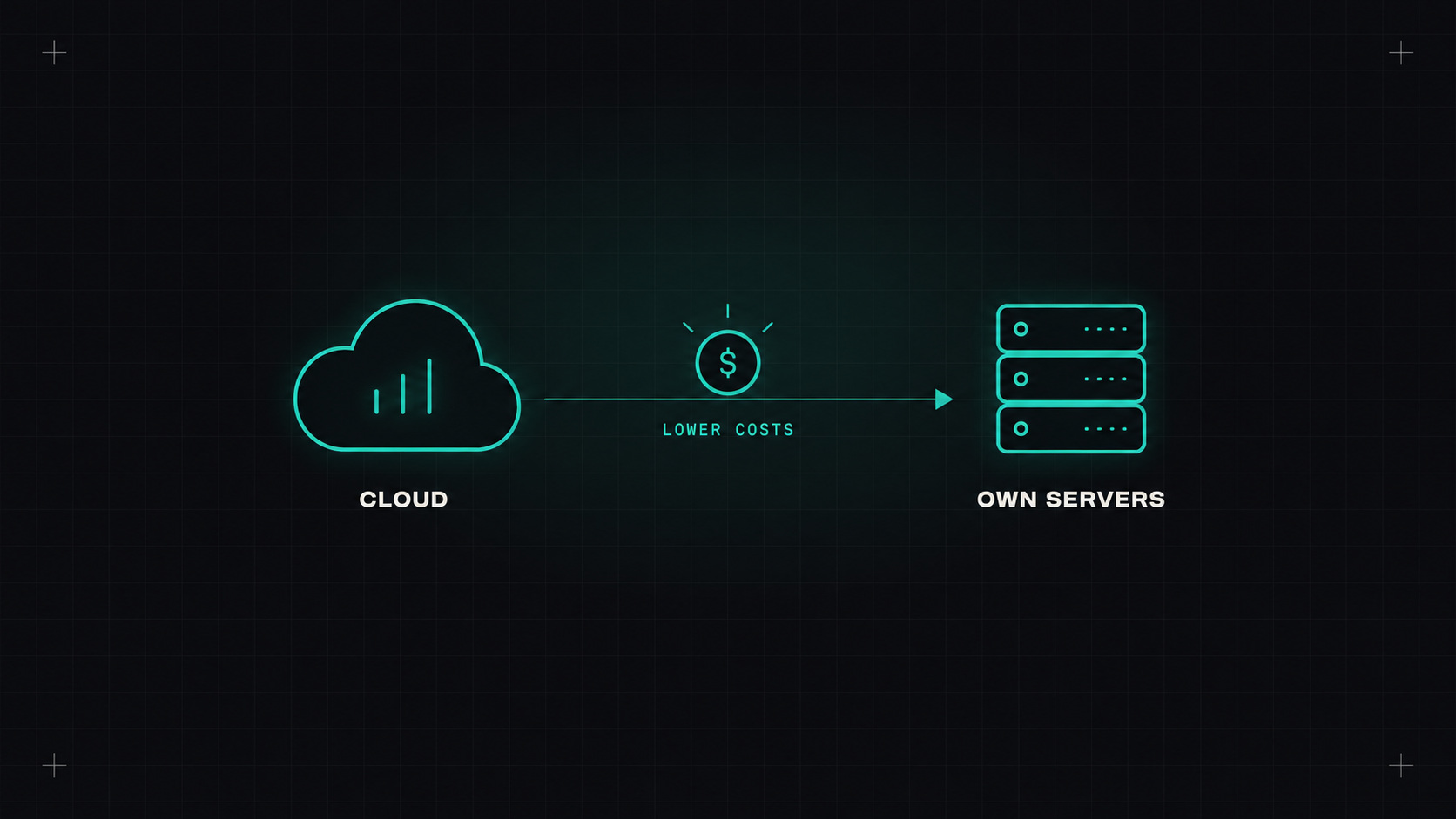
For about fifteen years, the direction was obvious: everything moves to the cloud. Data centres were closing, "cloud first" was official strategy, and running your own servers felt old-fashioned.
Then some companies started going the other way, very publicly. They moved workloads out of the public cloud and back onto their own hardware, and reported big savings. "Cloud repatriation" became a hot topic.
So is the cloud a rip-off? Not quite. But it's worth understanding when leaving makes sense.
The best-known example is 37signals, the company behind Basecamp and HEY. Starting in 2022, they moved their applications off AWS onto their own servers in rented data centre space, and published their reasoning and numbers along the way. They reported substantial annual savings, expected to add up to millions of dollars over several years, without growing their operations team significantly. They later also moved their storage out of S3.
Other companies have made similar moves for specific workloads: those with heavy storage needs, large and steady compute requirements, or high bandwidth costs. AI has also introduced a new angle: some companies find that buying GPUs is cheaper than renting them for workloads that run continuously.
At the same time, many more companies continue moving into the cloud. Repatriation is a real trend, but not a mass exodus.
The cloud's pricing model is great for some workloads and expensive for others.
The cloud is usually cheaper when: - Load is spiky or unpredictable, and you scale up and down a lot. - You're small or growing fast, and can't predict next year's needs. - You use many managed services that would require specialists to run yourself. - You need global presence quickly. - Your team is small and should focus on the product.
Your own hardware can be cheaper when: - Load is large and steady, running 24/7 at high utilisation. - You store huge amounts of data, or move a lot of it out (egress fees add up). - You need lots of GPUs constantly. - You have, or can hire, people with infrastructure and hardware skills. - You plan to keep the setup for many years.
When comparing, include everything: hardware, data centre space or colocation, power, network, spare parts, hardware refresh cycles, staff time, on-call, security, compliance, and the software you'll need to replace managed services. Also include the cost and risk of the migration itself.
The cloud charges you for flexibility. If you don't use the flexibility, you're paying for something you don't need.
Very few companies move everything. More common patterns:
The tooling for running your own infrastructure is much better than ten years ago:
Leaving the cloud means owning problems the cloud hid from you:
If your team isn't prepared for that, the savings disappear quickly.
Probably not entirely. But if you have large, steady workloads and big bills, it's worth running the numbers honestly. The answer might be "move this one heavy workload to dedicated servers", which can save a lot without giving up the cloud's advantages for everything else.
My take: the cloud isn't always the cheapest option, just the most convenient one. Know which one you're paying for.
— Desly