My Kubernetes security checklist
RBAC, network policies, runtime security. The settings I check on every cluster.
RBAC, network policies, runtime security. The settings I check on every cluster.
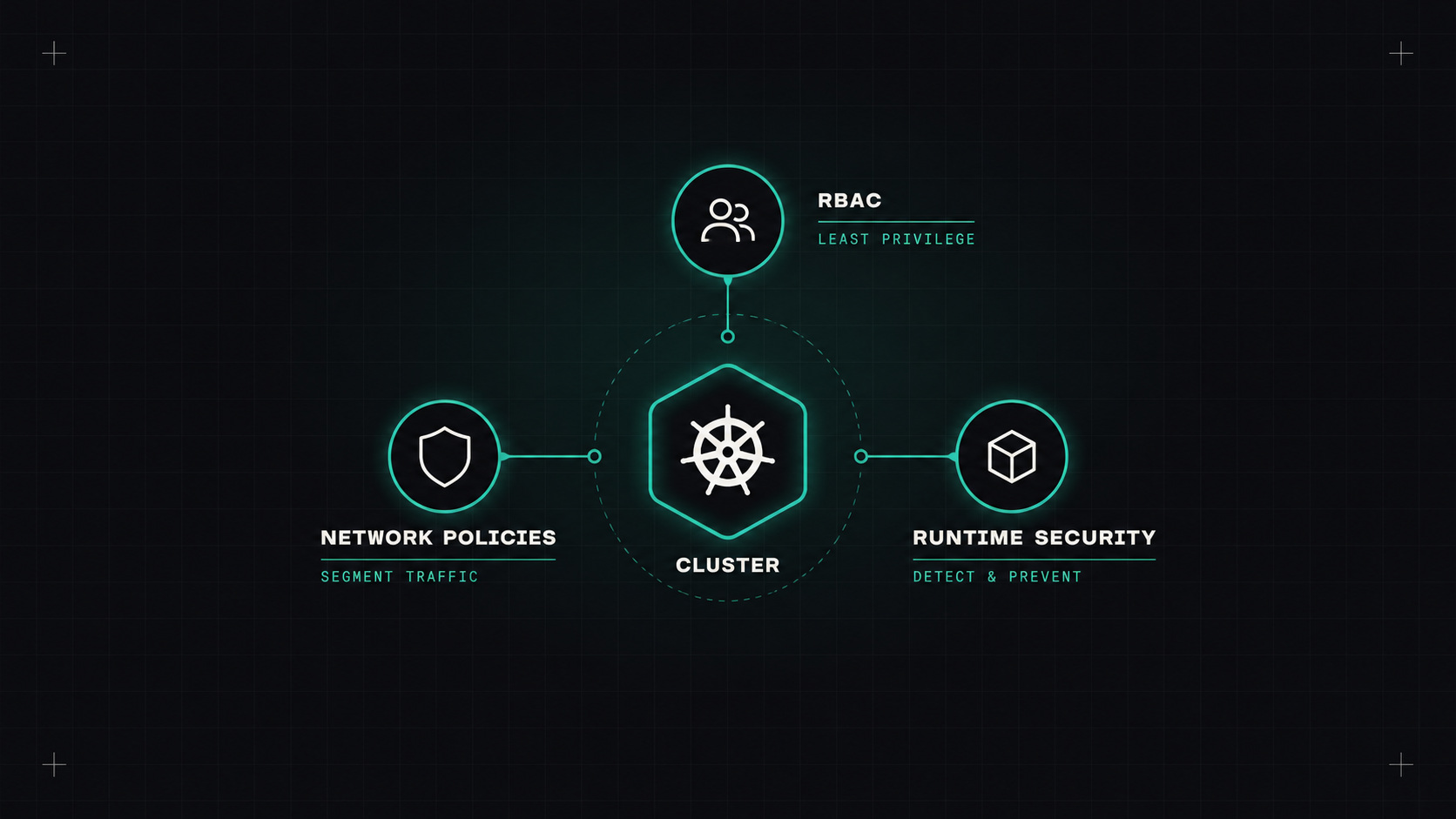
Kubernetes isn't insecure, but it isn't secure by default either. A fresh cluster lets pods run as root, talk to every other pod, and mount the host's file system if you ask. Most clusters I review have at least a few of these doors open.
This is the order I check things on every cluster, from most important to less urgent.
cluster-admin day to day. Keep it for break-glass access, logged and alerted.automountServiceAccountToken: false for those.secrets across namespaces, pods/exec, creating pods in kube-system, escalate and bind verbs, and wildcards (*).kubectl auth can-i --list, rbac-tool or KubiScan help find over-privileged accounts.Kubernetes has a built-in mechanism for this: Pod Security Admission, with three levels: privileged, baseline and restricted. Enable it per namespace with labels:
apiVersion: v1
kind: Namespace
metadata:
  name: shop
  labels:
    pod-security.kubernetes.io/enforce: restricted
    pod-security.kubernetes.io/warn: restricted
The restricted level requires pods to follow best practices. A compliant pod's security context looks like:
securityContext:
  runAsNonRoot: true
  seccompProfile:
    type: RuntimeDefault
containers:
- name: app
  securityContext:
    allowPrivilegeEscalation: false
    readOnlyRootFilesystem: true
    capabilities:
      drop: ["ALL"]
Aim for restricted on all application namespaces. Keep privileged only for system components that genuinely need it (CNI, storage drivers, monitoring agents), in their own namespaces.
A container running as root with every capability is one vulnerability away from owning the node.
By default, every pod can talk to every other pod in the cluster. If an attacker gets into one, they can reach everything.
Start with a default deny in each namespace, then allow what's needed:
apiVersion: networking.k8s.io/v1
kind: NetworkPolicy
metadata:
  name: default-deny
  namespace: shop
spec:
  podSelector: {}
  policyTypes: ["Ingress", "Egress"]
Then add policies allowing, for example, the gateway to reach the API, the API to reach its database, and everything to reach DNS. Remember: network policies only work if your CNI supports them (Cilium, Calico and most modern CNIs do).
Restricting egress (outgoing traffic) is just as valuable: a compromised pod that can't reach the internet can't download tools or send data out easily.
get and list on secrets in RBAC. Listing secrets in a namespace reveals all of them.latest tags. Pin versions, ideally digests.These are enforced with an admission policy engine like Kyverno or OPA Gatekeeper, or with Kubernetes' built-in ValidatingAdmissionPolicy for simpler rules.
Preventive controls can be bypassed. Runtime security detects suspicious behaviour as it happens:
Send their alerts to the same place as your other alerts, and tune them, or they'll become noise.
trivy k8s) scan clusters for misconfigurations and map them to frameworks like NSA/CISA hardening guidance.Run them regularly. Don't aim for 100%, aim for understanding every finding.
If you can only do three things: switch people to SSO with least-privilege RBAC, enforce Pod Security restricted on application namespaces, and add default-deny network policies. That closes the biggest security gaps in most clusters.
My take: Kubernetes gives you all the locks you need. They just come unlocked in the box.
— Desly