Text size
On My Radar6 min read

GPUs for DevOps people

GPUs are now part of the infrastructure. What a DevOps engineer needs to know about them.
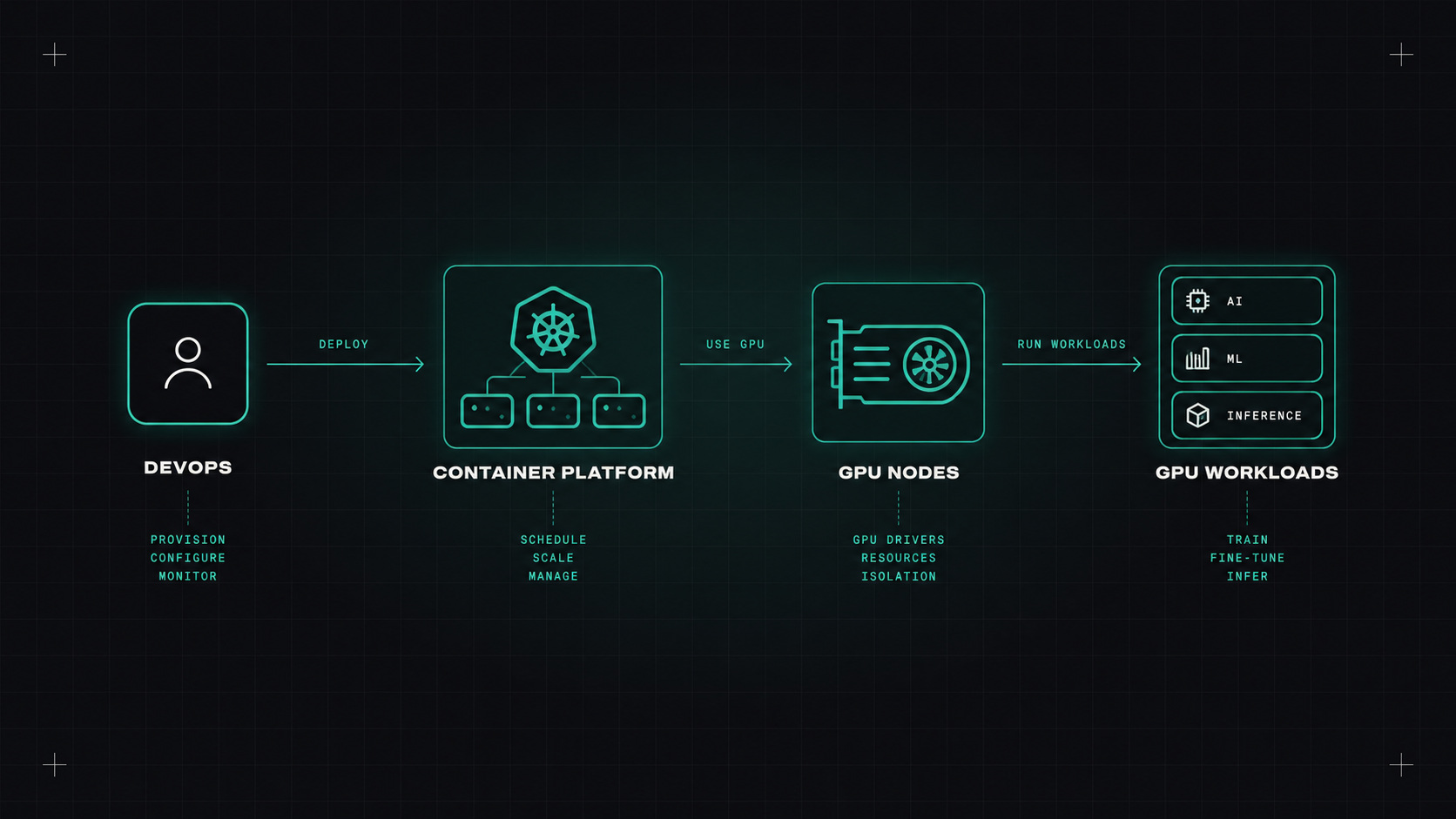
GPUs for DevOps people
AI-generated editorial illustration

For most of my career, GPUs were something gamers and researchers worried about. The infrastructure I ran was CPUs, memory, disks and networks. Then AI happened, and suddenly teams were asking for GPU nodes, model serving and "can we run this LLM ourselves?"

If you're a DevOps engineer, GPUs are probably on your desk already, or they will be soon. Here's what I think you need to know.

Why GPUs landed on my desk

A CPU has a few very powerful cores. A GPU has thousands of smaller cores that do the same simple maths in parallel. Training and running neural networks is mostly that kind of maths: huge matrix multiplications. So a GPU can do in seconds what would take a CPU minutes.

For DevOps, that brings new questions:

  • How do we give workloads access to GPUs?
  • How do we share them so they aren't sitting idle?
  • How do we monitor them?
  • How do we stop the cloud bill from exploding?

GPU basics in five minutes

A few terms that come up constantly:

  • VRAM: the GPU's own memory. For LLMs, this is usually the limit. The model weights must fit, plus room for the requests being processed.
  • CUDA: NVIDIA's software platform. Most AI software depends on it, which is why NVIDIA dominates.
  • Drivers: GPUs need specific drivers on the host, matching the CUDA version your software expects. Version mismatches are a classic source of pain.
  • Generations: data centre GPUs like the NVIDIA A100, H100, H200 and newer, plus smaller and cheaper ones like the L4 and T4. More expensive isn't always better for your workload.

Sharing one GPU: MIG and time-slicing

A full GPU is often far more than one small model needs. Sharing options:

  • MIG (Multi-Instance GPU): supported on higher-end NVIDIA GPUs. Splits one GPU into several fully isolated slices, each with its own memory and compute. Good isolation, fixed sizes.
  • Time-slicing: multiple workloads take turns on the same GPU. More flexible, but no memory isolation, so one greedy workload can affect others.
  • MPS (Multi-Process Service): lets processes share a GPU more efficiently, with some limits.

For inference of small models, sharing can cut costs dramatically.

An idle GPU is the most expensive thing in your data centre doing nothing.

Running them on Kubernetes

On Kubernetes, the usual setup:

  1. A GPU node pool with taints, so normal workloads don't land on expensive GPU nodes.
  2. The NVIDIA GPU Operator, which installs drivers, the container toolkit, the device plugin and monitoring on GPU nodes automatically.
  3. Pods request GPUs like any other resource:
resources:
  limits:
    nvidia.com/gpu: 1
  1. Tolerations and node selectors so GPU pods land on the right nodes.

Kubernetes now has Dynamic Resource Allocation (DRA), which is stable and lets workloads request specific GPU models, minimum memory sizes, or slices of a GPU. More tools are likely to follow this trend.

On the cloud, managed node pools and Karpenter (on AWS) can add GPU nodes only when GPU pods are waiting, and remove them afterwards.

Monitoring GPUs

Normal node monitoring doesn't tell you much about GPUs. Add the NVIDIA DCGM exporter for Prometheus, which gives you:

  • GPU utilisation
  • Memory used
  • Temperature and power
  • Errors (yes, GPUs fail too, and some errors mean the node should be drained)

The most important dashboard: utilisation over time per workload. It shows immediately who's paying for GPUs and not using them.

Paying for GPUs that do nothing

GPU costs need active management:

  • Scale to zero when there's no traffic, if your startup time allows it.
  • Right-size: a smaller GPU, or a slice of one, is often enough for inference.
  • Spot or preemptible instances for training and batch jobs that can be interrupted.
  • Schedule experiments and batch work for off-peak hours.
  • Showback: make GPU costs visible per team. Behaviour changes quickly when people see the number.

So, do DevOps engineers need to learn GPUs?

If your company does anything serious with AI, yes. You don't need to understand the maths, but you need to know how to schedule, share, monitor and pay for GPUs. That knowledge is quickly becoming a core infrastructure skill.

My take: GPUs are just another resource with a very high price tag. Treat them with the same discipline as everything else, only more so.

— Desly