GitHub Actions, GitLab CI or Jenkins in 2026?
Is Jenkins still worth it? An honest comparison by team size.
Is Jenkins still worth it? An honest comparison by team size.
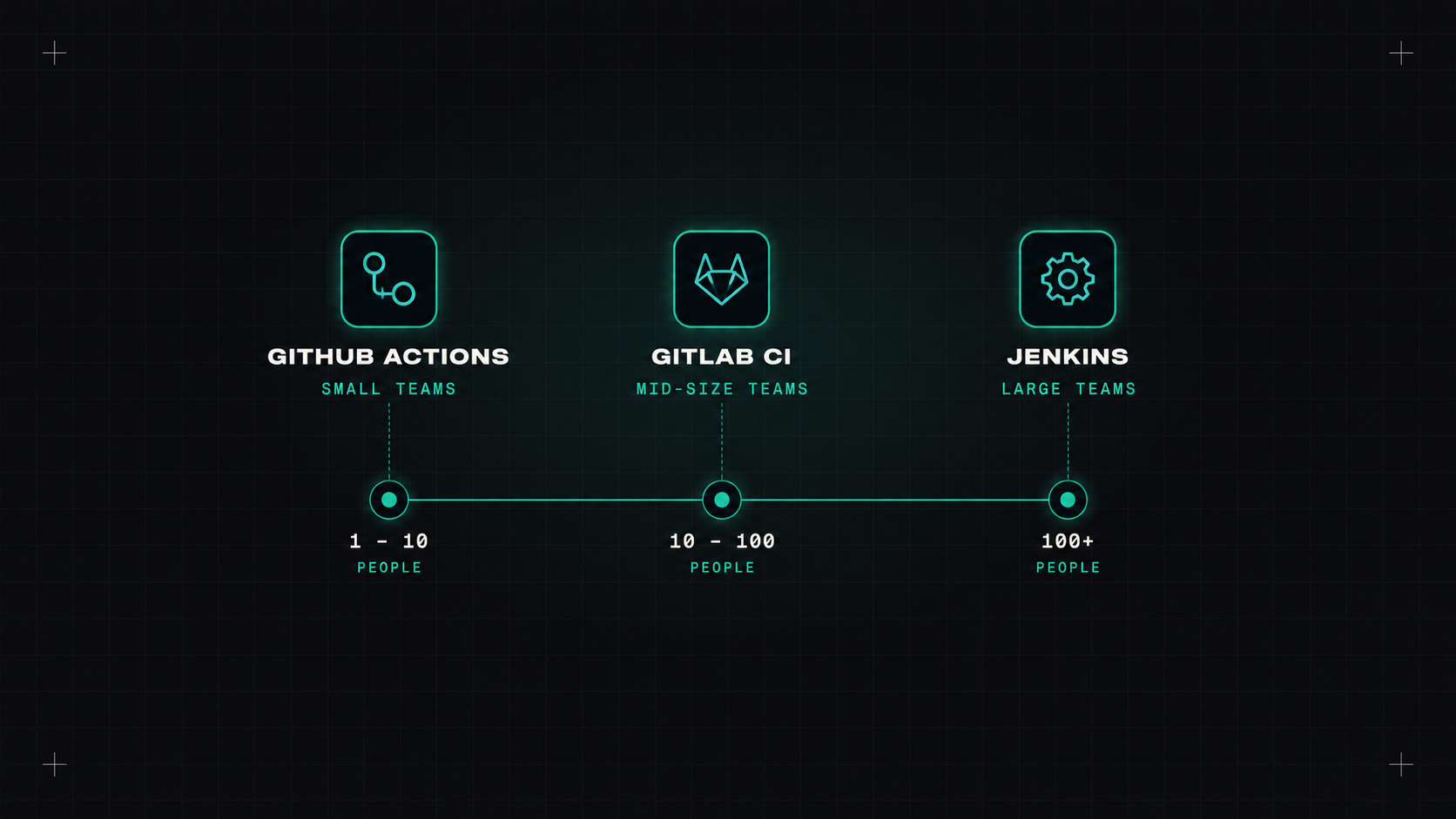
"Which CI tool should we use?" is one of the most common questions I get from smaller teams. The honest answer is usually "the one that lives next to your code". But there's more nuance than that, especially if you're sitting on a decade-old Jenkins server and wondering whether it's time to move.
Here's how the three big options compare today.
If your code is on GitHub, Actions is the default, and for good reasons.
Good at:
- Zero setup. Add a YAML file to .github/workflows and it runs.
- Huge marketplace of reusable actions for almost everything.
- Tight integration with pull requests, checks, environments, deployments and security features.
- OIDC to all major clouds, so no long-lived secrets.
- Reusable workflows for sharing pipelines across many repositories.
Watch out for: - Third-party action risk. Supply chain attacks on popular actions are real. Pin to SHAs. - Cost at scale. Hosted runner minutes add up for private repositories with heavy pipelines. Self-hosted runners help. - YAML sprawl across hundreds of repositories if you don't standardise with reusable workflows.
If your code is on GitLab, GitLab CI is equally natural, and arguably more complete as a platform.
Good at: - All-in-one platform. Repos, CI/CD, container registry, package registry, security scanning, environments and issues in one product. - Mature pipeline features: parent-child pipelines, DAG dependencies, merge trains, rules. - Self-hosting is well supported, important for regulated or air-gapped environments. - CI/CD components and a catalog for reusable pipeline building blocks.
Watch out for: - Many advanced security and compliance features are in paid tiers. - Self-hosting a large GitLab instance is real operational work.
Jenkins is the veteran. It's been around since 2011 (and before that as Hudson), and it still runs a huge share of the world's pipelines.
Good at: - Ultimate flexibility. If something can be scripted, Jenkins can run it. - Plugins for everything, including very old and very unusual systems. - Completely self-hosted and free, with full control. - Works with any Git host, or none.
Watch out for: - Maintenance burden. Plugins, upgrades, security patches, controller backups. Jenkins needs a caretaker. - Plugin hell. Plugins break each other, get abandoned, or have vulnerabilities. - Configuration drift unless you use Jenkinsfiles and Configuration as Code consistently. - Harder to hire for in some markets. Fewer newcomers want to learn Groovy pipelines.
Jenkins isn't bad. It's just a pet in a world that has learned to prefer cattle.
For a new project: rarely. Unless you have unusual requirements, the integrated tools are easier, safer and cheaper to run.
For an existing Jenkins setup: it depends. If it's well-maintained, uses Jenkinsfiles, and supports systems the newer tools struggle with (legacy builds, special hardware, mainframes), there's no urgent reason to move. If it's a fragile server nobody dares to upgrade, with configuration clicked together in the UI, migration is probably worth it.
Rough rules of thumb:
Migrations are mostly about translating concepts:
My take: CI should live next to your code and need as little babysitting as possible. In 2026, that rarely means a Jenkins server under someone's desk.
— Desly