Databases on Kubernetes: yes or no?
Running state on Kubernetes is possible now. Whether you should is a different question.
Running state on Kubernetes is possible now. Whether you should is a different question.
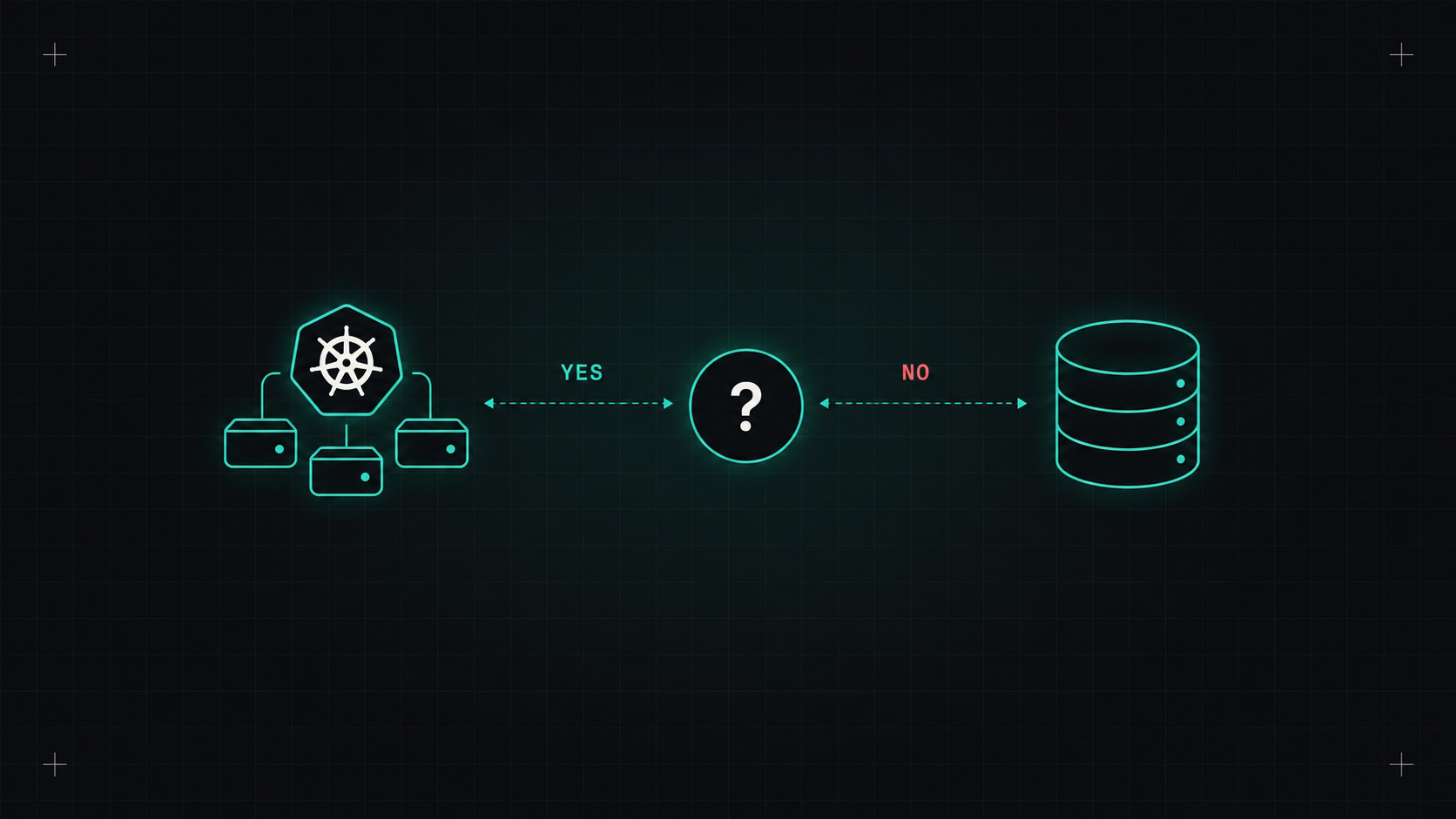
For years, the standard advice was simple: run your stateless apps on Kubernetes, and keep your databases somewhere else. Kubernetes was built for cattle, and databases are the ultimate pet.
That advice is getting old. Storage on Kubernetes has matured, and operators can now handle failover, backups and upgrades better than many hand-built setups. So the question has changed from "can you?" to "should you?"
A few building blocks you need to understand:
db-0, db-1) and its own persistent volume that follows it.With these, a database pod can be restarted or moved and still find its data.
But here's the catch: a StatefulSet only keeps the data attached. It knows nothing about database replication, failover, backups or upgrades. That's where operators come in.
An operator is software running in your cluster that knows how to run a specific database. You describe what you want, and it handles the operational details.
Some well-regarded ones:
A PostgreSQL cluster with CloudNativePG looks like this:
apiVersion: postgresql.cnpg.io/v1
kind: Cluster
metadata:
  name: orders-db
spec:
  instances: 3
  storage:
    size: 50Gi
    storageClass: fast-ssd
  backup:
    barmanObjectStore:
      destinationPath: s3://my-backups/orders-db
      s3Credentials:
        inheritFromIAMRole: true
    retentionPolicy: "30d"
Three instances, streaming replication, automatic failover and backups, in about fifteen lines. That's impressive.
A database on Kubernetes without an operator is just a database with extra ways to break.
Whatever you run, the backup is what matters. A few rules:
Running databases on Kubernetes means your team owns things a managed service would handle:
I'd choose a managed service (RDS, Cloud SQL, Azure Database, and similar) when:
And I'd run it on Kubernetes when:
It depends, but the answer is no longer "never". With a good operator, solid backups and a team that understands the database, Kubernetes is a perfectly reasonable home for state. Without those, a managed service will save you a lot of sleepless nights.
My take: the database doesn't care where it runs. It cares whether someone who understands it is looking after it.
— Desly