Most of the scariest deployments I can think of had one thing in common: a database change. The code part was fine. You can roll code back in seconds. But once you've dropped a column, renamed a table, or migrated a million rows, there's no quick undo.
Database changes need their own spot in your delivery process. Here's how to make them routine.
Why migrations break things
A few classic ways schema changes cause outages:
- The new code expects a column that doesn't exist yet, because the migration ran after the deploy, or failed.
- The old code breaks on the new schema, because during a rolling update both versions run at the same time.
- A rollback of the code leaves the database in the new shape, and the old code doesn't understand it.
- A long-running migration locks a table, and everything waiting on it times out.
- Someone changed the database by hand, and the migration fails because reality doesn't match expectations.
The common theme: code and database change at different moments, and for a while, both old and new versions of the code talk to the same database.
Expand, then contract
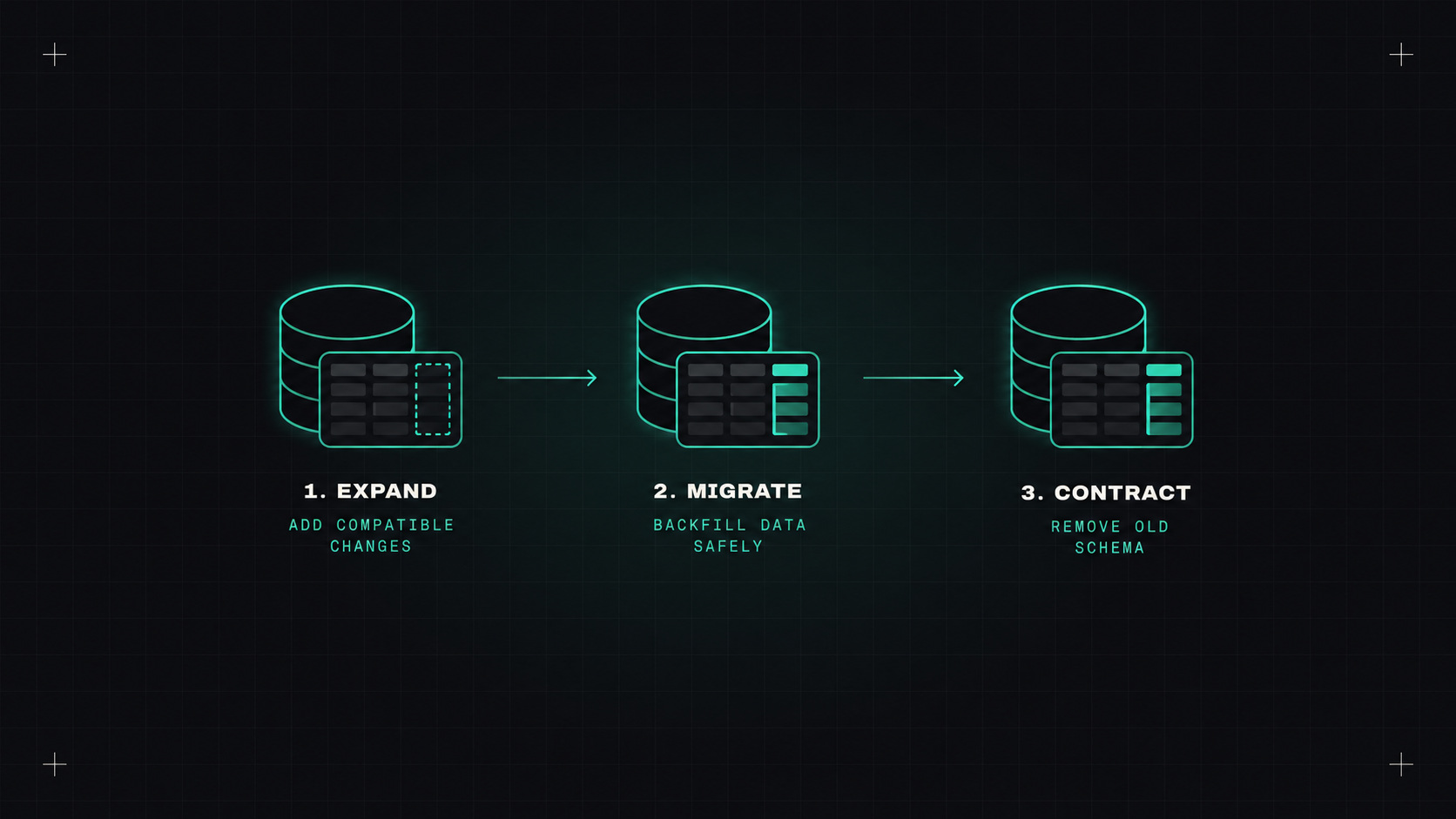
The single most useful pattern for safe database changes is expand and contract (also called parallel change). Instead of one breaking change, you make a series of compatible ones.
Example: renaming a column from name to full_name.
- Expand: add the new column
full_name. Old code ignores it.
- Write to both: deploy code that writes to both
name and full_name, and reads from name.
- Backfill: copy existing data from
name to full_name, in batches.
- Switch reads: deploy code that reads from
full_name.
- Stop writing the old column: deploy code that only uses
full_name.
- Contract: later, once you're confident, drop the
name column.
More steps, sure. But at every stage, both the current and previous code versions work, so every deployment can be undone safely.
Never make a database change that the previous version of your code can't survive.
Rules of thumb
- Additive changes are safe: new tables, new nullable columns, new indexes (created concurrently where your database supports it).
- Destructive changes need a waiting period: dropping or renaming columns and tables only after no running code uses them.
- Avoid long locks: big data migrations in batches, not one giant transaction. Know which operations lock tables in your database.
- Separate schema changes from data migrations where possible.
- Migrations are forward-only in production. "Down" migrations are useful in development, but in production, fix forward with a new migration.
Tools: Atlas, Flyway, Liquibase
You need a tool that applies migrations in order and records what's been applied:
- Flyway: simple, SQL-file based, widely used, especially in the Java world.
- Liquibase: changesets in SQL, XML, YAML or JSON, with rich features for enterprises.
- Atlas: a newer tool with a declarative approach. You describe the desired schema, and Atlas plans the migration, like Terraform for databases. It also lints migrations for dangerous changes, like dropping a column or adding a non-nullable column without a default.
- Framework tools: Django migrations, Rails migrations, Alembic, Prisma, EF Core. Fine to use if your app framework has them.
When to run migrations
Common options in a Kubernetes world:
- A Kubernetes Job before the deployment, for example a Helm pre-upgrade hook or an Argo CD sync wave / pre-sync hook. The deployment only continues if the migration succeeds.
- An init container in the app pod. Simple, but with many replicas, several may try to migrate at once. Use a tool with locking.
- A separate pipeline step before deploying the new version.
Whichever you choose, the migration must succeed before the new code needs it, and must not break the old code still running.
Testing migrations in CI
- Run all migrations from scratch on a fresh database in CI, to make sure the chain works.
- Run new migrations against a copy of production-like data (anonymised) to catch performance problems and locks.
- Lint migrations for risky operations (Atlas, squawk for PostgreSQL, and similar tools).
- Test both code versions against the new schema if you can.
So, how do you make database changes boring?
Use a migration tool, make every change backward compatible with expand and contract, run migrations automatically before the code that needs them, and test them in CI with realistic data. It's more steps, but each step is small and safe.
My take: databases have long memories. Change them slowly, in small compatible steps, and they'll forgive you.
— Desly