Text size
On My Radar6 min read

When npm turns against you

Worms, typosquats and hijacked maintainers. How I protect builds from malicious packages.
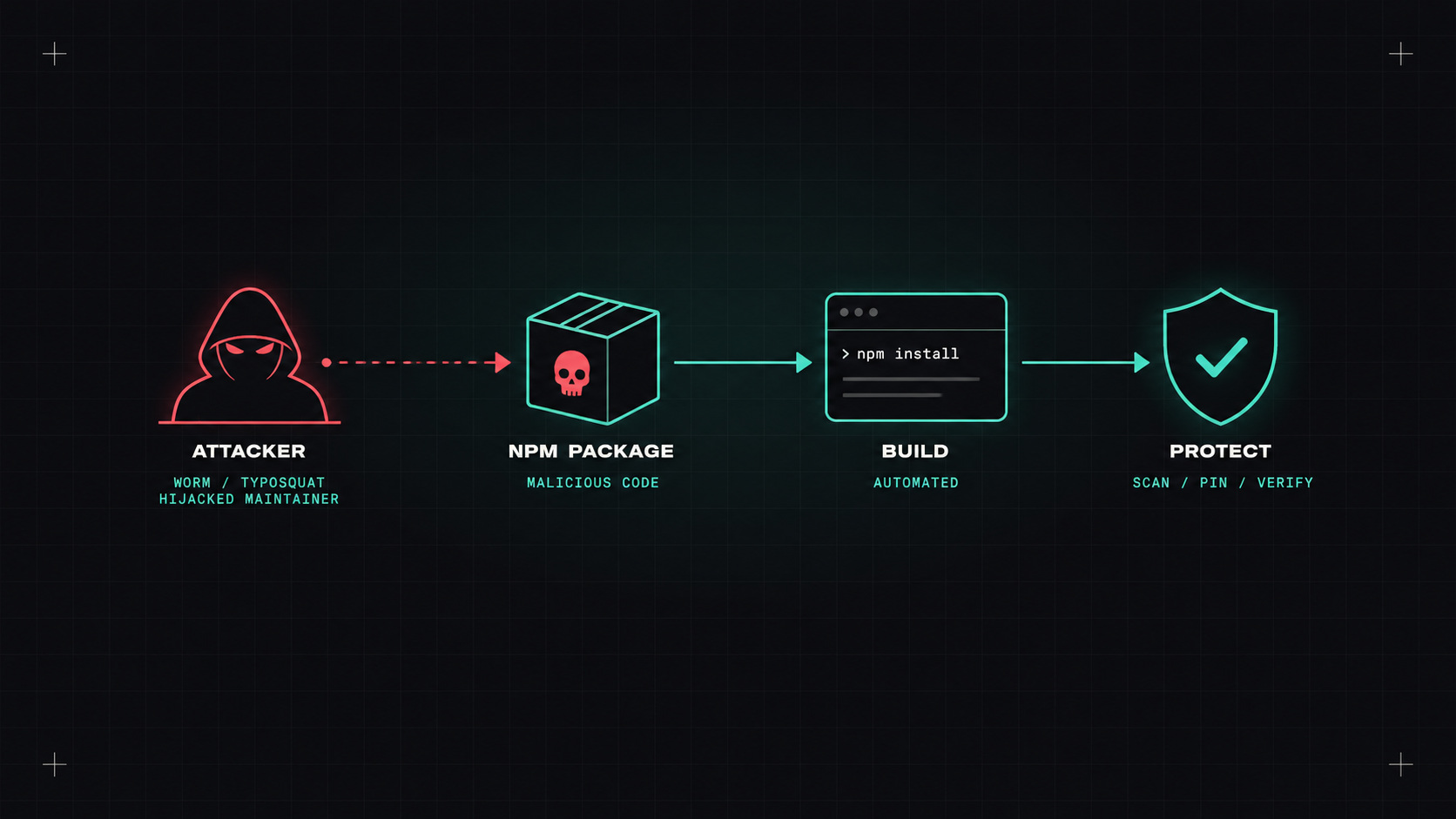
When npm turns against you
AI-generated editorial illustration

A modern JavaScript project easily has over a thousand dependencies, most of them indirect. Python, Go, Rust and Java projects aren't far behind. Every one of those packages is code written by someone you've never met, running on your laptop and in your CI with access to your secrets.

For years that trust mostly worked. Recently, attackers have shown just how fragile it is.

Recent attacks

Without going into every incident, the pattern of the last couple of years is clear:

  • Hijacked maintainer accounts. In September 2025, attackers phished maintainers of very popular npm packages and published malicious versions of libraries downloaded billions of times per week. The code tried to steal cryptocurrency from users.
  • Self-spreading worms. Also in 2025, a worm nicknamed Shai-Hulud spread through npm: once installed, it stole tokens from the developer's machine or CI, and used them to publish infected versions of other packages that person maintained. Hundreds of packages were affected.
  • Compromised build tooling. Attackers have inserted code that searched developers' machines for secrets, and even used AI command-line tools installed locally to help find them.
  • Typosquatting and slopsquatting. Packages with names one letter away from popular ones, or names AI assistants tend to invent.
  • Long-game attacks like the XZ Utils backdoor, where an attacker spent years gaining a maintainer's trust.

What these have in common: they don't exploit a bug in your code. They exploit the trust you place in your dependencies.

Installing a package is running a stranger's code with your credentials. We just stopped thinking about it that way.

Lockfiles and private registries

The basics matter most:

  • Commit lockfiles (package-lock.json, pnpm-lock.yaml, poetry.lock, uv.lock, go.sum) and install with them strictly: npm ci instead of npm install in CI. That way, a new malicious version can't sneak in during a build.
  • Use a private registry or proxy (Artifactory, Nexus, GitHub Packages, AWS CodeArtifact, Google Artifact Registry). It caches approved packages, can block known-bad ones, and gives you a single place to control what comes in.
  • Scope internal packages (like @acme/...) and configure your package manager so internal names can only come from your registry. That prevents dependency confusion, where an attacker publishes a public package with the same name as your internal one.

Waiting before installing new versions

Most malicious package versions are detected and removed within hours or days. So a simple but powerful defence: don't install brand-new versions immediately.

  • Renovate's minimumReleaseAge waits a configurable time (for example three days) before proposing an update.
  • pnpm supports a minimum release age setting, so it won't resolve versions younger than the threshold.
  • Some registries and proxies support similar quarantine periods.

You lose a few days on new features. You gain protection against most "publish and hope" attacks.

Limiting what install scripts can do

Many attacks run during installation, through postinstall scripts.

  • Disable install scripts by default where possible (npm config set ignore-scripts true, pnpm's stricter defaults for dependency build scripts) and allow them only for packages that genuinely need them.
  • Run builds in isolated, ephemeral environments: a fresh container or CI runner per job, without long-lived credentials lying around.
  • Restrict network egress from CI where you can. A build that can't reach an unknown server can't send your secrets there.
  • Never keep publish tokens on developer machines if you can avoid it. Use trusted publishing from CI (npm and PyPI both support OIDC-based publishing), and require 2FA for maintainers.

Tools that warn me

  • Socket: analyses packages for suspicious behaviour (install scripts, network access, obfuscated code, new maintainers), not just known vulnerabilities.
  • OSV-Scanner, Trivy, Grype, npm audit: known vulnerabilities and known malicious packages.
  • OpenSSF Scorecard: rates how well a project follows security practices before you adopt it.
  • GitHub's dependency review to see new dependencies and their risks in pull requests.

And a non-tool: question new dependencies. Does this project really need a package for left-padding a string? Every dependency you don't add is one you never have to worry about.

If you were affected

When a compromised package hits your stack:

  1. Find where it was installed (SBOMs and lockfiles make this fast).
  2. Assume any secrets accessible during install are compromised: rotate them.
  3. Check CI logs and machines for signs of the malicious behaviour.
  4. Pin to a known-good version and rebuild.

So, where do I start?

Strict lockfile installs in CI, a minimum release age for updates, a private proxy registry, and no long-lived publish tokens. Those four measures would have blunted most of the recent attacks.

My take: dependencies are a gift from the open-source world. Accept them gratefully, but check what's inside before you open them in production.

— Desly