Monorepo or many repos?
One repo to rule them all, or one per service. The honest trade-offs for CI and ownership.
One repo to rule them all, or one per service. The honest trade-offs for CI and ownership.
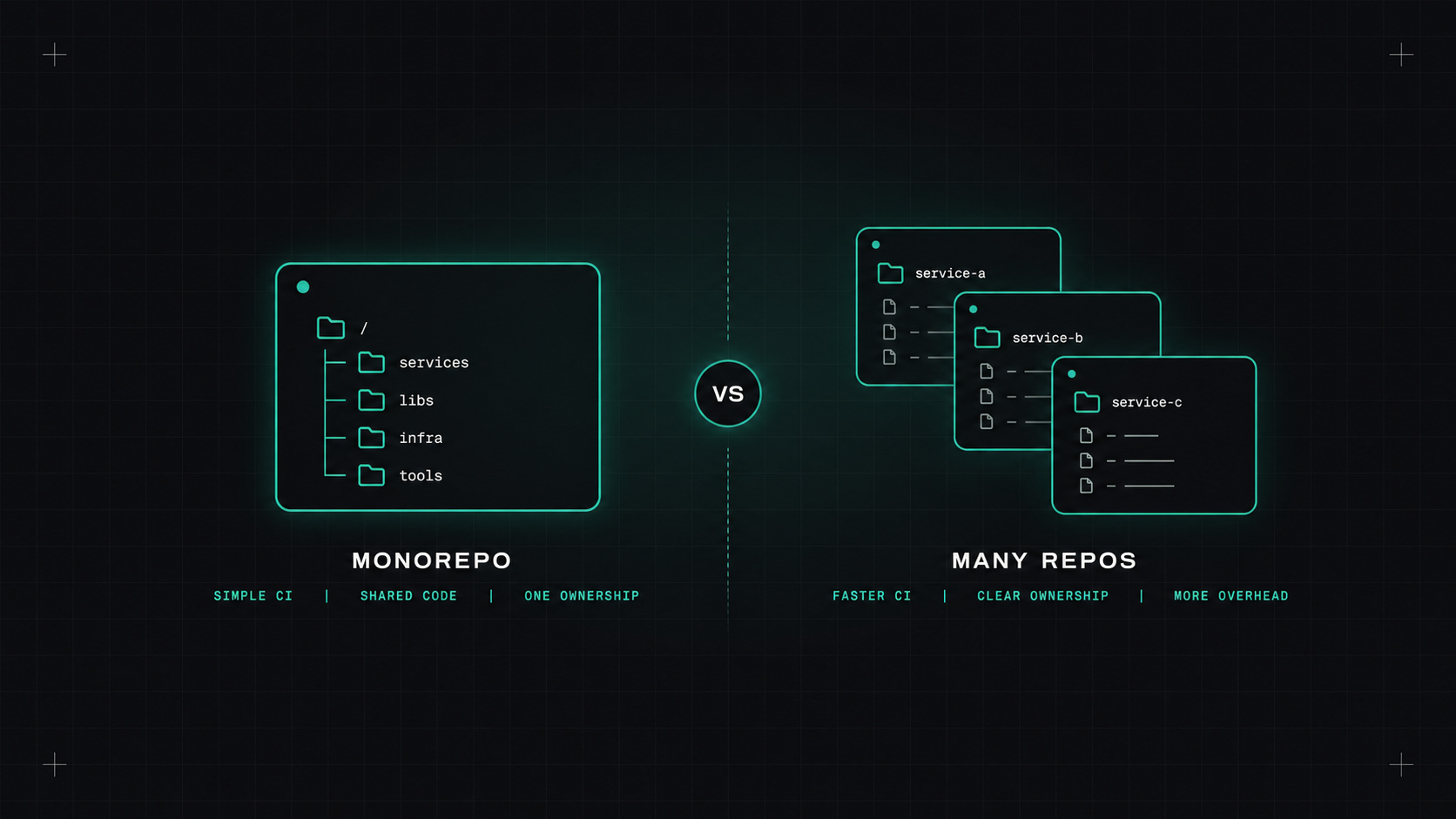
Few topics start an argument among engineers faster than this one. Some people swear by putting everything in one giant repository. Others think that's madness and want one repository per service. Both groups point to famous companies that do it their way.
Here's how I think about it from a DevOps point of view: what it means for pipelines, ownership and day-to-day work.
Monorepo: all (or most) code for many services and libraries lives in one repository.
Polyrepo: each service or library has its own repository.
There's a middle ground too: one repository per team or per product area. Many companies end up there, even if they don't call it anything.
This is where the decision hurts or helps the most.
In a polyrepo world, CI is simple at first. Each repository has its own pipeline, it only builds that service, and it's fast. The pain arrives later: shared libraries need to be released, versioned and updated in every consumer. A change that touches three services means three pull requests, three reviews, three pipelines, coordinated by hand.
In a monorepo, a cross-cutting change is one pull request. Refactoring a shared library and updating all its users happens atomically. But naive CI becomes slow: if every commit builds and tests everything, pipelines take forever as the repo grows.
The fix for monorepo CI is affected-only builds: work out which projects a change actually touches, and only build and test those. That needs tooling that understands the dependency graph.
A monorepo without smart build tooling is just a very big polyrepo with slower pipelines.
Polyrepos make ownership obvious. This repository belongs to that team. Permissions are simple. But dependency versions drift: one service is on version 1 of the shared library, another on version 4, and nobody wants to upgrade.
Monorepos encourage everyone to stay on the latest version of internal code, because there's only one version. Ownership needs to be made explicit, usually with a CODEOWNERS file that maps folders to teams so the right people review the right changes.
You'll want a build tool that understands the graph and caches results:
Remote caching is the real speed-up: if the same code was already built and tested by someone else's pipeline, reuse the result instead of doing it again.
Migrations in both directions happen.
Polyrepo to monorepo: you can preserve history by merging repositories into subfolders. The hard part isn't Git, it's agreeing on shared tooling, build setup and CI.
Monorepo to polyrepo: tools like git filter-repo can split a folder into its own repository with history. The hard part is untangling shared code that suddenly needs versioning.
Whichever direction, migrate gradually, one service or team at a time.
My rough guide:
Honestly, the structure isn't as important as the discipline around it: clear ownership, fast pipelines, and a reliable way to update shared code.
My take: choose the layout that makes your most common change easy. Then invest in tooling so the uncommon ones don't hurt.
— Desly